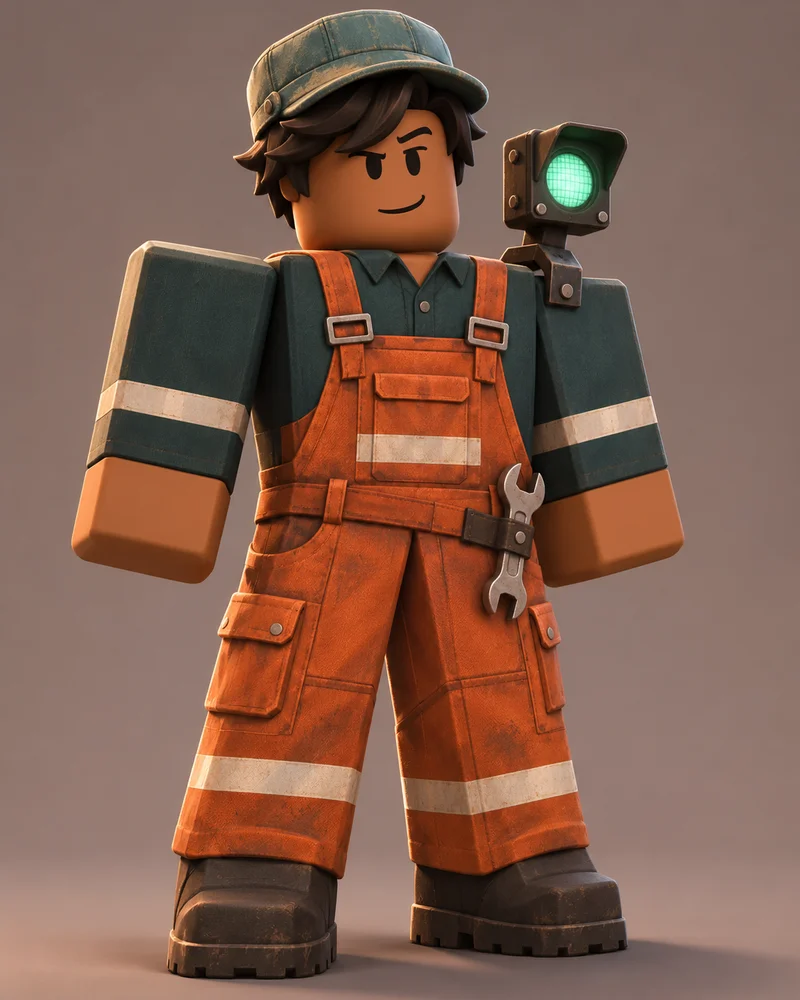
 Block and articulated avatars
Roblox OC Maker
Design a blocky mechanic or an articulated rooftop courier. Make full-body art, a turnaround or an action scene with your own outfit and gear.
Create your Roblox OC Use Roblox presetTurn your character idea into an anime, manga or fantasy illustration. Create in your own world or start with a fan setting.
An OC is an original character with a look, personality and story you invent. Describe one character above or load an editable example. Choose an art style and a frame that suit the costume, pose or scene you have in mind, then generate and download your illustration. Each dedicated maker below adds choices specific to its world. In the gemsona maker, you can choose where your character wears their gemstone. Use the printable OC templates to organize a character brief, profile, or expression sheet.
A full-body view lets you check whether the hair, clothes, footwear and equipment work together. In your prompt, ask for one character, head to toe, with both hands and feet inside the frame and space around the silhouette. Try a portrait ratio such as 3:4, a neutral standing pose and a quiet background. Describe long tails, wings or oversized props explicitly so the model has room for them.
Inspect the hands, shoes, joint positions and accessory placement before making a more ambitious pose. A larger image does not automatically fix anatomy. If a detail matters, name it in the prompt and compare it with the result. Save a clear baseline image before asking for a jump, a new outfit or another camera angle.
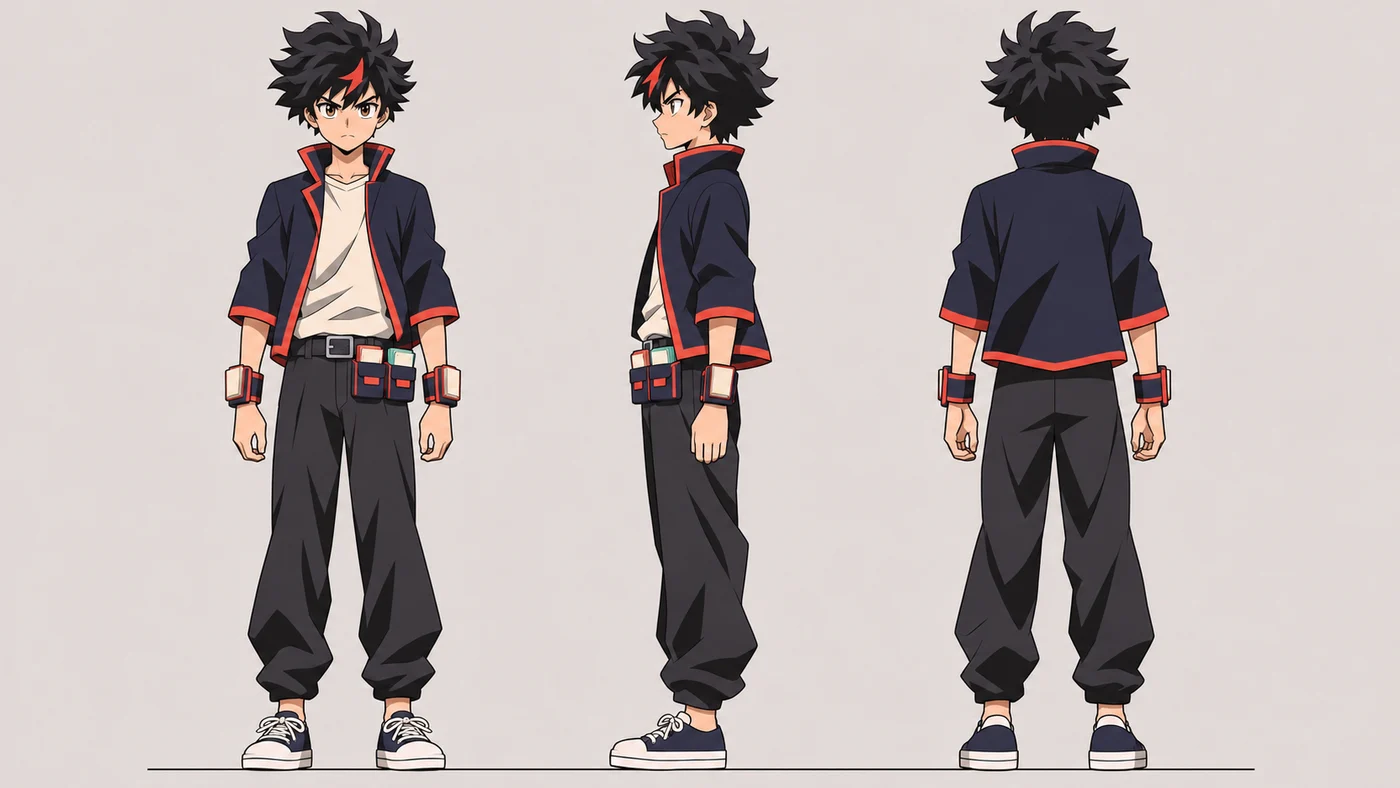
The MHA and Murder Drones makers include three-view options, while the general anime creator focuses on individual character concepts. A generated turnaround is an interpretation, not a precise model sheet. See our tested OC image-to-video workflow for real examples of reference reuse, action changes and the details that drifted.
Use the Seedream image generator to explore more image types from a written brief.
Give the model a small set of details that belong together: a role, a silhouette, two main colors, one accessory and a mood. “A cautious courier with a short green raincoat, orange satchel and worn boots” is easier to evaluate than a long list of unrelated adjectives. Add the scene after the character description, then check the model, aspect ratio and displayed credit cost.
Keep the prompt with the image you choose. When you want a variation, use a reference-capable model and state what stays the same before describing the change. For example, keep the face, dark bob and orange satchel while changing a standing pose into a sprint. Each variation is a new generation. You can explore more anime OC ideas and starter prompts if you need a first direction. If you are comparing generators, explore our NovelAI alternatives for anime art to find a workflow that suits your cast.
Not sure what to make? Start with a random character generator. Give your OC a personality, a past and a few surprises with the free Headcanon Generator. Name your Clan cat with the free Warrior Cat name generator. For a gaming avatar, find username and display name ideas with the Roblox Name Generator. Find a memorable habit or a hidden wish, keep your favorite details, and bring that story into your next character design.
Either works. If you have a story, pick one trait that can become a visible design choice. A meticulous repair robot might carry neatly arranged tools; a reckless runner might have patched shoes. If you start with an image, use the result to ask better questions: what does that accessory do, and why does the character keep it?
If you came looking for an OC maker game, the distinction matters: these tools create illustrations, rather than a playable dress-up game or a 3D character with rigging. Builder choices help write the image brief; they do not preview every clothing part instantly. For a parts-based experience, Picrew explains how its illustrated parts work. Choose the approach that fits how you want to create.
Collect your original characters in one shareable image with Anime 3x3 Maker. Choose pictures from your library, add your own artwork and arrange a nine-character lineup for free. To develop portraits and reference sheets together on one board, explore our infinite canvas studio.
Open a dedicated creator for world-specific choices, or set a world in the generator above.
Block and articulated avatarsDesign a blocky mechanic or an articulated rooftop courier. Make full-body art, a turnaround or an action scene with your own outfit and gear.
Create your Roblox OC Use Roblox preset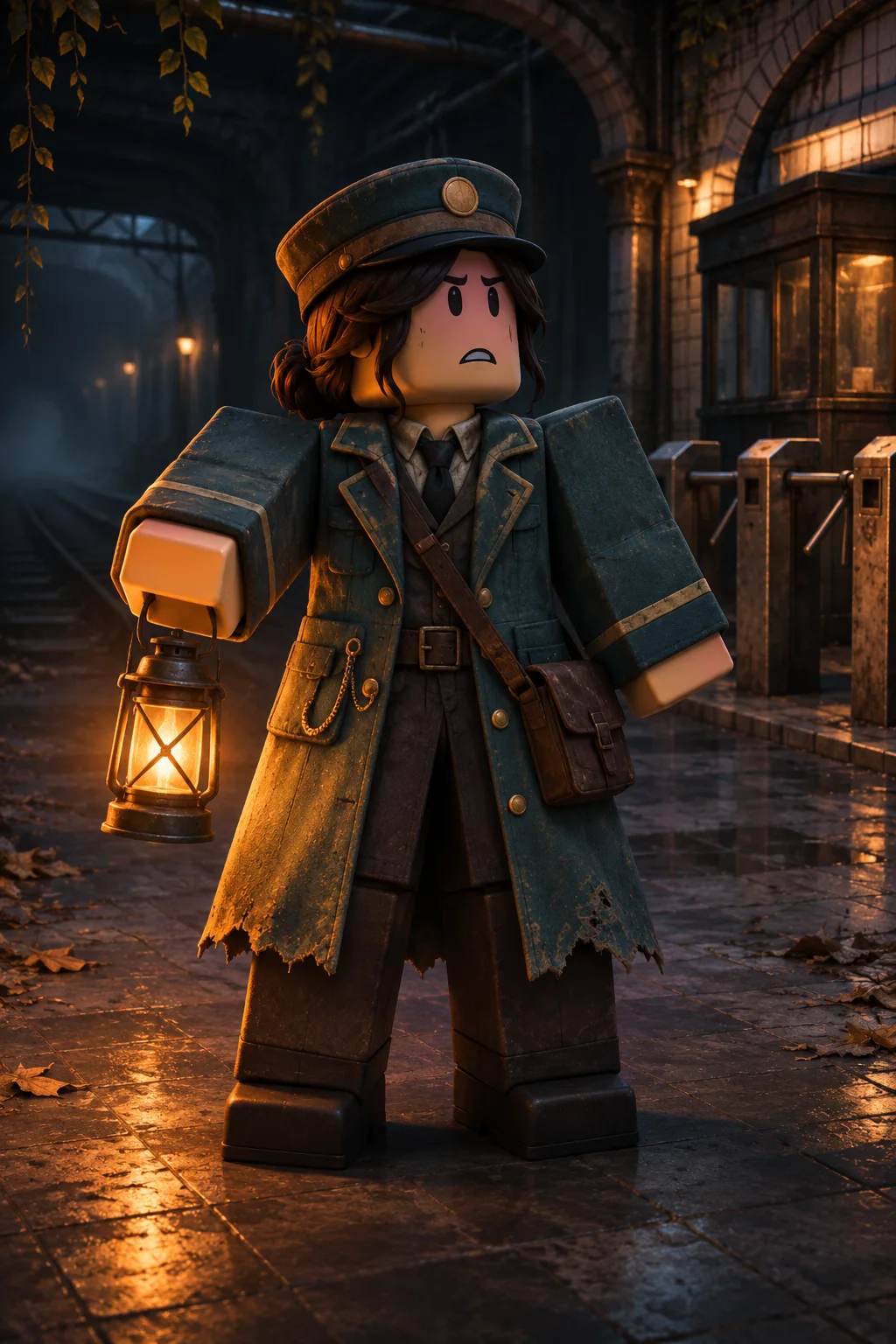 Original Survivors and Killers
Design a Survivor with a signature item or a Killer with a distinctive silhouette. Start with an editable example and give your character an original look and ability.
Create your Forsaken OC Use Forsaken preset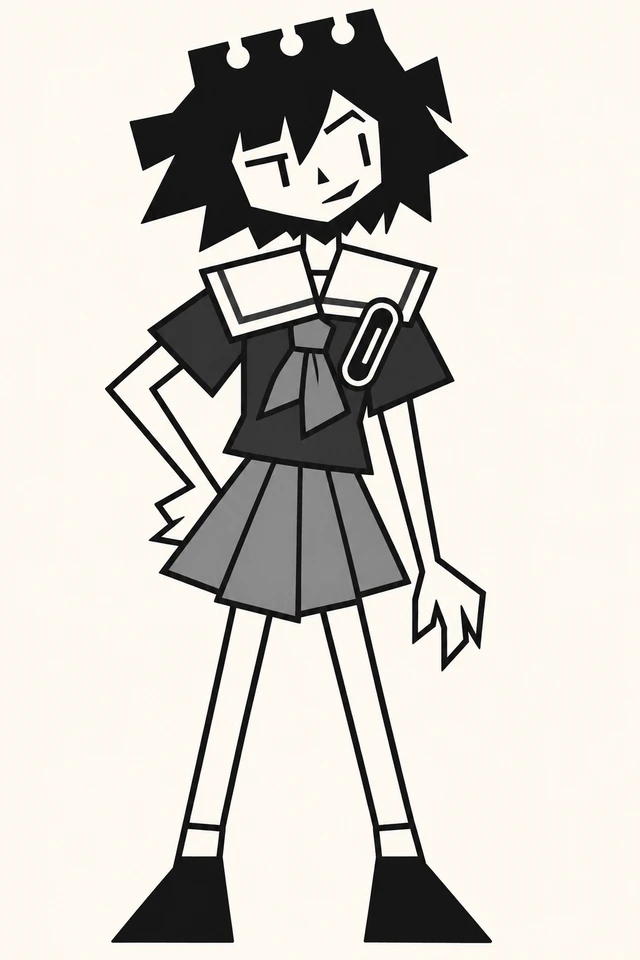 Original paper-school characters
Give a paper-school student or staff member a bold silhouette, a signature prop and a story hook. Build your own character or adapt an editable starting concept.
Create your FPE OC Use FPE preset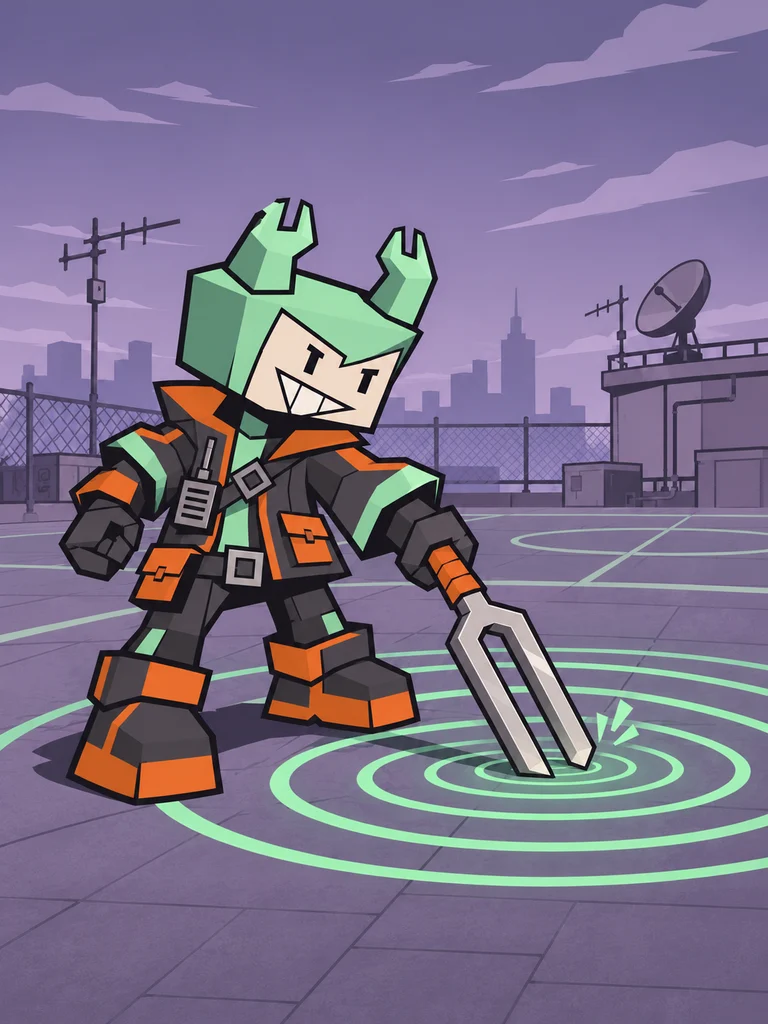 Arena characters and signature gear
Build an original arena character around a signature gear and a recognizable horn silhouette. Start with an editable concept and give it your own palette.
Create your Phighting OC Use Phighting preset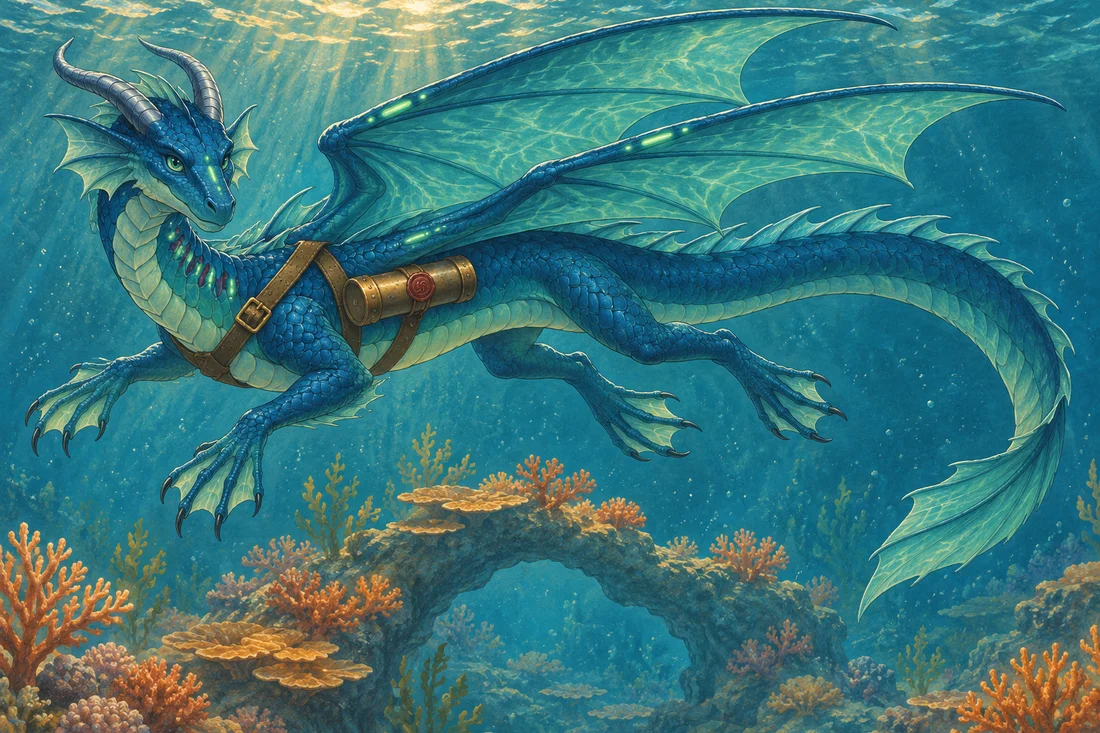 Original dragon tribes and stories
Give your dragon a tribe, distinctive markings and a life of their own. Draw a full-body design or put your character in a scene.
Create your Wings of Fire dragon Use Wings of Fire preset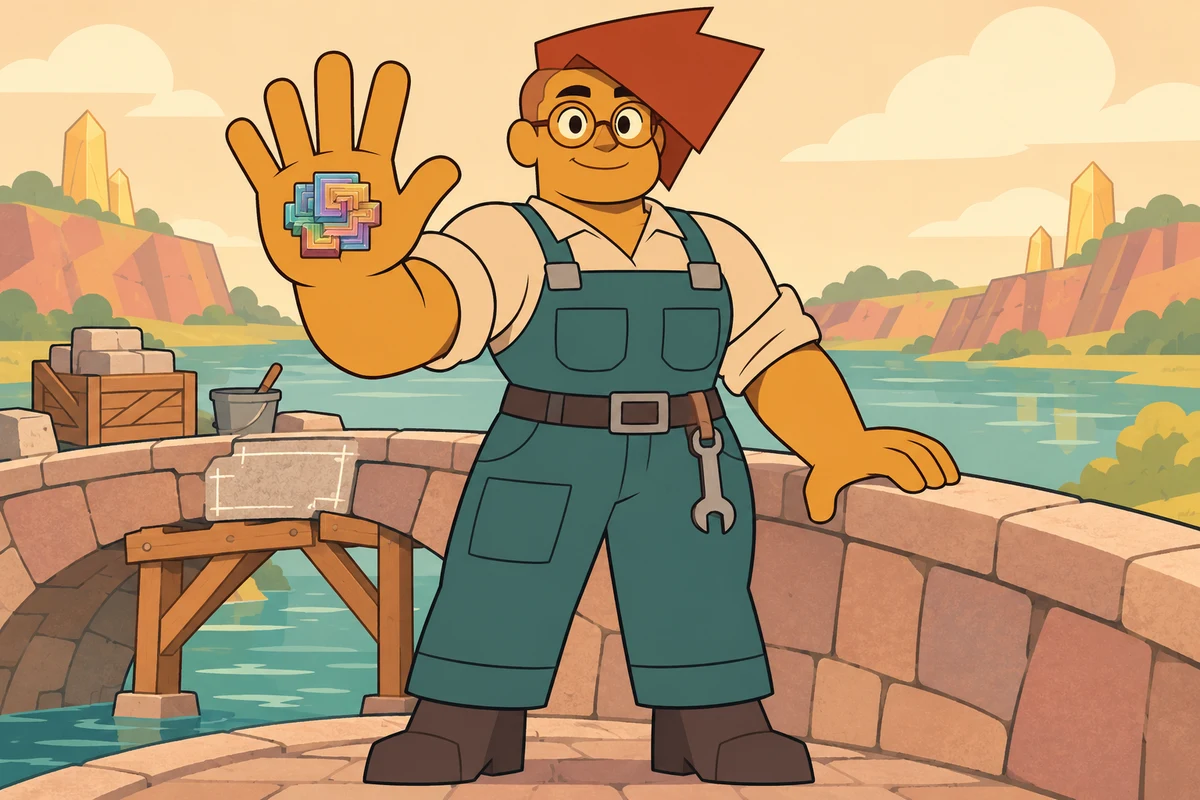 Original Gem characters
Choose a gemstone, give it a visible place in your character design, and add an ability or signature gear. Draw your Gem in full or show what they do in a scene.
Create your Gem OC Use Steven Universe preset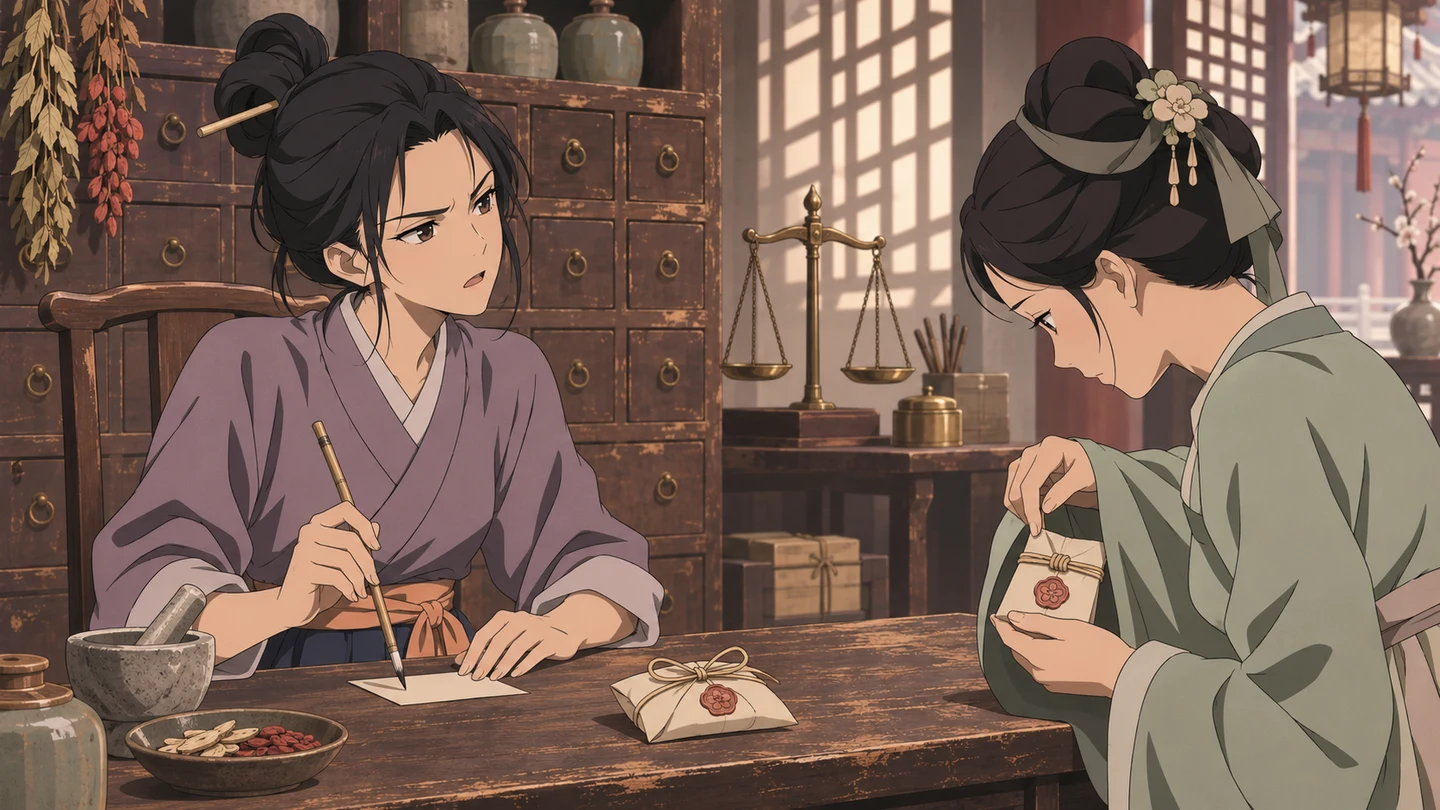 Rear palace characters
Give a court apothecary, palace servant or consort a trade and a secret. Draw their full-body portrait or put them in a palace scene.
Create a palace character Use Apothecary Diaries preset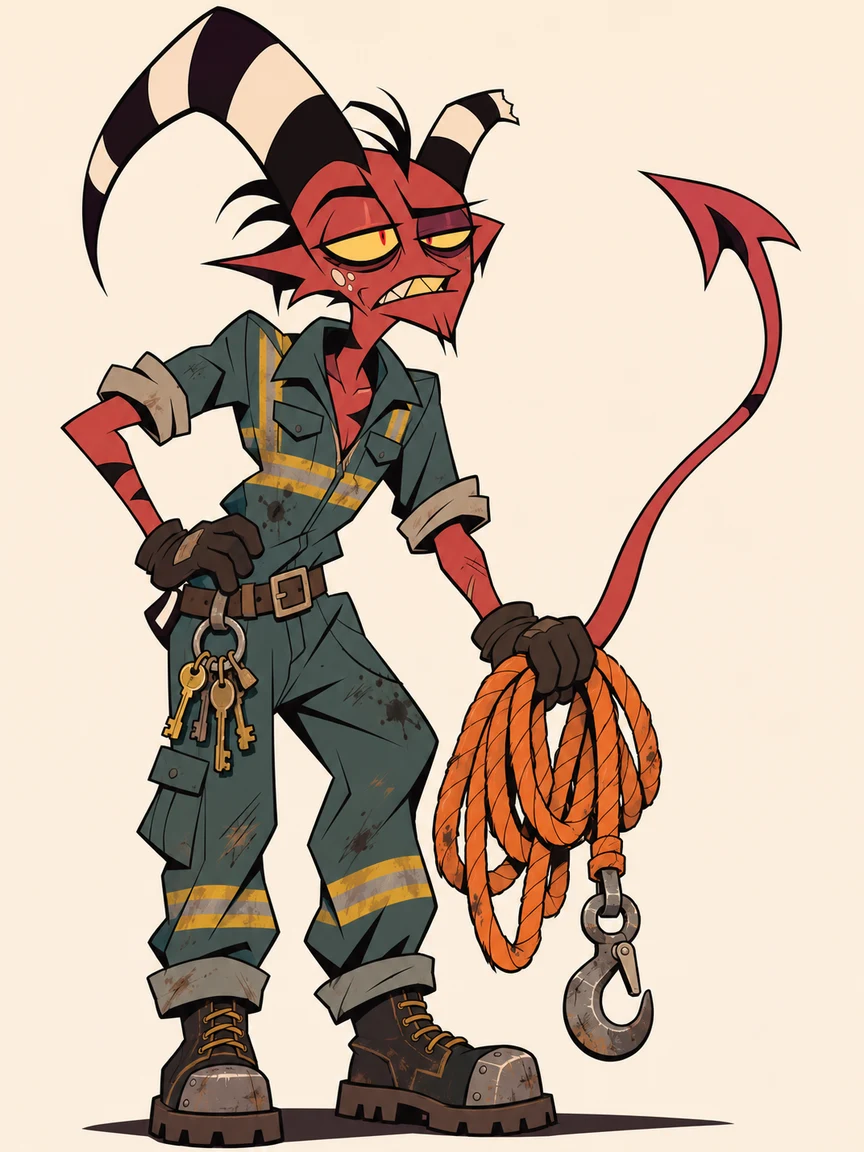 Imps and hellhounds
Create an original character with a job and signature prop, then draw them in full-body art, a turnaround or a story scene.
Design an imp or hellhound Use Helluva Boss preset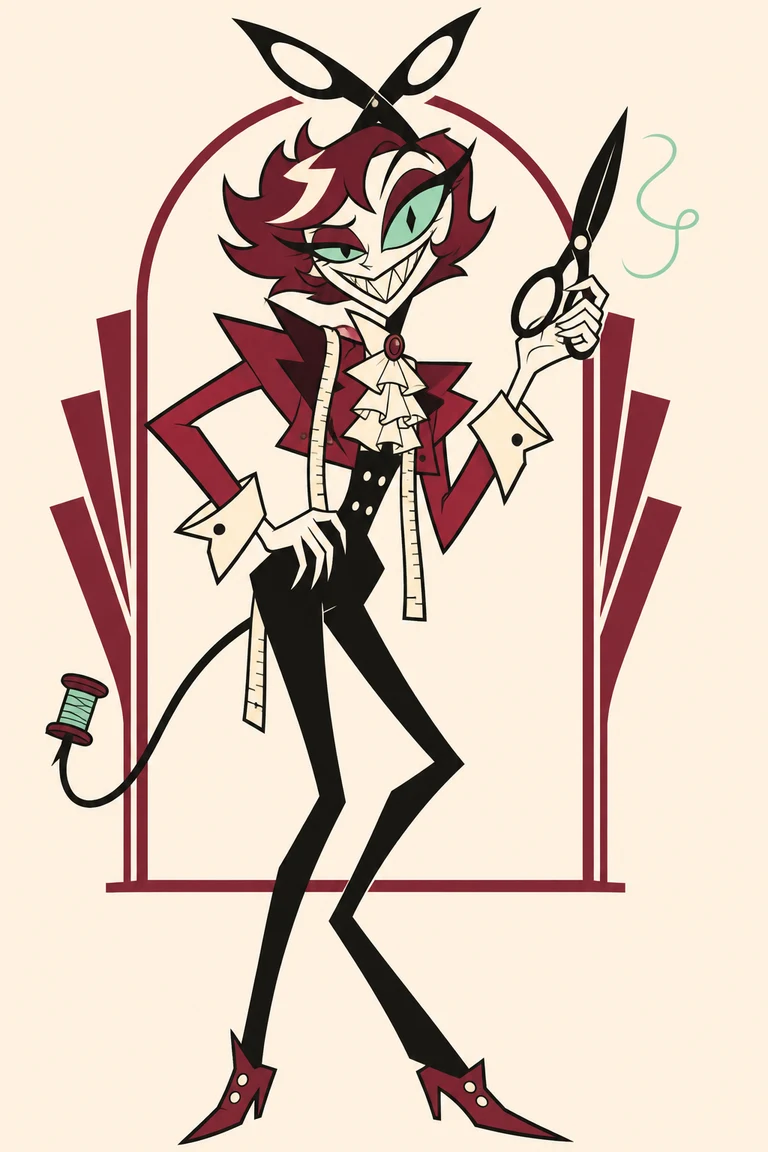 Theatrical demon characters
Give a demon a distinct silhouette, expressive eyes and a personal power. Build a full-body design, an action scene or a three-view character sheet.
Design your original demon Use Hazbin Hotel preset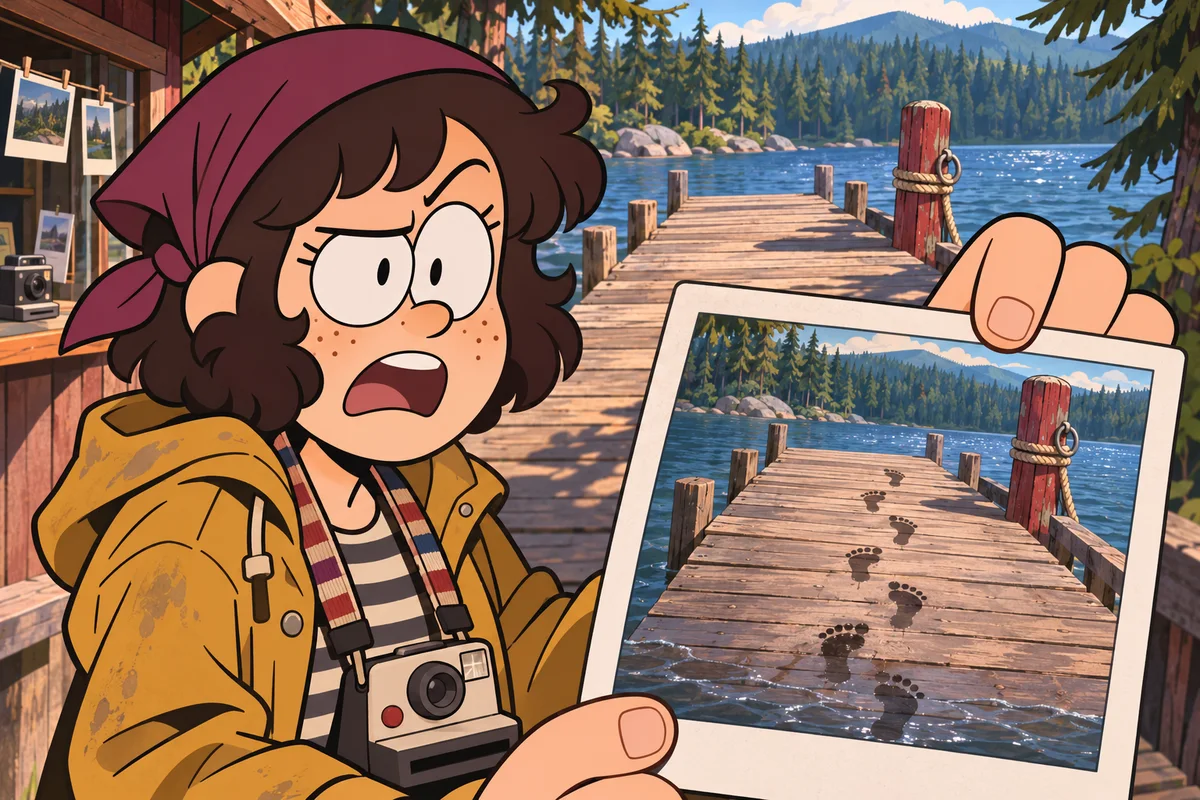 Mystery-town characters
Give a townsperson an ordinary object with an eerie secret. Draw the witness, the encounter or a page from their field journal.
Create your investigator Use Gravity Falls preset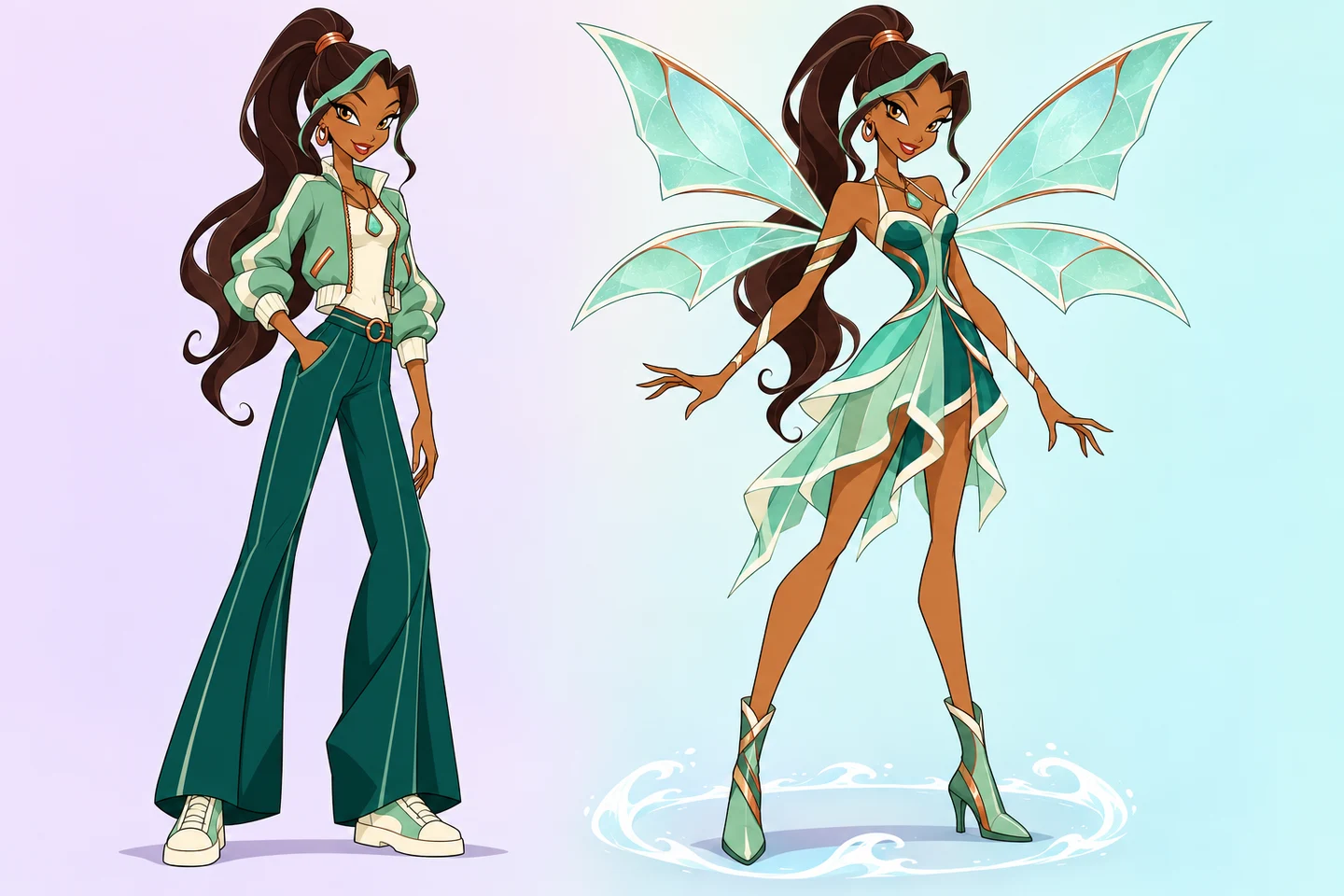 Original fairies and transformations
Design your fairy’s wings, colors and signature magic. Create a transformed full-body image or show her casual and fairy looks side by side.
Create your fairy Use Winx Club preset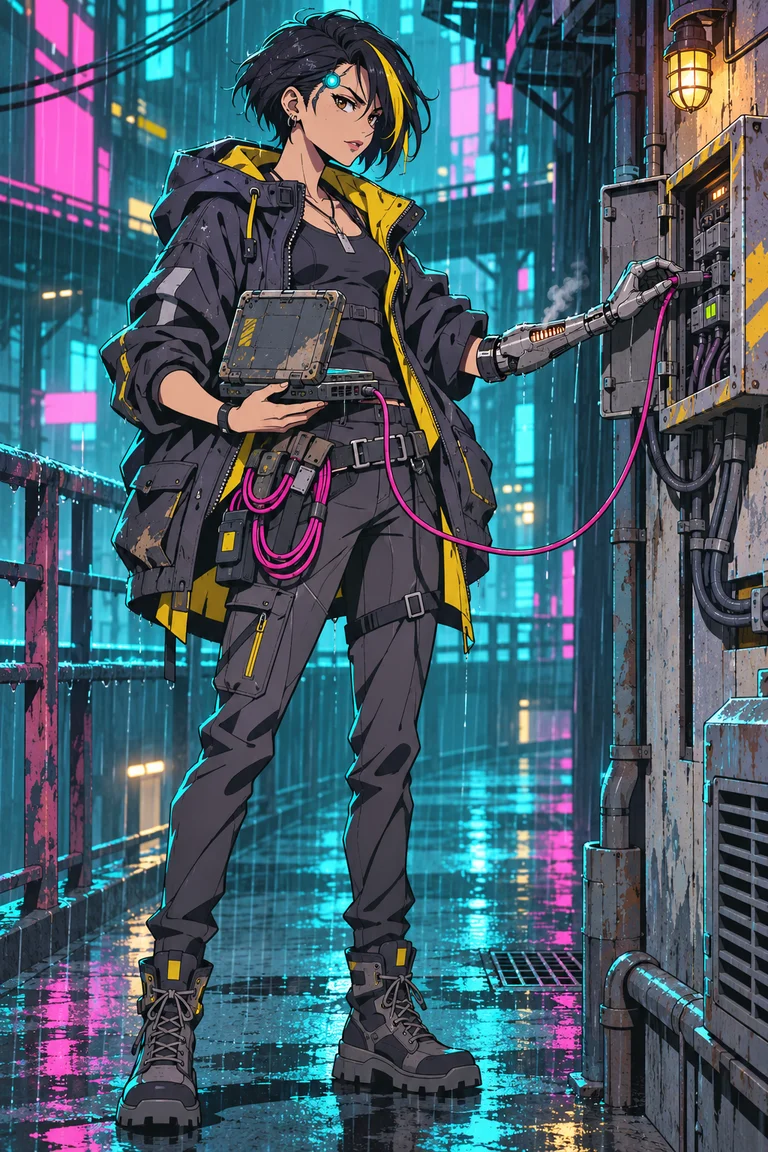 Original future identities
Build a hacker, fixer or nomad with purposeful cyberware, a personal trade-off and a distinct visual identity. Explore character scenes and three-view sheets.
Design your future character Use Cyberpunk preset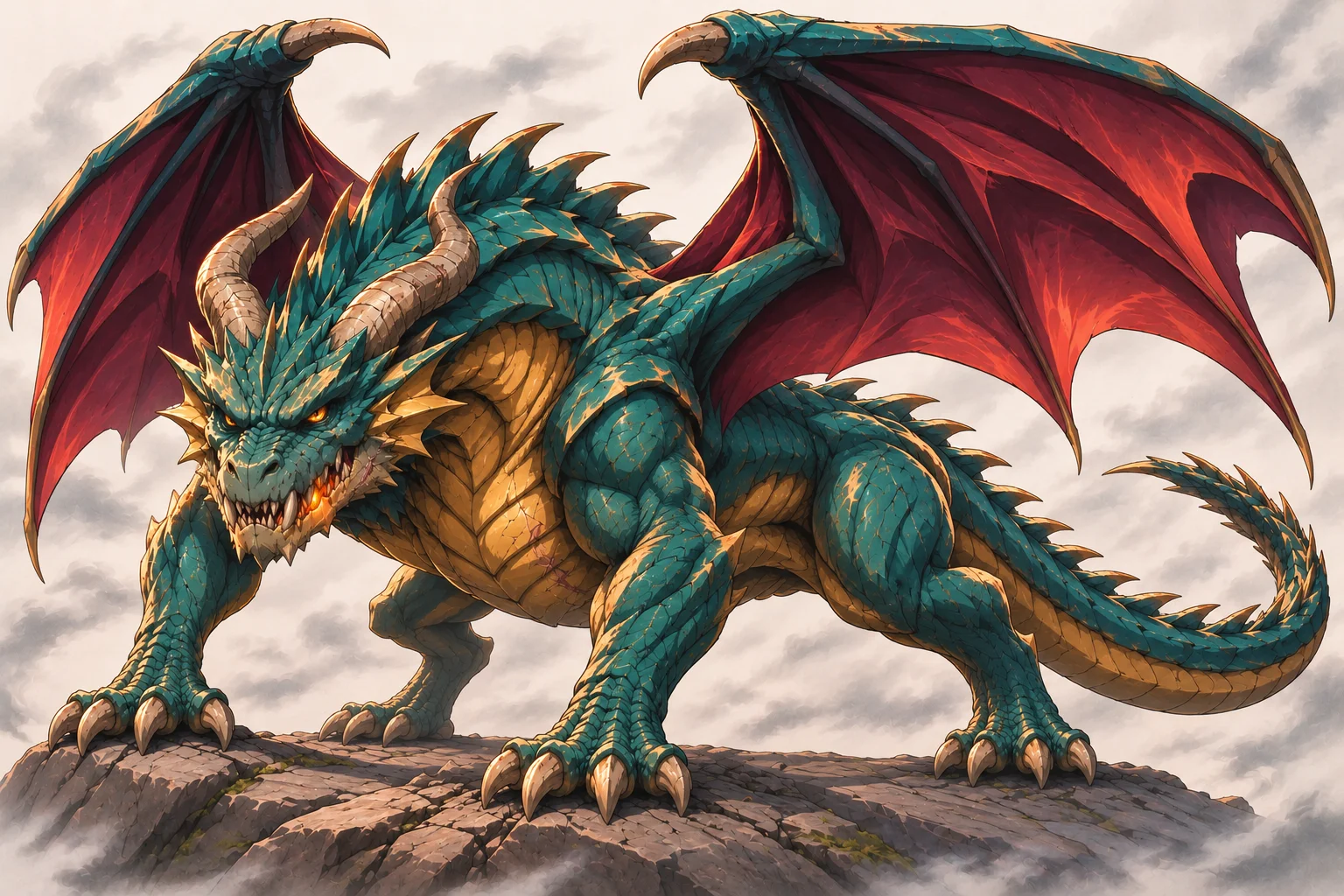 Original fantasy creatures
Choose your dragon type, scale colors, horns and powers. Turn a creature concept into original anime artwork.
Create your dragon Use Dragon preset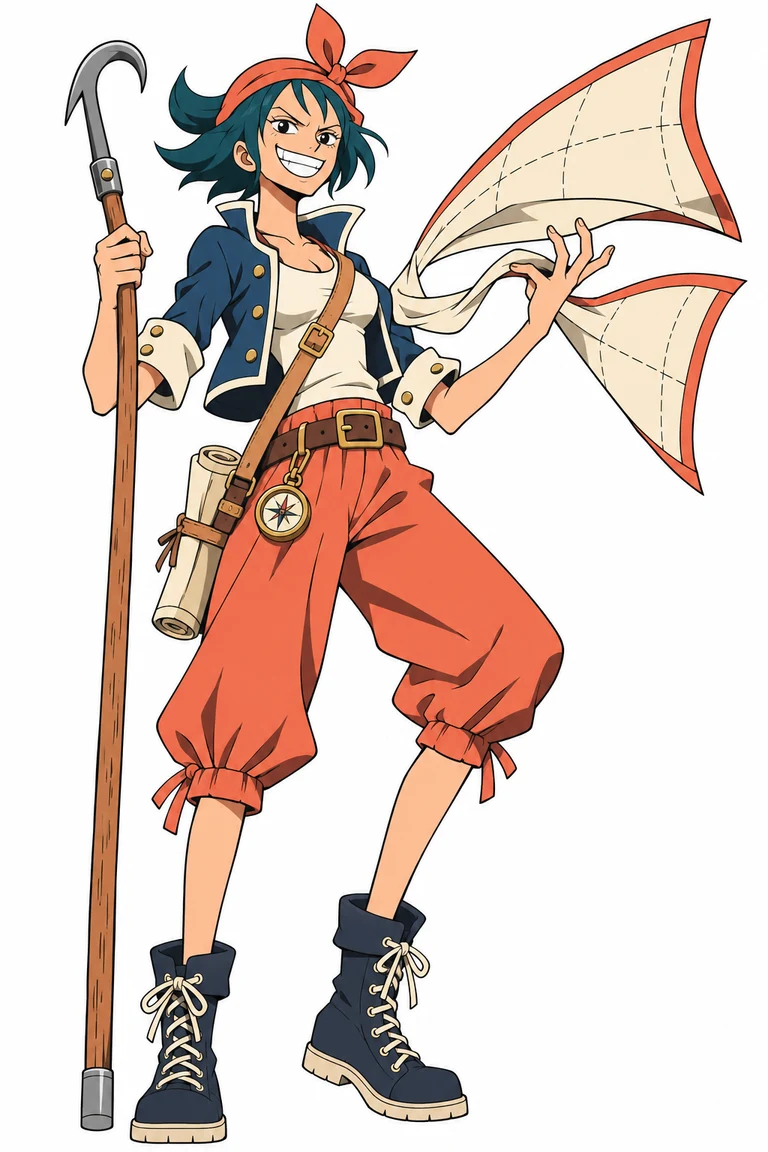 Original pirate crews
Build your own pirate with a Devil Fruit, Haki, a crew role and a story-worthy bounty. Explore full-body art, signature moves and three views.
Create your pirate Use One Piece preset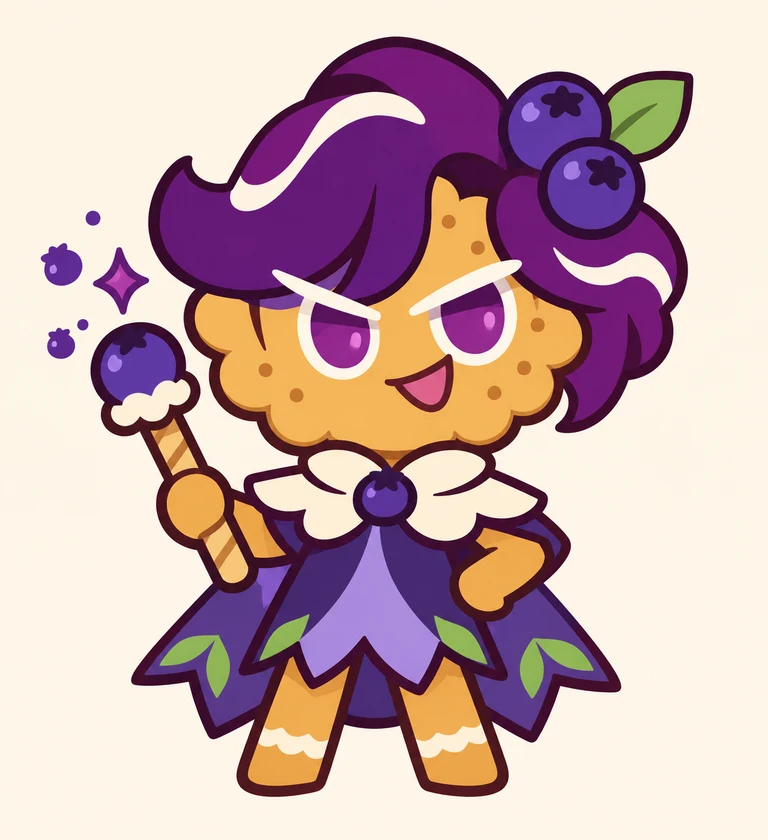 Cookie Run-inspired characters
Turn ingredients into icing hairstyles, outfits and signature skills. Explore flat art, 3D-style character images and three views.
Create your Cookie Use Cookie Run: Kingdom preset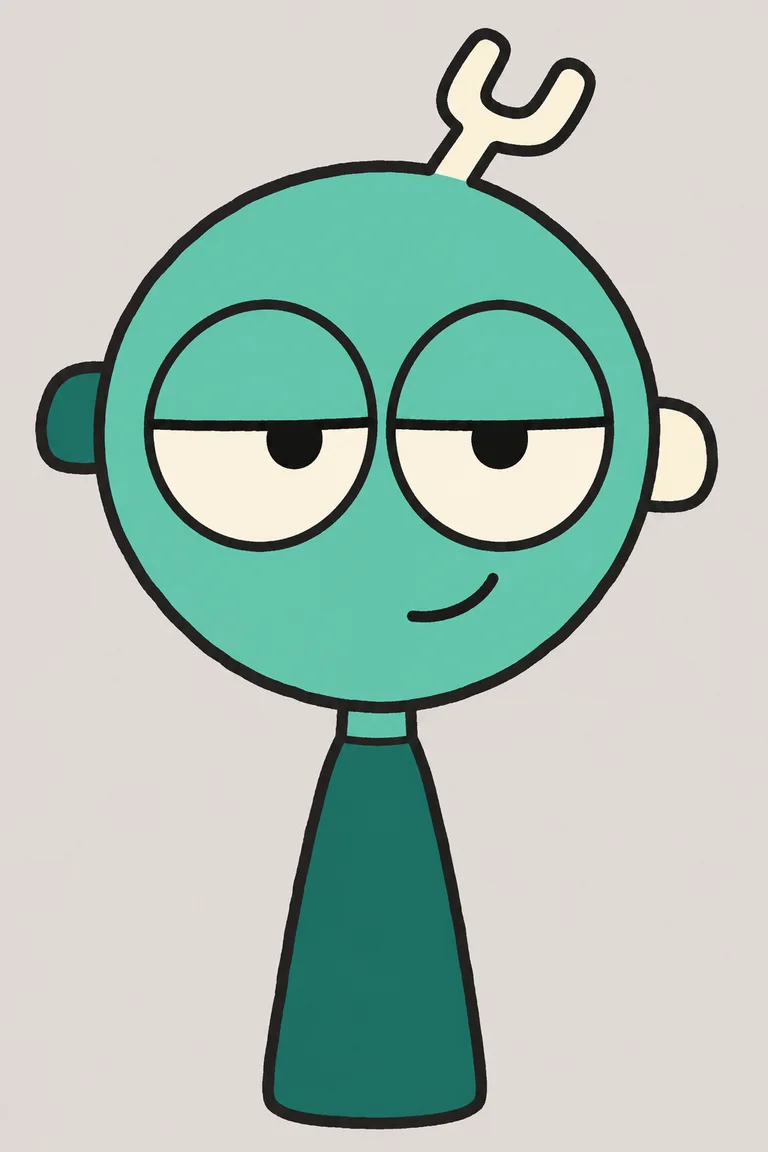 Music-inspired characters
Turn an imagined beat, melody or voice into a distinctive character. Choose a musical role, colors and signature features, then explore normal and horror forms or a three-view sheet.
Create your Sprunki OC Use Sprunki preset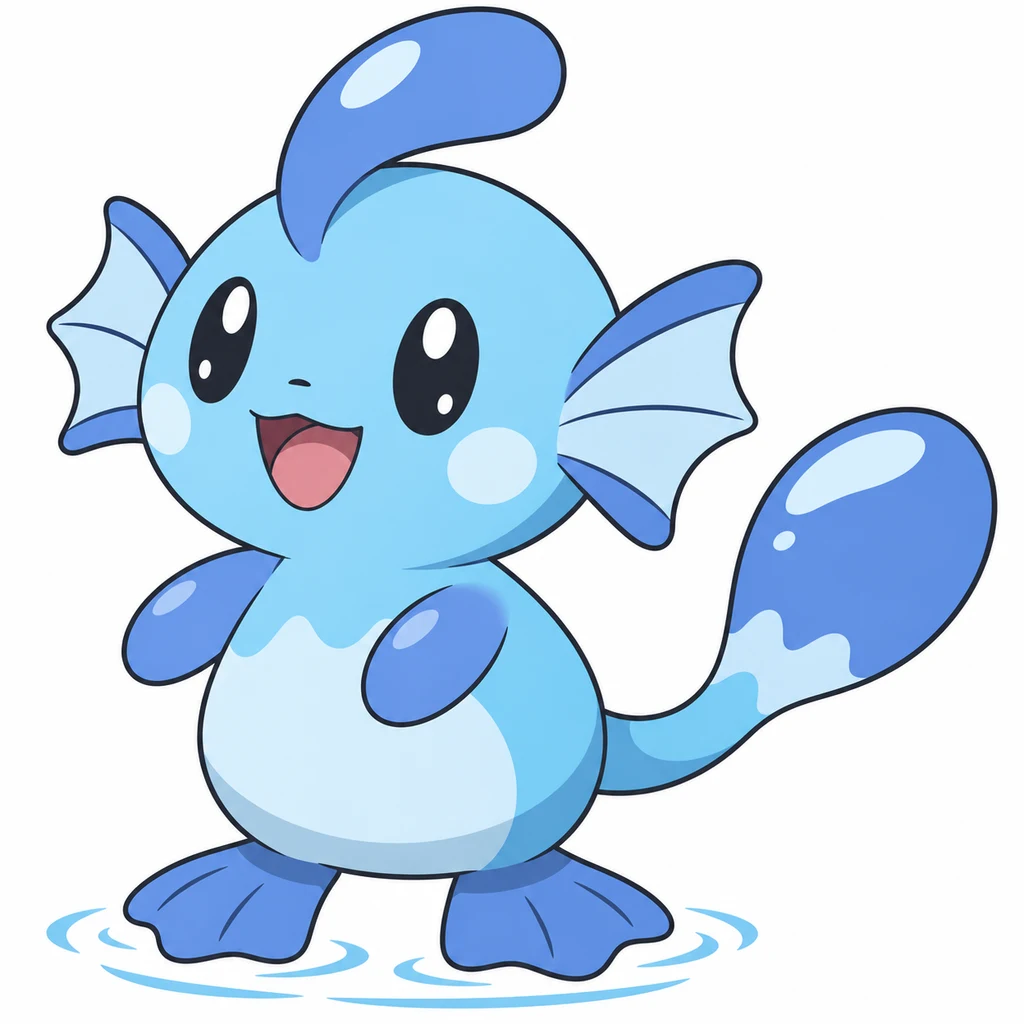 Original creatures and trainers
Give a Fakemon its own types, silhouette and signature move, or create the trainer who travels with it. Start from an editable original concept and explore full-body art, action illustrations or three-view character sheets with a reference.
Create your Pokémon OC Use Pokémon preset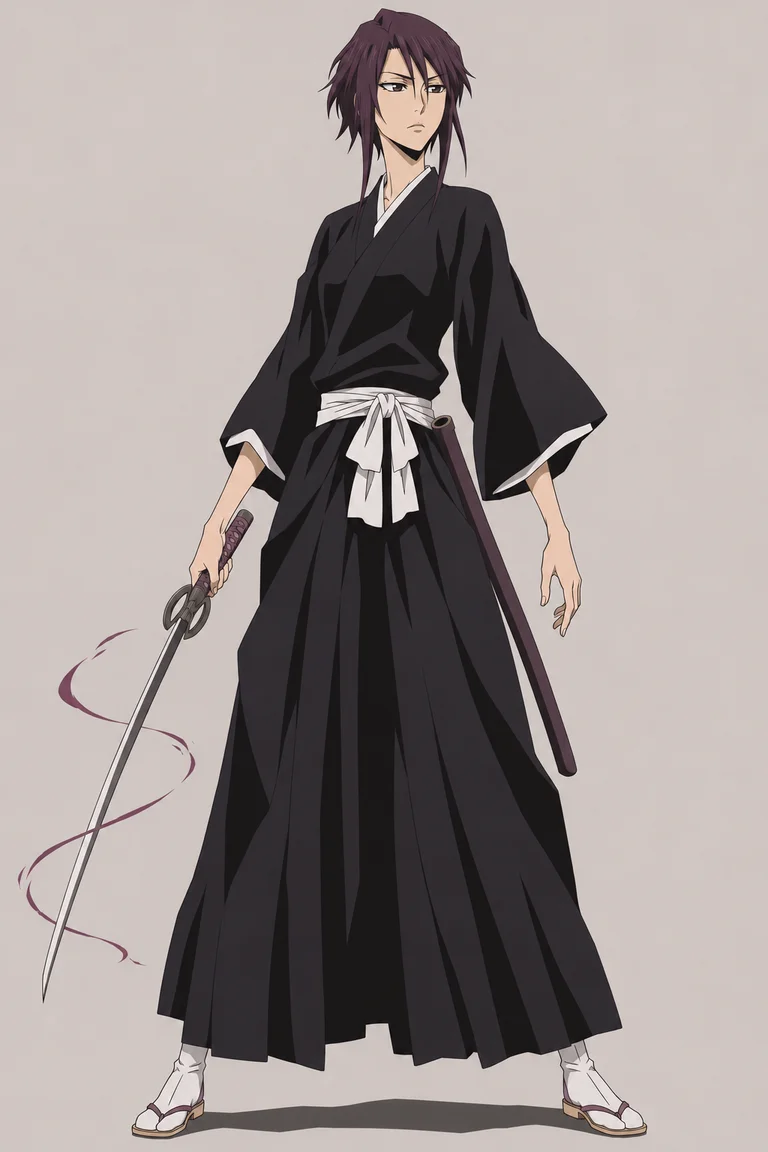 Soul Reapers, Arrancar and Quincy
Give an original character a distinctive outfit and spirit weapon. Start with a Soul Reaper, an Arrancar or a Quincy, then customize the power, appearance and scene. Make a full-body design, an action illustration or a three-view character sheet.
Create your Bleach OC Use Bleach preset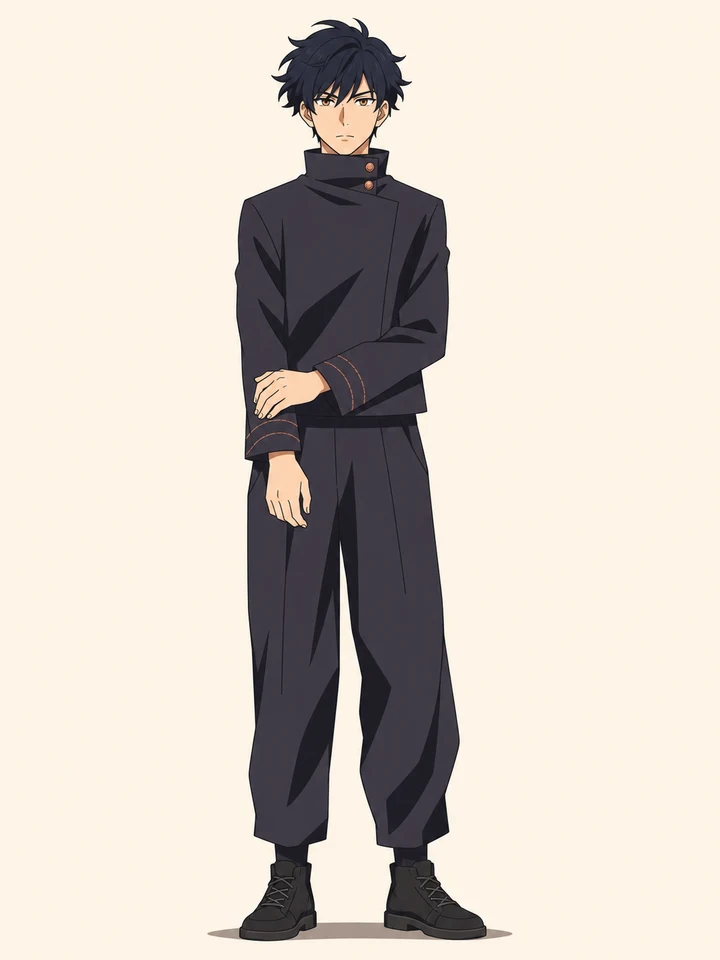 Sorcerers and cursed techniques
Design a Jujutsu Kaisen sorcerer with an original cursed technique, then make a portrait, action scene or three-view character sheet.
Create your JJK OC Use JJK preset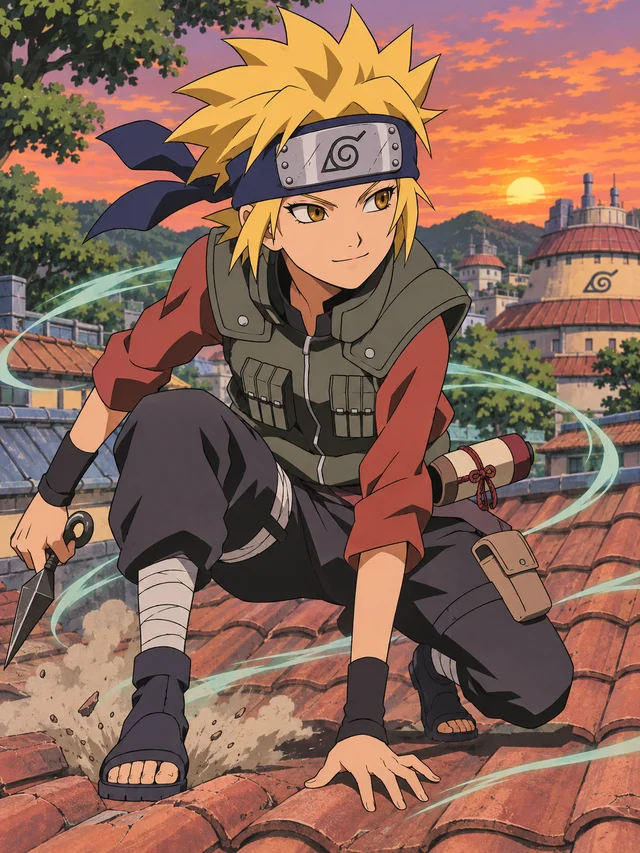 Hidden villages, chakra and dōjutsu
Give an original shinobi a village, rank and signature jutsu. Choose an eye design and ninja tools, then make full-body art, a jutsu scene or a three-view character sheet.
Create your Naruto OC Use Naruto preset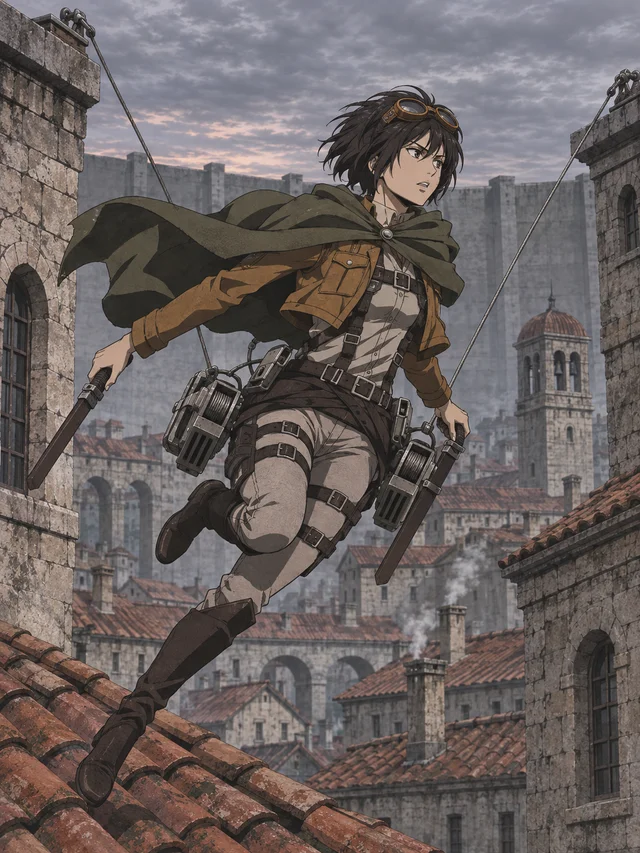 Scouts, ODM gear and Titan forms
Give a scout a military branch and signature equipment, or design an original Titan with its own silhouette and scale. Make a full-body design, an action scene or a three-view sheet.
Create your Attack on Titan OC Use Attack on Titan preset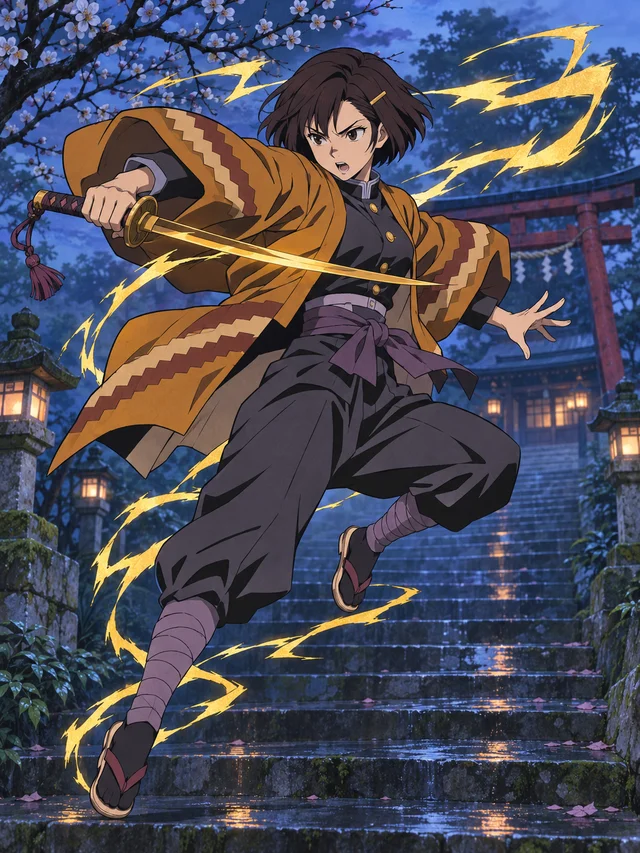 Sword techniques and Blood Demon Arts
Give a swordsman an original Breathing Style and patterned haori, or invent a demon and their Blood Demon Art. Draw a full-body design, an action illustration or a three-view sheet.
Create your Demon Slayer OC Use Demon Slayer preset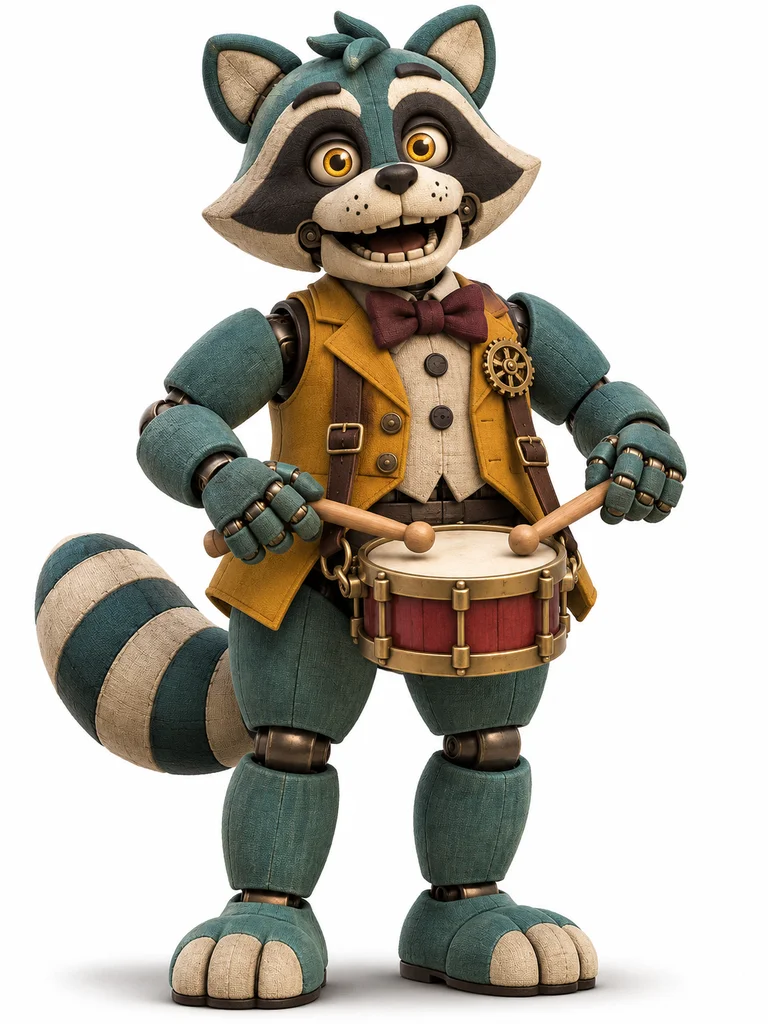 Original animatronic performers
Choose an animatronic construction, game-era influence, palette, signature prop and stage. Start with Marlo the raccoon drummer, Velvet the moth singer or Ripple the axolotl keytar player. Optional details let you change the motif, face and outfit. This independent fan tool creates illustrations, rather than official cast members or playable game assets.
Design your performer Use FNAF preset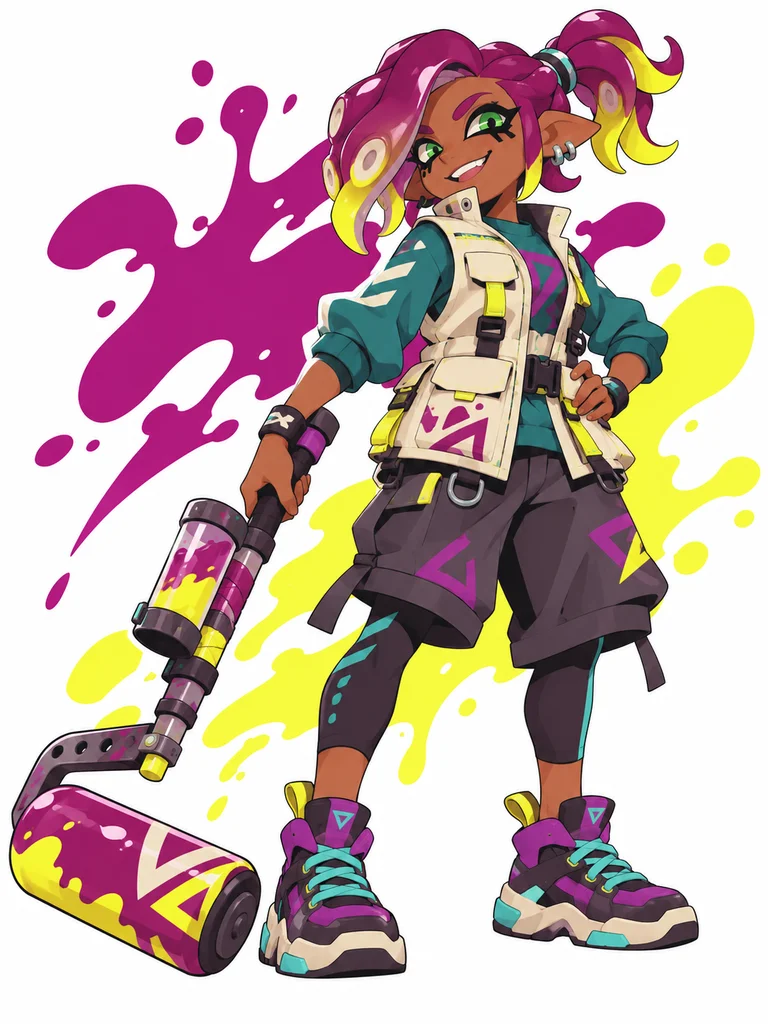 Ink, streetwear & original gear
Choose a squid- or octopus-inspired character, tentacle hairstyle, ink colors and custom gear. Start from Coda, Mako or Lilt, then customize the outfit and personality in the page’s own Builder. Explore full-body, portrait, action and three-view images, with clean backgrounds or ink effects. Generated images can guide another view as a reference. All examples are original concepts; no official Nintendo art or game assets are included.
Explore an ink-sport concept Use Splatoon preset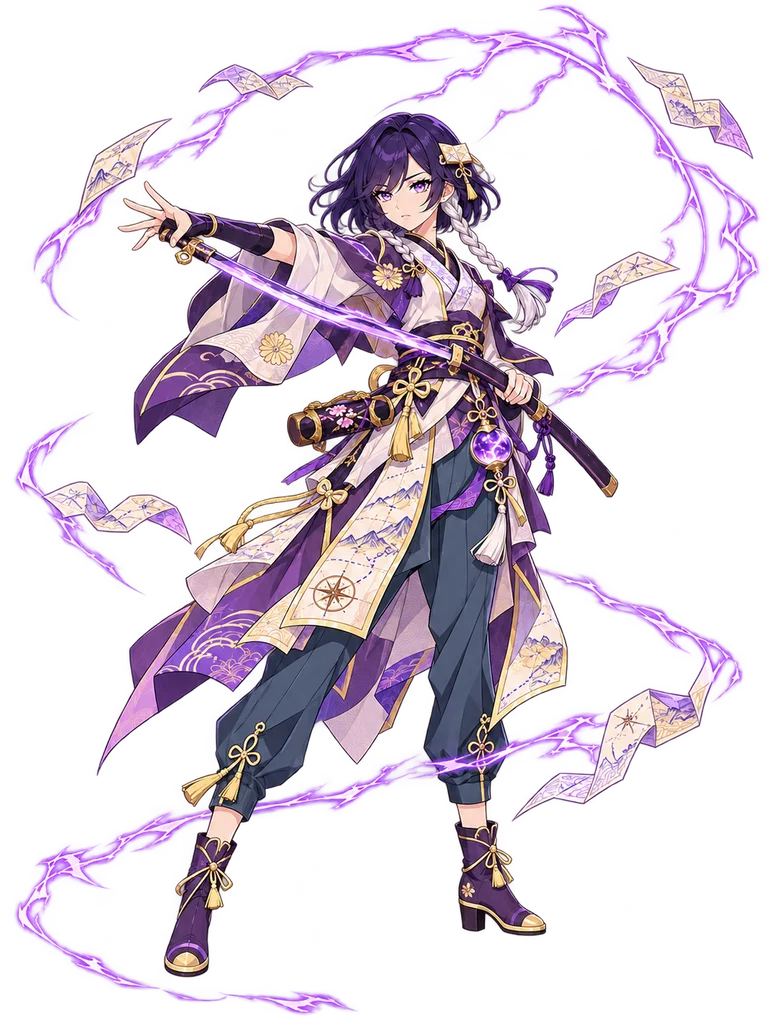 Visions, craft & regional style
Choose a Vision, region inspiration and weapon, then connect the design with an original profession and story. Try an Electro storm-chart courier, a Geo lantern artisan or a Hydro clock restorer. Full-body, portrait, elemental action and three-view options give the same concept several uses. A generated result can guide another pose or video as a reference. This independent fan tool makes original illustrations, rather than playable game characters.
Create your Genshin-inspired character Use Genshin preset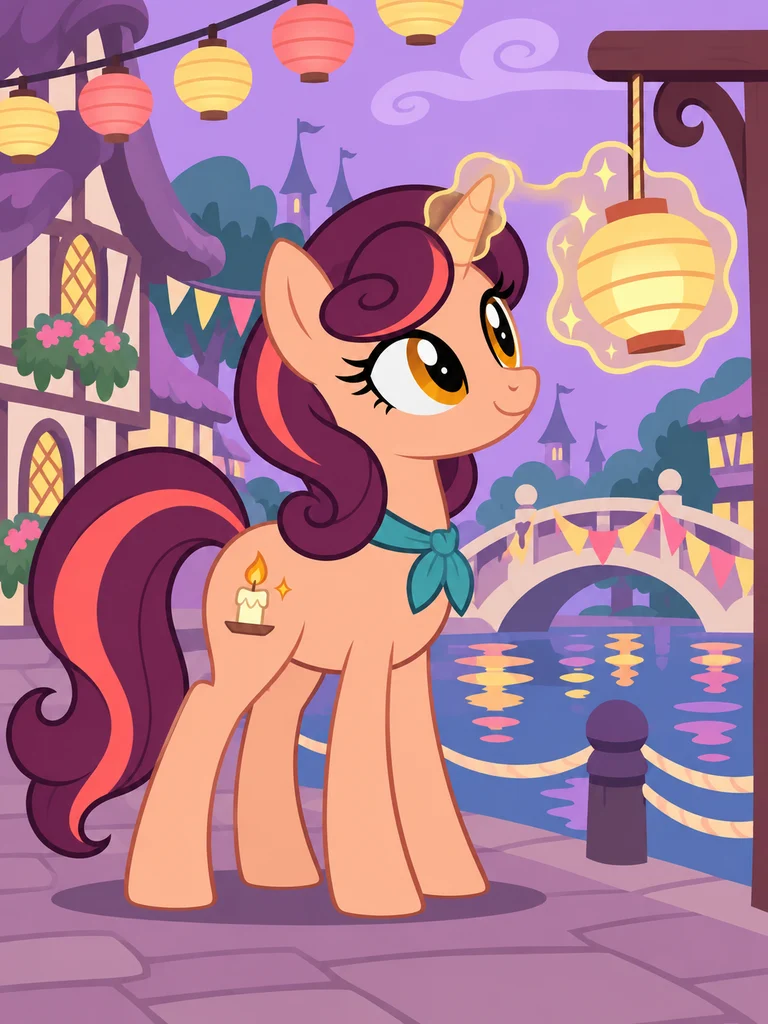 Original pony characters
Design an earth pony, pegasus, unicorn or alicorn with a distinctive mane, palette and cutie mark. Start with one of three original concepts, or describe your own ponysona. Full-body, portrait, action and three-view options help you explore the design. Upload a reference with a compatible model to guide the next image, and compare hooves, wings and small symbols before saving.
Create your own pony Use MLP preset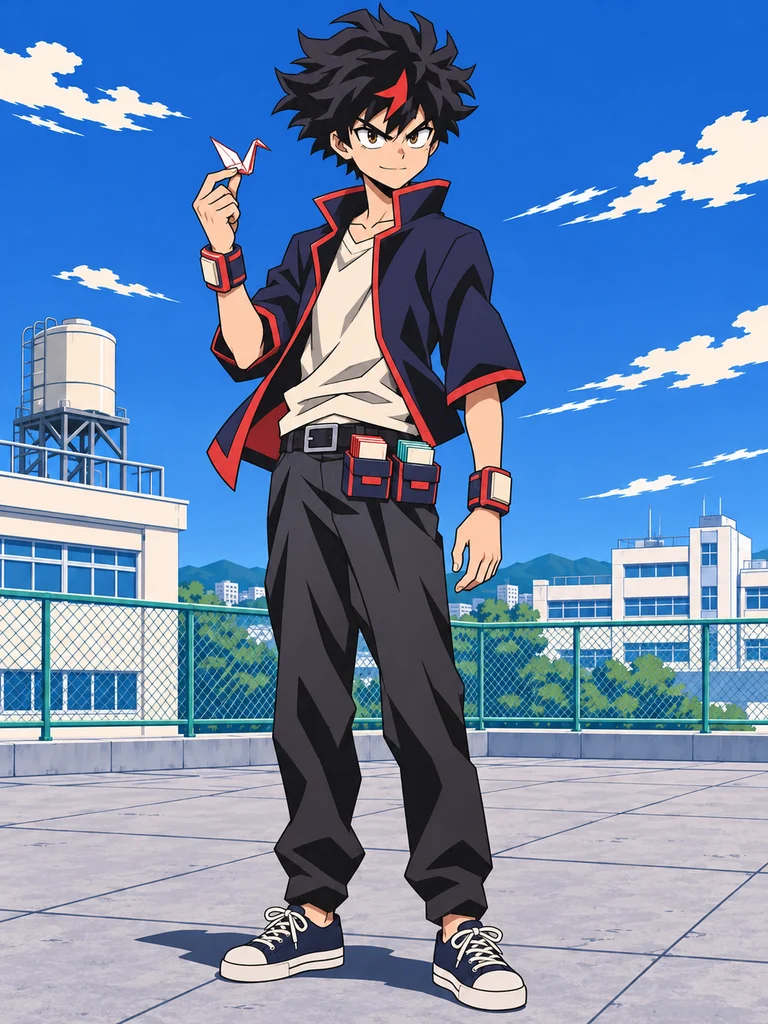 Heroes & support inventors
Start with a hero student, pro hero, villain or support inventor. Give the character an original Quirk, a limitation and equipment that serves a purpose. You can also choose Quirkless independently of the role. This maker suits hero profiles and costume concepts, with options for action poses and three views. References help guide continuity, but faces, accessories and the back of a costume can still change.
Create your own MHA character Use My Hero Academia preset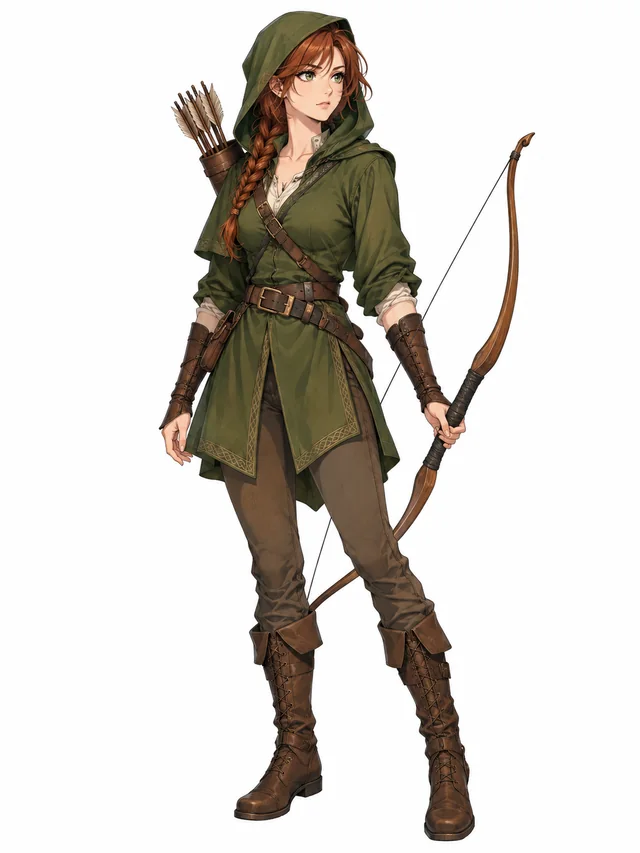 Your own world
Choose the anime OC maker when your character belongs to a world you invented. Describe their role, appearance, outfit and personality, or start from an existing reference image. It works well for exploring a single full-body concept for a story, comic or role-play profile. The result is an illustration rather than a rigged game asset, and small design details may need another pass.
Create an original anime character Use Original world preset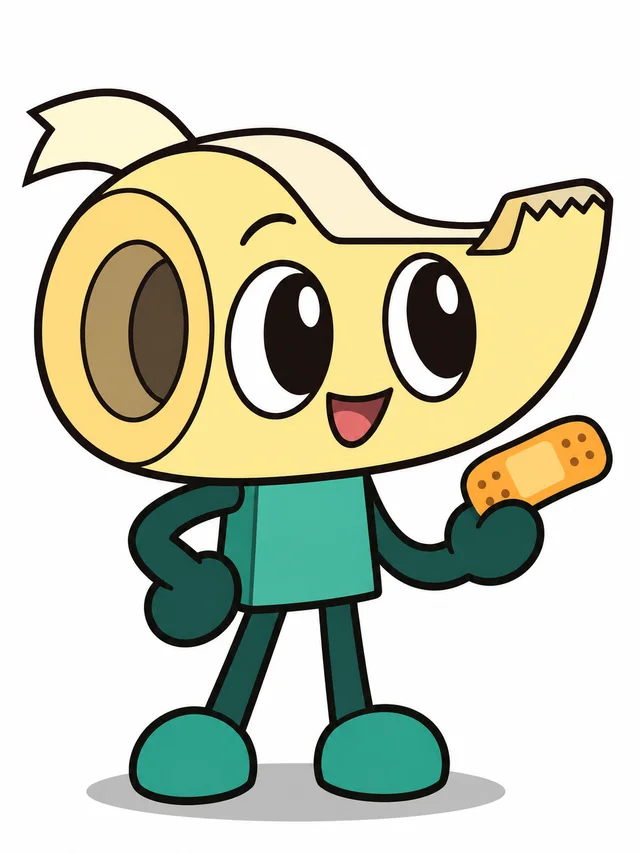 Object-inspired Toons
Build a Toon around a recognizable object or shape, then choose an expression, colors and a short ability idea. The Builder includes Toon and Twisted appearances and fan-design rarity choices. This is a useful starting point for a character card or an illustrated fan concept. Those choices guide a generated picture; they do not add a playable character, official stats or new content to the game.
Make a Dandy’s World OC Use Dandy’s World preset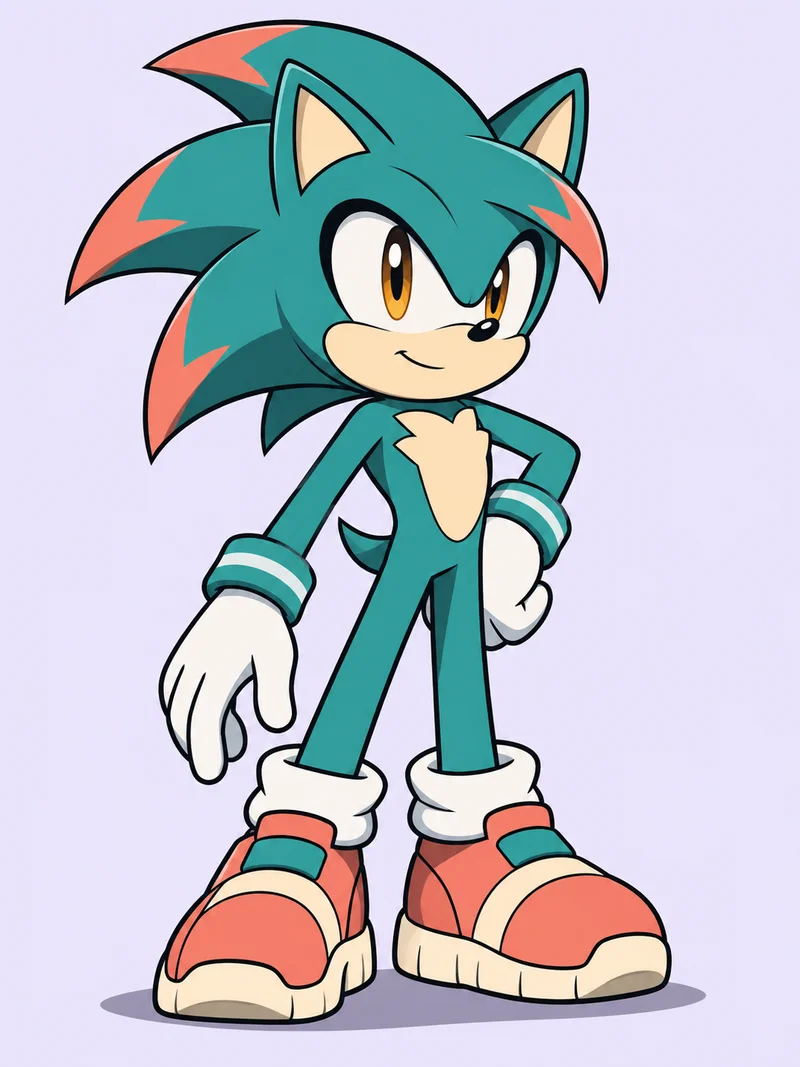 Animal fan characters
Start with a character inspiration or choose a species freely, including a hedgehog, fox, rabbit or bat. Shape the silhouette with quills, ears or a crest, then add gloves, shoes and your own color palette. Make a readable Base design before exploring a separate Super image. This suits animal-character fan concepts; transformations are creative interpretations, and a reference does not guarantee identical details.
Create a Sonic-inspired OC Use Sonic preset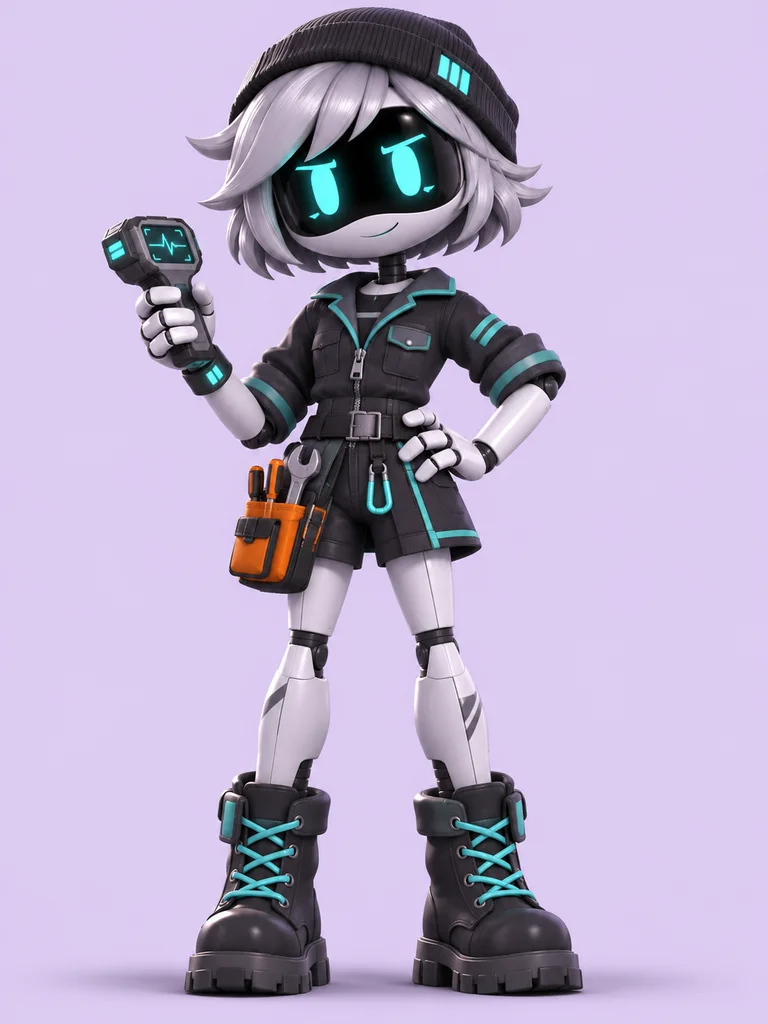 Robot fan characters
Choose a Worker or Disassembly-inspired body, then customize LED eyes, hair, clothing and signature equipment. A Solver-inspired appearance is separate from the body choice. This maker suits original robot profiles, reference sheets and dramatic action concepts. The examples also show a character moving into video, including camera changes. Wings, tails, face-screens and gear need inspection across variations, and each new image or video has its own credit cost.
Build your own drone Use Murder Drones presetBrowsing tools, editing Builder choices and writing prompts are free. Eligible new accounts currently receive 40 signup bonus credits, with no expiry. Generation spends the amount shown for the selected model. This is a one-time signup offer, not a daily allowance. Check your account balance and the current credit options before generating.
You can browse every example and plan a character without an account. Sign in to generate images and use the account’s private result tools. Your draft stays in this tab when you sign in. The Generate button shows the credit cost for your model.
Picrew’s character makers combine illustrated parts supplied by their creators. Our tools generate an image from a written description and, where supported, a reference. Choose a parts-based maker when you want its specific artwork and immediate selection controls. Choose our OC generator when you want to describe a costume, pose or setting beyond a fixed parts library. AI results still need review.
Yes. Ask for one full-body character with the head, hands and feet visible, and choose a portrait ratio when it suits the pose. A simple standing view makes clothing and gear easier to inspect. Check for cropped shoes, extra fingers or inconsistent accessories before moving on to a more complex action scene.
Open a dedicated maker that supports references, then upload a clear image with a compatible model and describe the face, hairstyle, colors and signature features you want to preserve. This can help keep the design recognizable, but facial features, clothing and proportions can still vary. Change one major element at a time and save a reliable original rather than repeatedly building on a drifting result.
Review our Terms, the selected model’s terms and your rights to any reference material before commercial use. An original character made for an existing franchise can still involve third-party rights. These fan tools do not grant permission from a franchise’s owner. Keep a record of your references and intended use.
Yes. The makers work in a mobile browser, with detailed choices grouped into sections on the newer Builders. Write a character description and choose a model from your phone. Download the finished illustration from the same page. Dedicated makers give you additional choices for appearance and equipment.
Yes. Choose a world in the generator above, or open the Sonic maker, Dandy’s World maker, Murder Drones maker or My Hero Academia maker for relevant starting choices. Give the character your own name, look and story. These are independent fan tools, not official character creators or ways to insert a character into the original game or show.
Fan-character tools are independent of the franchises they reference. For a broader starting point, try the anime character creator.