YOUR FAVORITES, TOGETHER

Anime 3x3 Maker

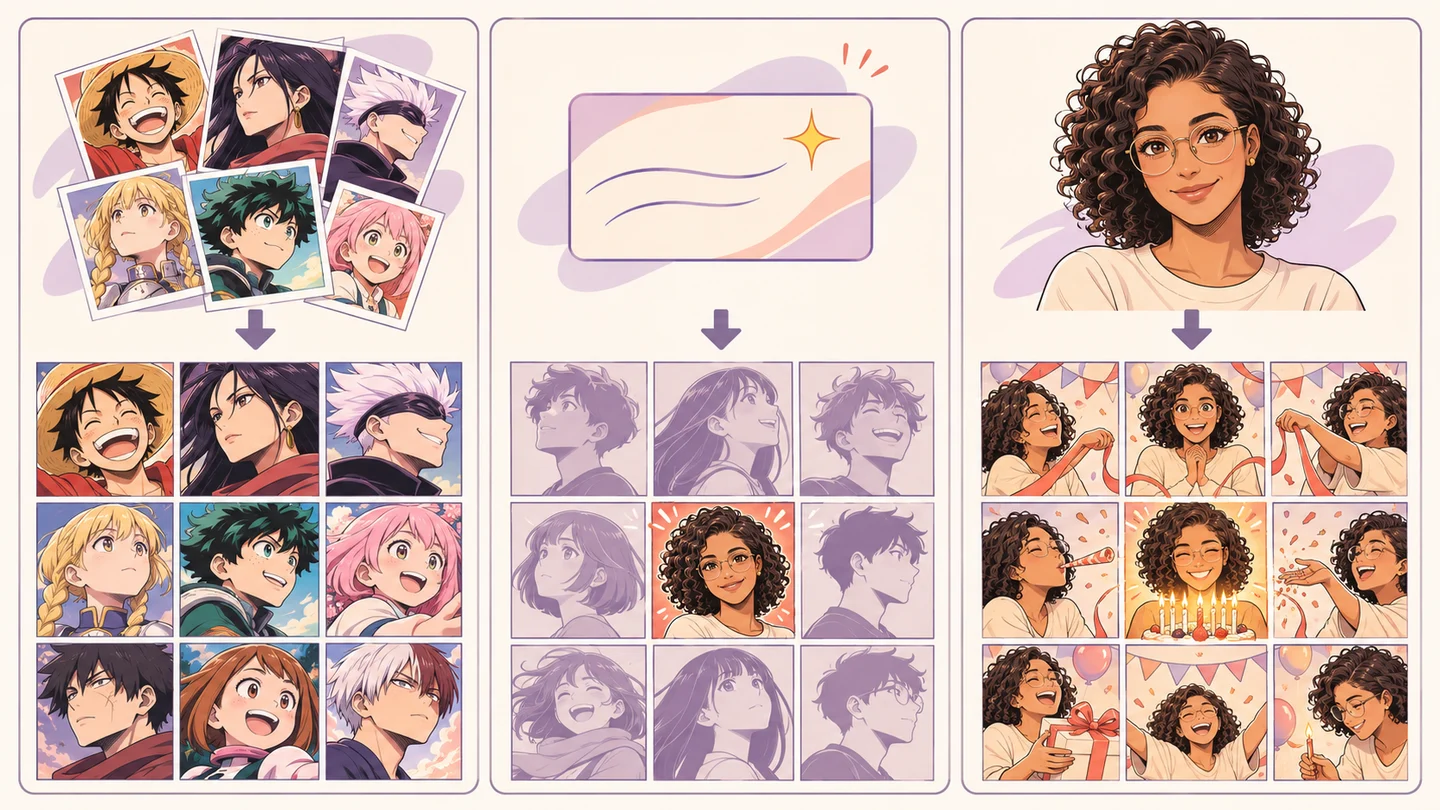
Upload your pictures, create a single image with AI, or turn one photo into a complete nine-panel manga grid.

Free collage maker · No watermark

Loading your grid…

NINE SQUARES. YOUR TASTE.

Your top 9 anime, together

The shows you return to, the manga you lend to friends, the characters you cannot stop drawing. Give them a place together in an anime 3x3 that feels like you.

Bring your own covers or character pictures, place your favorite in the center and add a title. Your finished grid is a single image, ready for a community post or a conversation with friends.

MAKE ROOM FOR YOUR OWN CAST

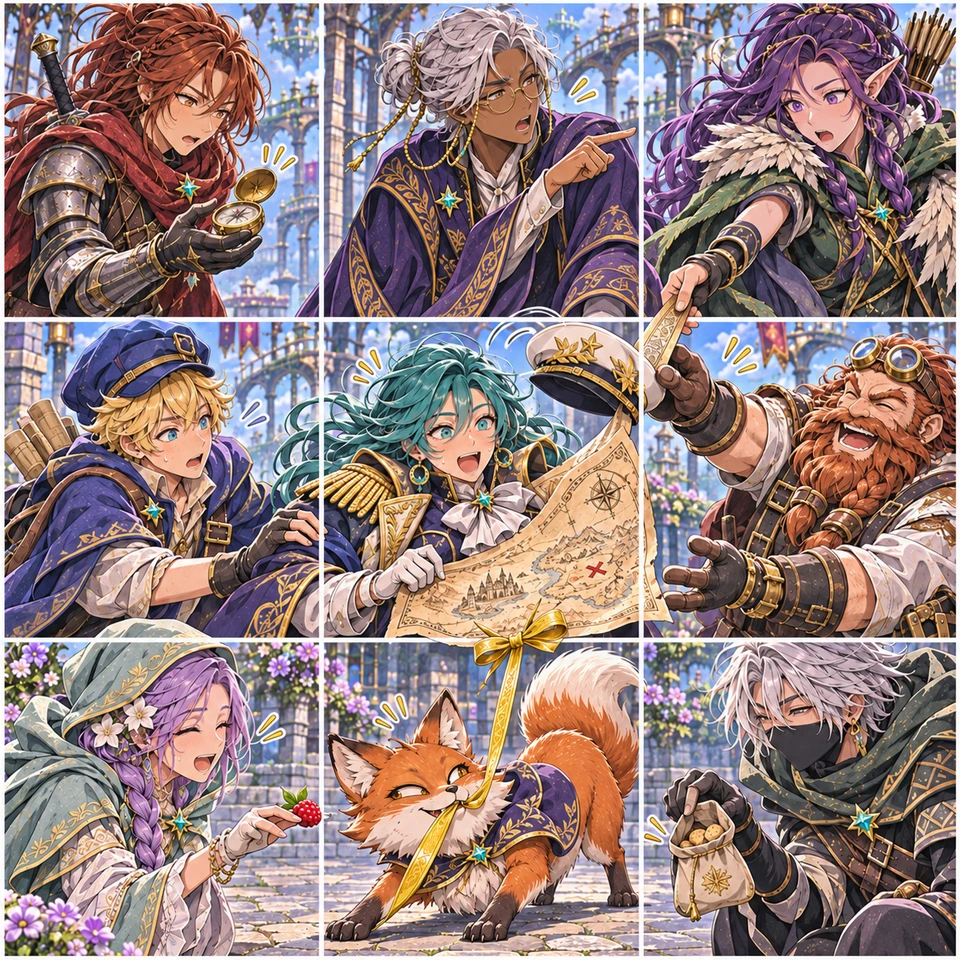
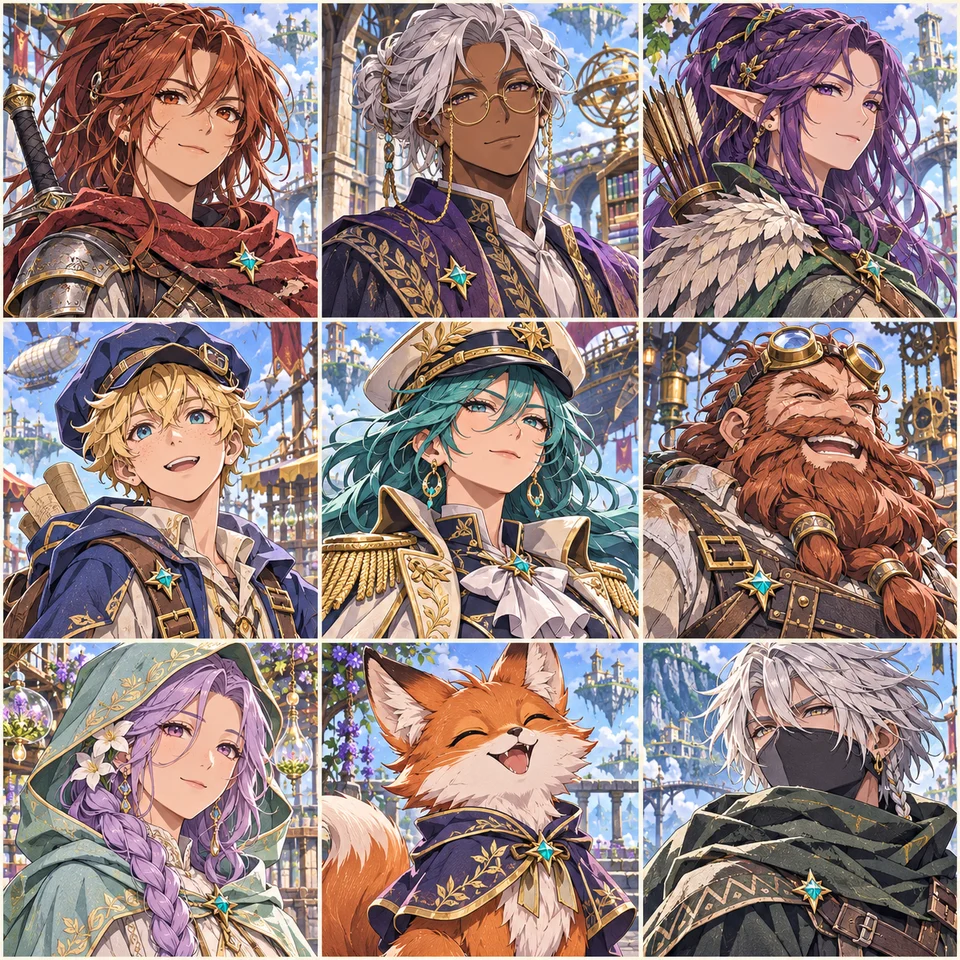
Give your OCs a place together

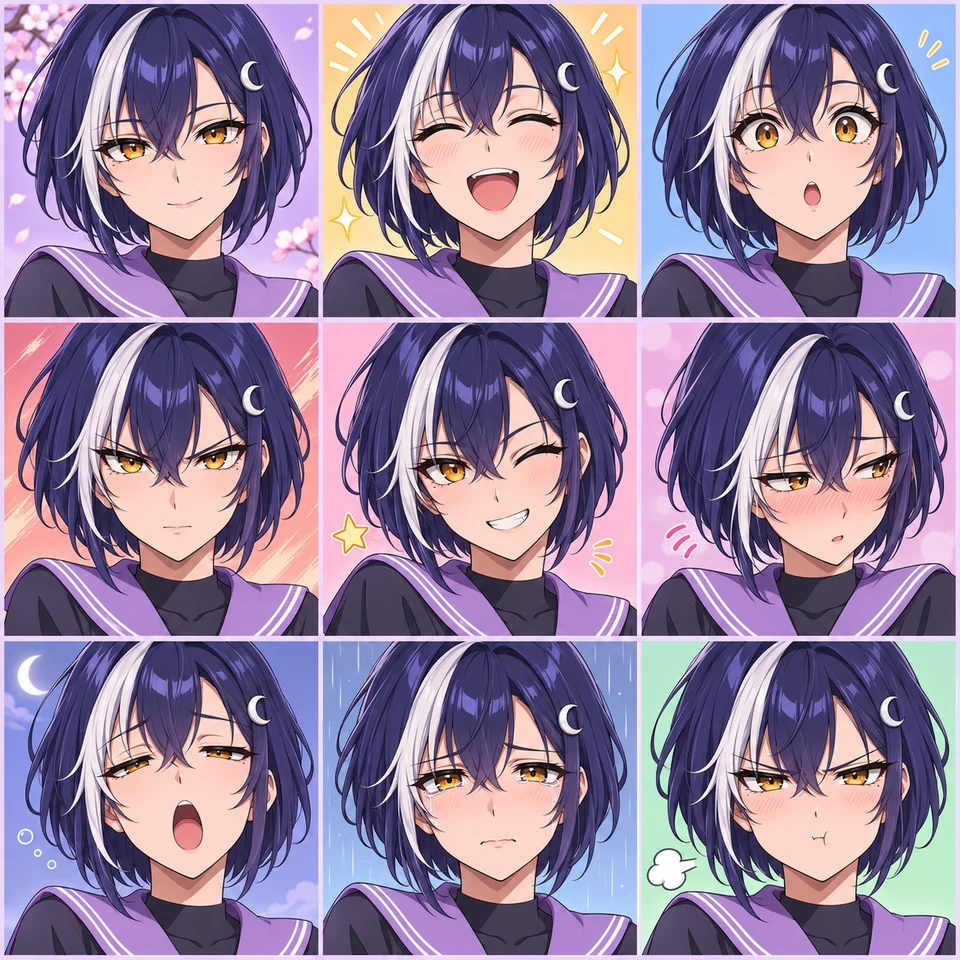
A hero, a rival, a familiar face from another story. Put nine original characters side by side and see your world take shape.

Use pictures already in your private library, upload artwork from your device or create a missing character right here. Review each new image before adding it to your lineup.

Build a character with OC Maker or explore a new look with the Anime Character Generator. Give your cast a shared backstory with the Headcanon Generator, or explore anime OC ideas for the next character.

Once your lineup is complete, give a favorite OC a page of their own with the Character Reference Sheet Maker.

One complete cast.Build your lineup ↑

A collection, a top nine, or a ranking?

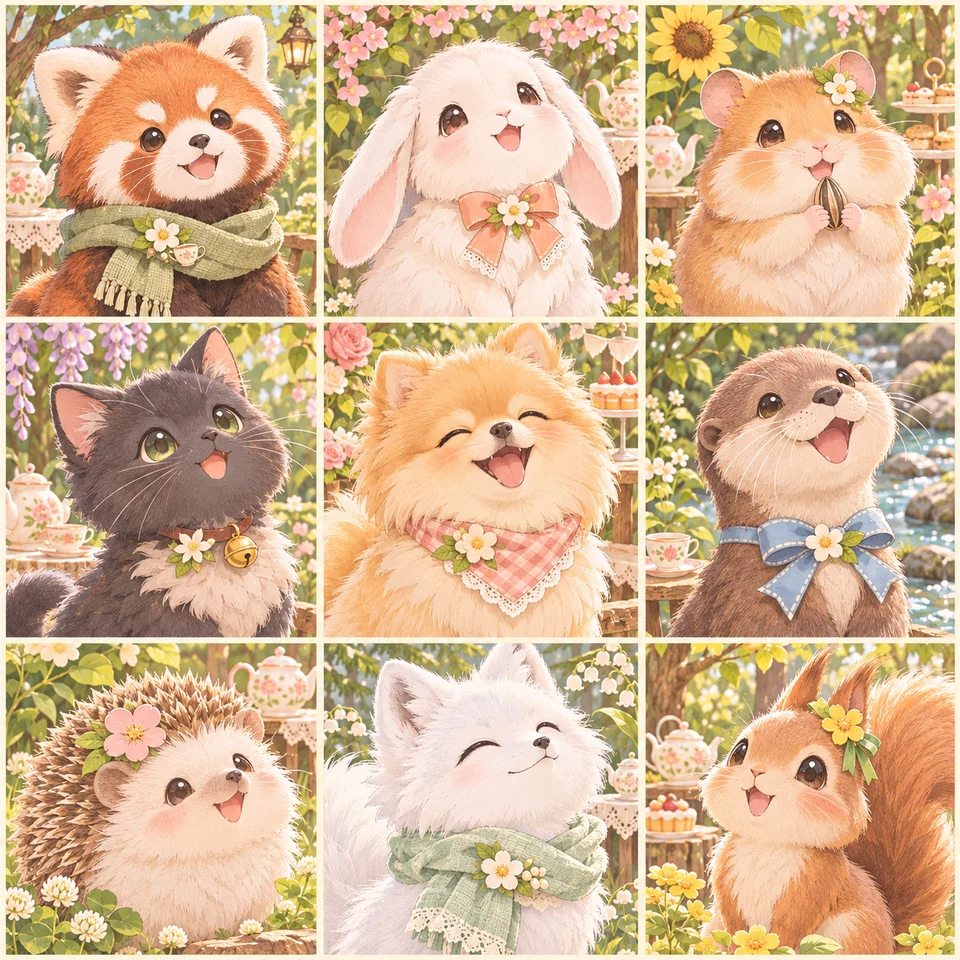
A 3x3 maker gives every picture its own space. An anime 3x3 can be a collection with no order at all; a top 9 anime grid can celebrate your personal favorites. A tier list instead groups entries into ranked levels.

Choose the meaning that fits your post. Keep the layout clean for a visual collection, or use individual labels to show names and positions. The 3x3 grid template stays the same while your title and artwork tell the story.

Anime 3x3 template

Arrange nine pictures in three rows, left to right and top to bottom. Put your favorite in the center for a showcase, or place your first pick in the top left if the order matters. Add a short title above the grid to tie the collection together.

Upload anime covers, character portraits, or your own artwork. Square images and portraits with a centered subject fit neatly into each tile. The collage exports as a 1200 × 1200 PNG with your title and any labels you add.

Anime 3x3 Maker FAQ

Can I turn my photo into an interactive manga grid?

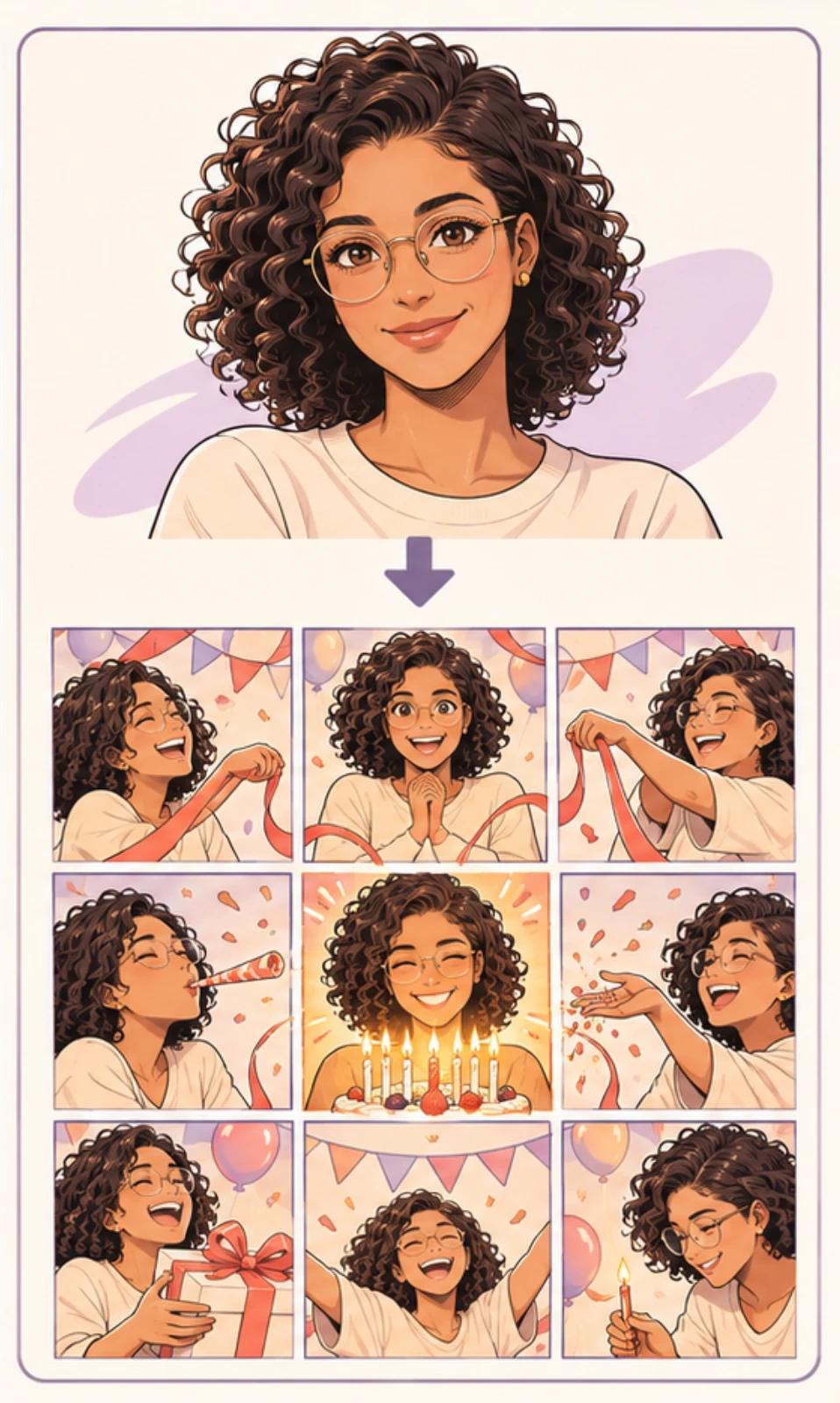
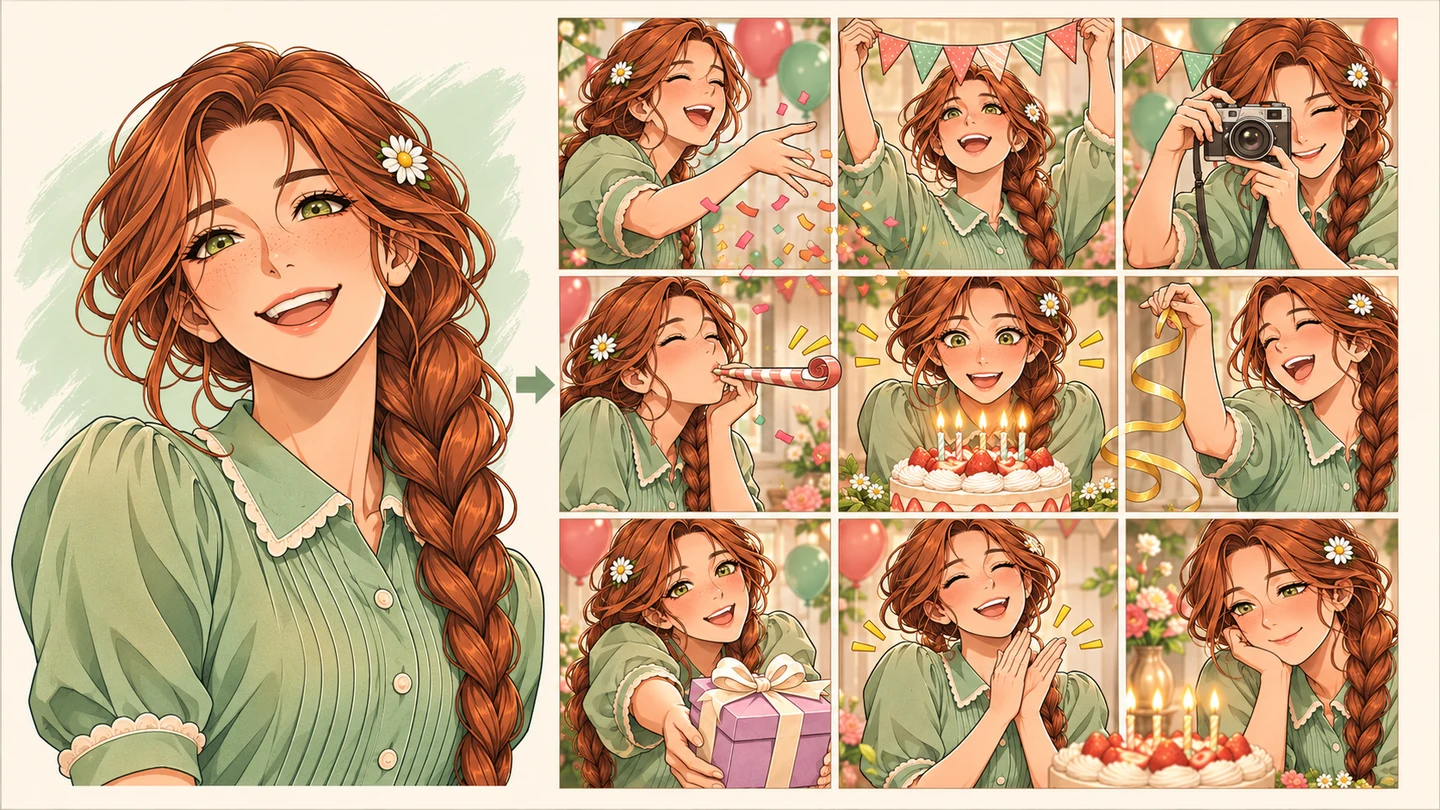
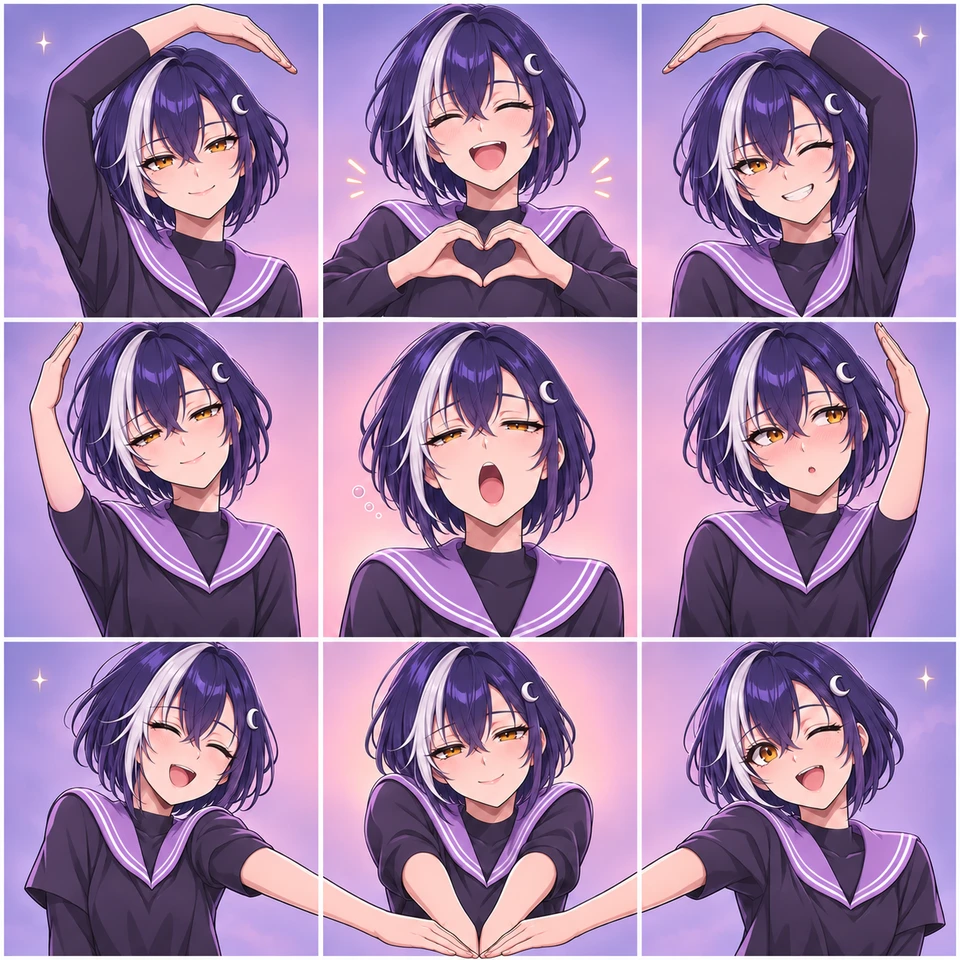
Yes. Choose Generate all 9 panels and add a reference photo. Pick Heart Pose, Birthday Party or Custom Theme to create one complete manga image with nine connected panels.

Do I generate one image or nine?

Create one image with AI adds a new picture to a square after you review it. Generate all 9 panels creates the complete composition as one image in a single generation. The button shows the credit cost.

Is Anime 3x3 Maker free?

Uploading images, arranging your grid and downloading the PNG are free, with no watermark. You do not need an account for local uploads. Creating a new image with AI uses credits; the price is shown before you generate.

Can I use images from My creations?

Yes. Sign in and choose My images to select pictures from your private image library. You can mix those pictures with local uploads in the same grid. Selecting an existing image does not use credits.

What if I only have six pictures?

Add your six pictures and use the three empty spaces for more uploads, images from your library or new AI creations. Each AI result is yours to review before you add it to a square.

What size is the download?

A grid assembled from individual pictures exports a 1200 × 1200 PNG, including your title and labels. Generate all 9 panels downloads the complete generated image at its original resolution; the selected model’s size is shown before generation.

Is an anime 3x3 a ranking?

It can be, but it does not have to be. A 3x3 can collect nine favorites, introduce your characters or group a visual theme. Add labels if you want to make a ranked top nine.

Are my uploaded pictures made public?

Pictures added to the free collage are composed locally in your browser. A reference selected for AI generation is uploaded privately when you generate. Your account library keeps its existing access controls. Downloading a collage does not publish it; you decide where to share the exported image.

Can I change positions on my phone?

Yes. Select a filled square, choose Swap position, then tap its destination. You can also drag pictures between squares on a desktop.