PNGTuber Maker
Make a talking avatar with this free online PNGTuber Maker. Try a demo or use your own transparent PNGs right in your browser, with nothing to install. Create a new character with AI credits, preview it with your microphone, and download the frames.
Preview
Manual mode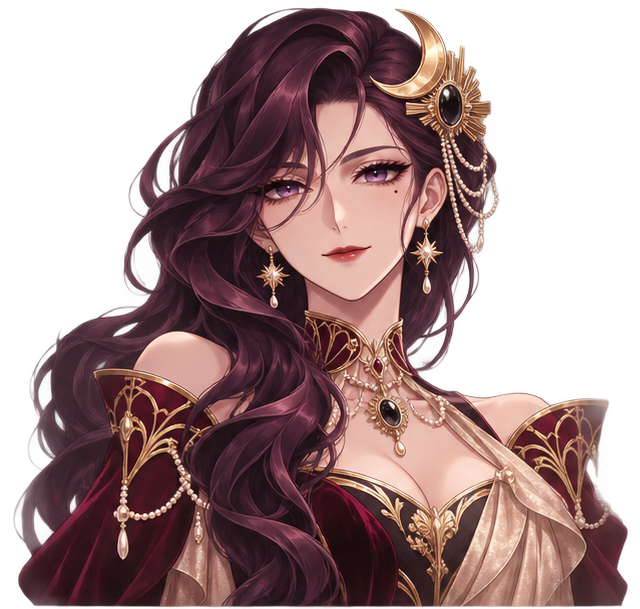
Character art
Vesper wears wine-red velvet and gilded jewelry, with four expressions that keep her silhouette steady.
Idle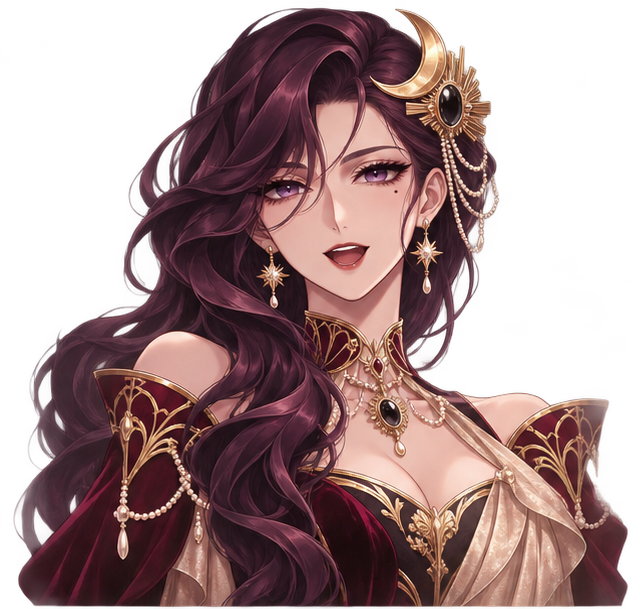 Talking
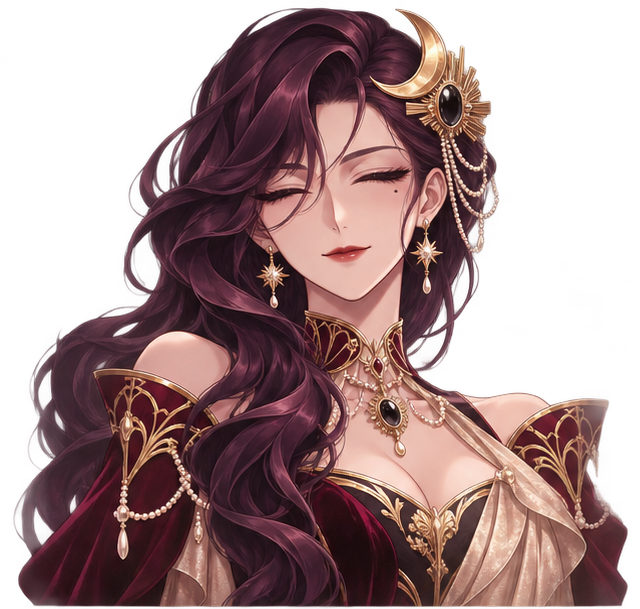 Idle blink
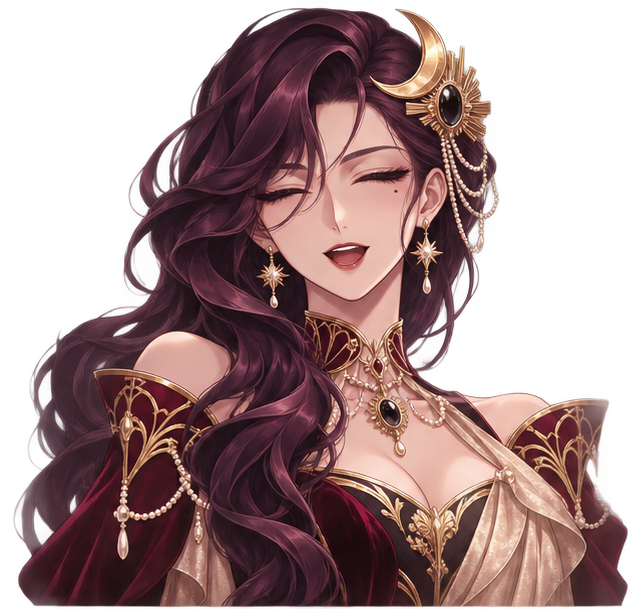 Talking blink
Microphone
Speak to switch expressions. Your audio stays on this device.
From character idea to talking PNGTuber
Give your stream a face even when you want to stay off camera. Try Vesper for an ornate anime look, Momo for a kawaii avatar, or Pippin for a cozy animal mascot. Each demo lets you see the same character talk, pause, and blink.
Create your own PNGTuber with AI
Describe the character you want on stream, including their hairstyle, outfit, or species. The AI PNGTuber generator creates an expression sheet so your talking and blinking poses start from the same character design.
See your avatar react to your voice
Your microphone switches the character to its talking pose while you speak and back to idle when you pause. You can also use the expression buttons to compare poses quietly.
Download your transparent PNGs
Take each pose as a separate image in one ZIP. Already planning the look? Use the Anime Avatar Generator to explore portrait ideas for your character.
How to make a PNGTuber in three steps
- Choose a character. Try a built-in demo, upload your own idle and talking PNGs, or choose Generate a character and describe an original design. The AI generator shows its credit cost before you submit.
- Preview the expressions. Use Idle, Talking, and Blink to switch between the poses on the same stage. Enable your microphone to see the avatar respond as you speak. Adjust sensitivity to suit your voice and room.
- Export the PNG pack. Download your avatar as a ZIP with the individual expression images and a manifest. The same ZIP can be reopened in this maker, which makes it easy to keep a copy or return to it later.
Transparent frames for your streaming setup
Keep each pose on the same transparent canvas, with the character in the same position. The basic pair is idle.png and talk.png. A four-frame pack also has idle-blink.png and talk-blink.png. If you draw your own square frames, around 1024 × 1024 pixels is a practical starting point for veadotube mini. Downloads keep the dimensions of the prepared or imported frames.
To put the character in OBS, unzip the pack and add the individual PNGs to the matching pose slots in veadotube mini. Select your microphone there, then capture the player in OBS using the source for your operating system. For example, veadotube documents Game Capture with transparency on Windows and Syphon Client on macOS. See the veadotube OBS setup guide.
PNGTuber or a full VTuber model?
A PNGTuber uses still poses of the same character and switches between them based on your voice. It is a straightforward way to start streaming with a 2D avatar. If you are looking for a VTuber model maker for tracked head turns or deformable features, that workflow uses layered artwork and a rig built in Live2D Cubism. Use your character design as a visual brief for the rig. The exported Live2D model is what VTube Studio loads for face tracking.
PNGTuber Maker FAQ
- What is a PNGTuber?
- A PNGTuber is a 2D avatar made from still images. The mouth-closed pose appears when you pause, and the mouth-open pose appears when you speak.
- Can I use my own artwork?
- Yes. Upload transparent PNGs with matching dimensions or import an avatar ZIP made with this tool. Each PNG can be up to 5 MB and 2,048 pixels on either side.
- Do I need an account to try it?
- Demo characters, PNG imports, microphone preview, and ZIP downloads are available without signing in. Creating a new character with AI requires an account.
- Is PNGTuber Maker free?
- Yes, you can use the demos or your own PNGs for free. AI generation uses credits, and the Generate avatar button shows the cost before you submit.
- Does it work with VTube Studio?
- VTube Studio’s face-tracking workflow uses a rigged Live2D model. For voice-reactive streaming with the PNGs exported here, load the individual frames into veadotube mini and capture it in OBS.
- How many frames do I need?
- Two frames give you idle and talking poses. Two additional closed-eye images let your character blink both at rest and while speaking.
- Does it upload my audio?
- Microphone audio stays on your device. The browser measures its volume to choose which expression to display.