Wassup in a Minute Trend
Anime-style pencil comic characters. Baggy streetwear. A plain white background. The Wassup in a Minute edit brings that look to a side-to-side sway. Upload one photo to turn yourself into a relaxed anime-style pencil comic character. Keep your recognizable features, choose one of three outfits, then bring the drawing into your next TikTok edit.
Make your streetwear character
Upload your photo, pick a look and create your pencil comic character.
HEIC, JPEG, PNG or WebP · Up to 40 MB
Start with your photo
One adult, with a clear face and good light.
Download one still image, then add movement in your editor.
Open my history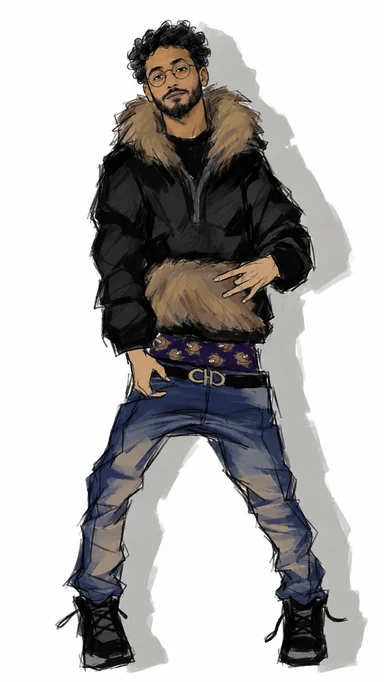
What the Wassup in a Minute character looks like
| Art style | Loose, broken pencil lines and simple muted color blocks. A deliberately unfinished comic sketch, with simplified facial details. |
|---|---|
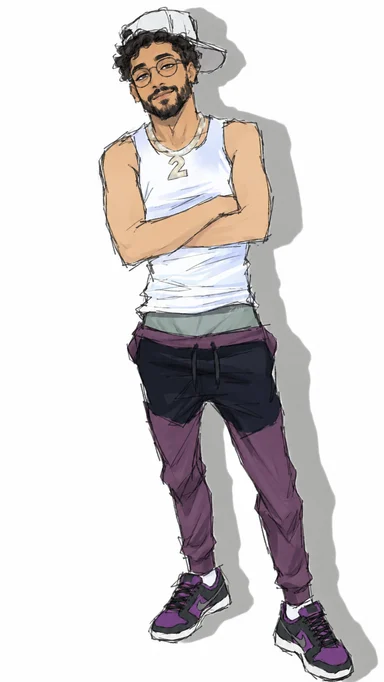
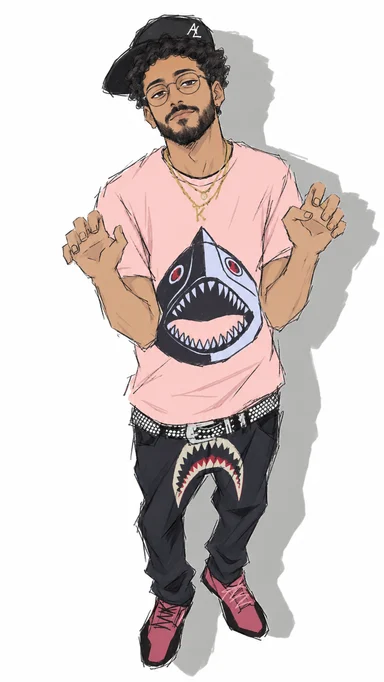
| Outfit | The clothing and accessories from your selected look: Fur jacket, Tank & purple or Pink shark tee. Your original outfit is replaced. |
| Pose | A relaxed, slightly slouched pose inspired by the selected outfit reference, with a tilted head and laid-back expression. |
| Background | Pure white with a clear grey cast shadow behind the figure to its right. A readable, flat comic silhouette. |
| Image format | One full-body, 9:16 vertical still image. Add swaying motion and music in your chosen editing app. |
How to make it from one photo
1. Upload a photo
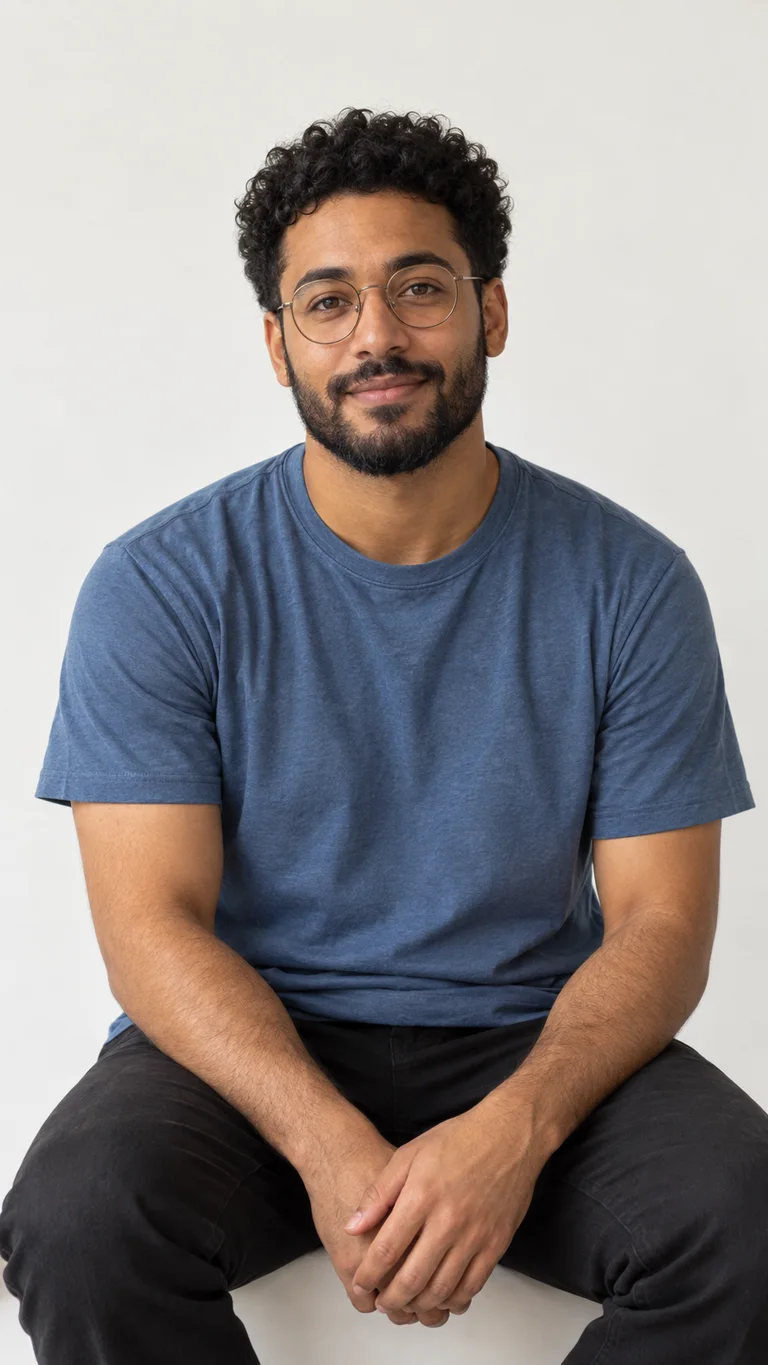
Choose one adult with a clear face, good light and visible hair. A knees-up or full-body photo helps; a closer portrait works as a starting point too.
2. Pick a look and create
Choose one of the three outfits, check the credits on the button and generate. Your photo guides identity; the selected reference guides clothing, pose and pencil comic style.
3. Make it sway
Download the image and import it into TikTok, CapCut or another editor. Remove the white background if needed, add the movement you want, and select your posting sound inside the app.
One portrait, three streetwear looks
The same curls, glasses and beard carry across all three outfits. Choose the clothing and pose you like; each look uses the same loose anime-style pencil comic finish. These AI-created examples were made during our look development.
Where the trend started
Published . Explore the linked posts behind the sound, character edits and tutorials.
- — Producer zbee posts a jersey club remix of “From Time”. View post ↗
- — @ristyisvalid posts a streetwear anime character-sway edit. View post ↗
- — A follow-up post uses the caption “Wassup in a minute”. View post ↗
- — Another creator shares a character variation of the edit. View post ↗
- — A tutorial shows a way to recreate the character-shake effect. View post ↗
The outfit and the character-shake look
The appeal is the contrast: a loose pencil comic character against an empty white canvas, with a small rhythmic sway added in the edit. Simple linework, flat color and a clear grey cast shadow make the figure feel like a hand-drawn cut-out before any movement is added.
We redraw the person in your photo in the selected reference outfit, while keeping their recognizable features. You get the illustration here; the final animation, pacing and sound are choices you make in your editor.
You may also see the edit called “wassup been a minute trend”, “in a minute wassup”, “wasala in a minute”, “wassup wait a minute”, “wassup sway” or “wassup been a minute anime trend”.
More anime trends
Wassup in a Minute FAQ
What is the Wassup in a Minute trend?
It is an anime edit format built around streetwear characters swaying against a plain white background. Here you create your own original character drawing from a photo, ready to use in an edit.
Does this page make the video too?
This page makes one still image. Download your character, then add movement and audio in TikTok, CapCut or another editor. Choose an available template or animate the picture yourself.
Do I need a green screen or keyframes?
No drawing or animation setup is needed to create the character here. The white background makes it easy to remove in an editor. Animation depends on the template or editing app you use.
What should my reference photo look like?
Use one clearly visible adult, with good light and an unobstructed face. A knees-up or full-body photo is helpful. With a closer portrait, the model draws the rest of the body. Use your own photo or one you have permission to edit.
How much does a character cost?
Each finished character costs 20 credits. The generation button shows the price before you start. New accounts receive 20 signup credits that do not expire. Credit packs start at $4.99, with no subscription required.
Will it keep my face and original clothes?
Your photo guides recognizable features such as face shape, skin tone, hair, glasses and beard. Your clothing is replaced by the selected outfit, drawn in a loose pencil comic style.
How do the style references work?
Choose Fur jacket, Tank & purple or Pink shark tee. Your photo is the identity reference; only the selected outfit reference supplies clothing, accessories, pose and drawing style. The reference character’s face and hair color are not copied. Switching looks does not use credits or generate an image.
What sound should I use when posting?
Select the sound associated with the edit inside your posting app and check its availability for your account and intended use. This page does not supply or license a music file.