THE COSTUME. THE CONFESSION. THE ORIGINAL.
Sorry I Lied AI
Start with a spectacular costume. Walk the story back, one photo at a time. End with the real you.
One photo → three costume pictures + your untouched original · 15 credits total · Google sign-in required
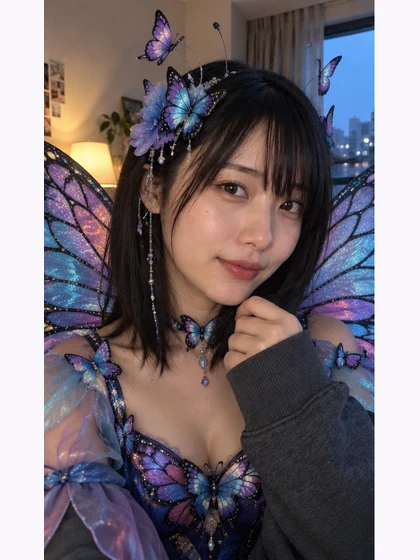
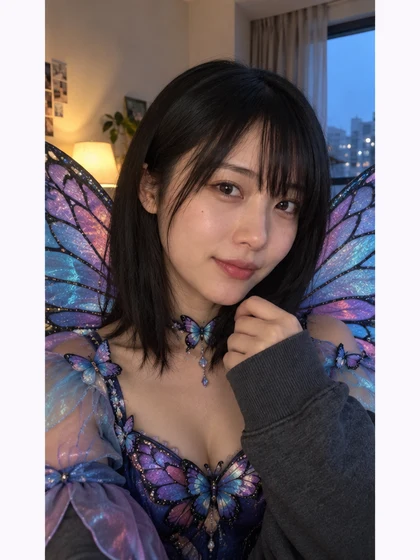
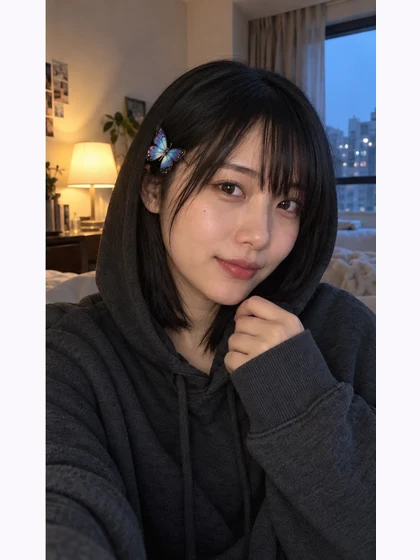
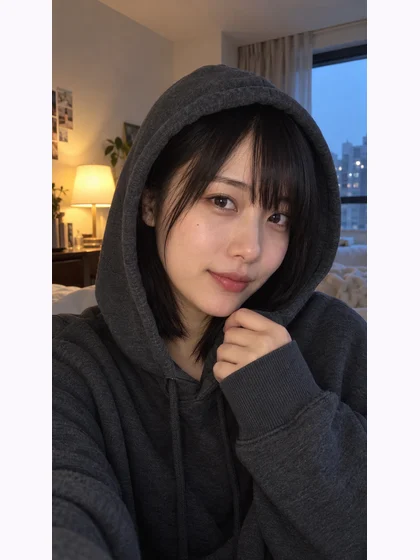
AI-created adult reference · real generated costume edits
What did you dress as?
One person or pet. One original photo. Three versions of the story.
JPEG, PNG or WebP
Up to 10 MB
15 credits for the complete reveal
3 costume pictures + your unchanged original
AI may change photo details. You can edit the captions and download each picture separately.
Your recent reveals
Start with the biggest story.
End with the original.
Your three costume pictures and untouched photo appear here, in reveal order. Add your own captions before downloading.
See the real examples ↓See the reveal, picture by picture
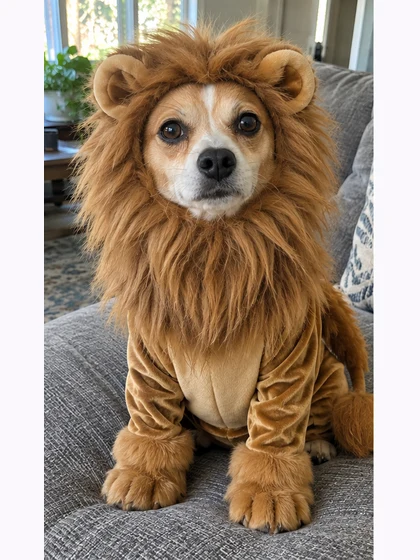
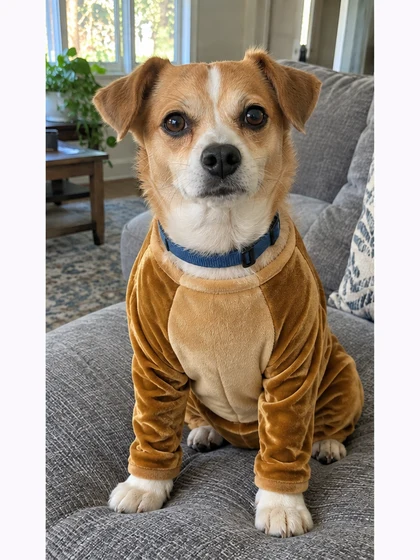
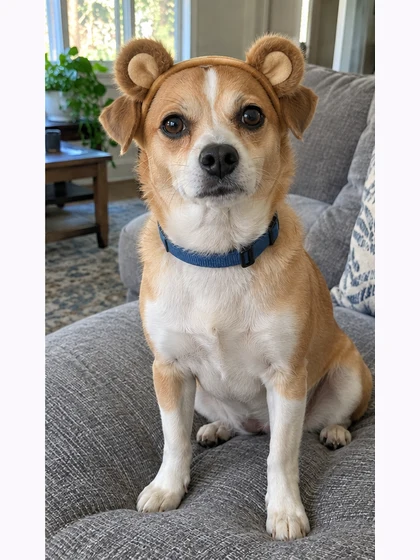
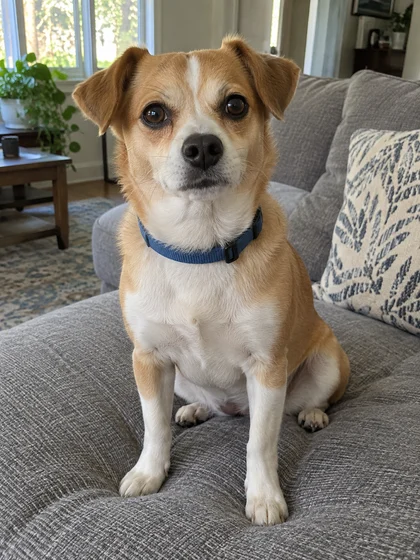
These examples use AI-created people and a fictional pet, not customer photos. See three costume variations followed by the unchanged original. Costume details and facial likeness can vary.
A butterfly costume, then a confession
A royal outfit, then the everyday photo
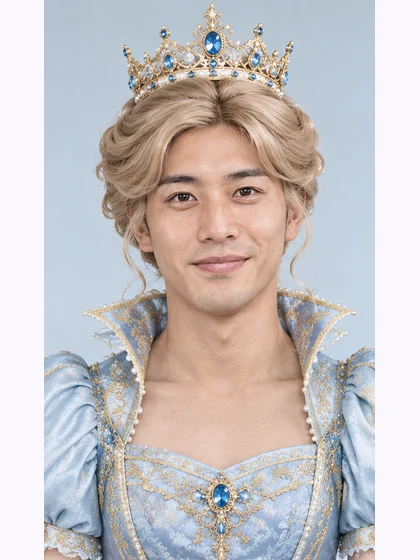
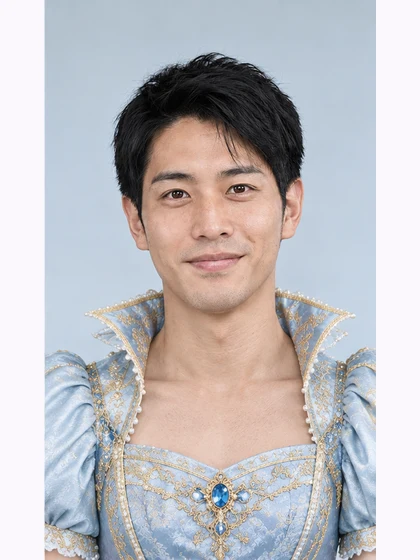
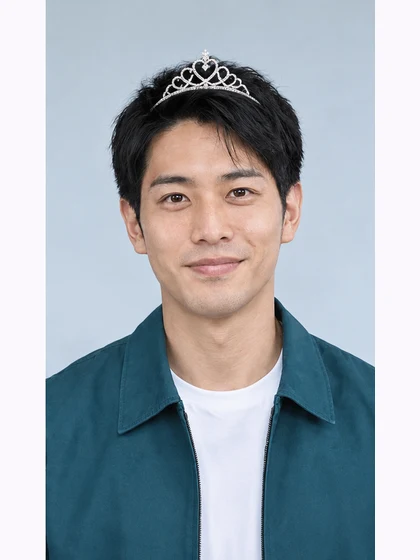
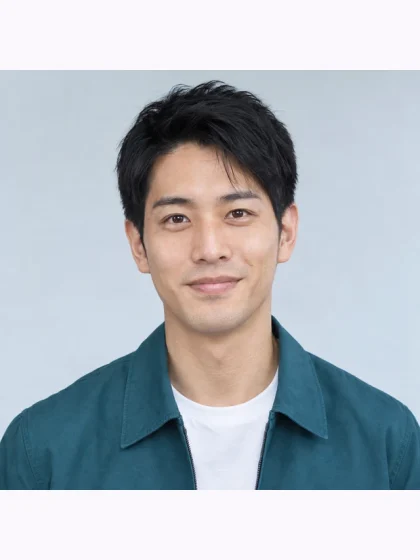
A witch costume in an old snapshot
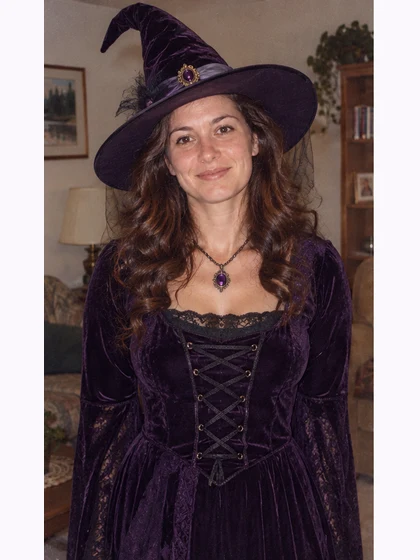
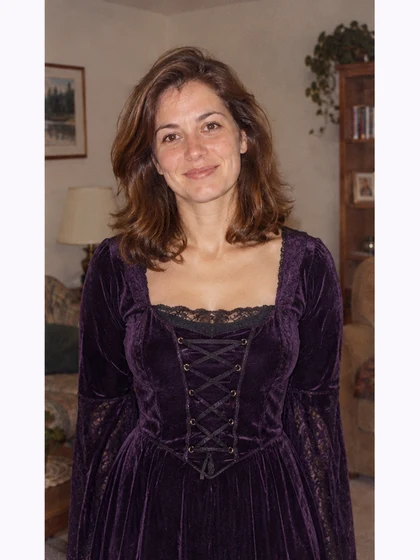
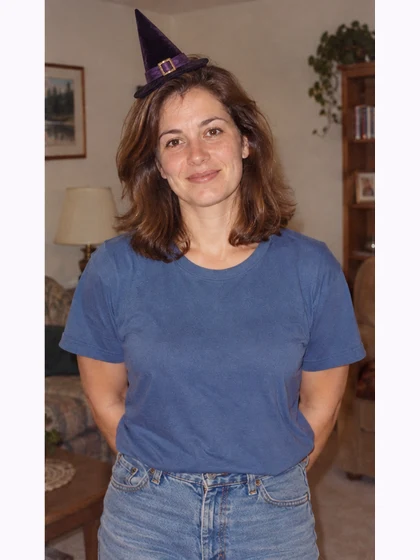
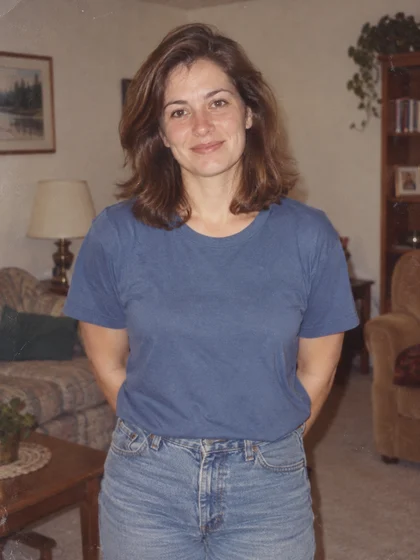
A little lion, a smaller story
How to make your four-photo reveal
1. Pick the photo and costume
Upload a clear JPEG, PNG or WebP up to 10 MB. Use a photo you have permission to edit. Choose a preset or describe the costume.
2. Generate the three versions
Review the total credit cost, then create your costume reveal. Your three costume pictures appear alongside the unchanged original for the final reveal.
3. Add captions and download
Edit each caption, save it, then download the four separate pictures. You can also export captioned copies and a four-picture preview.
Sorry I Lied FAQ
What is the Sorry I Lied photo effect?
It is a four-photo reveal: an elaborate costume, the costume with original hair or fur, one small accessory on the original outfit, then your unchanged photo. You can edit the captions and download each picture separately.
Can I use a person or a pet?
Yes. Start with one clearly visible person or pet. Choose Princess, Butterfly, Lion or Witch, or describe your own costume. AI can change facial details, costume designs and the background; exact likeness is not guaranteed.
Does the AI edit my original photo?
Your original photo stays unchanged as the fourth picture. The first three pictures show your costume reveal. Download each picture separately, with or without your own captions, or save a four-picture preview.
What happens if generation fails?
After a confirmed failure, retry the complete reveal at the displayed cost. If the connection drops, reopen your existing reveal before starting another one. Downloading saved pictures does not use extra credits.
Will a blurry or old photo stay identical?
The fourth photo remains your uploaded file. Generated pictures can become sharper or change grain and details. Use a clear photo for more predictable results.