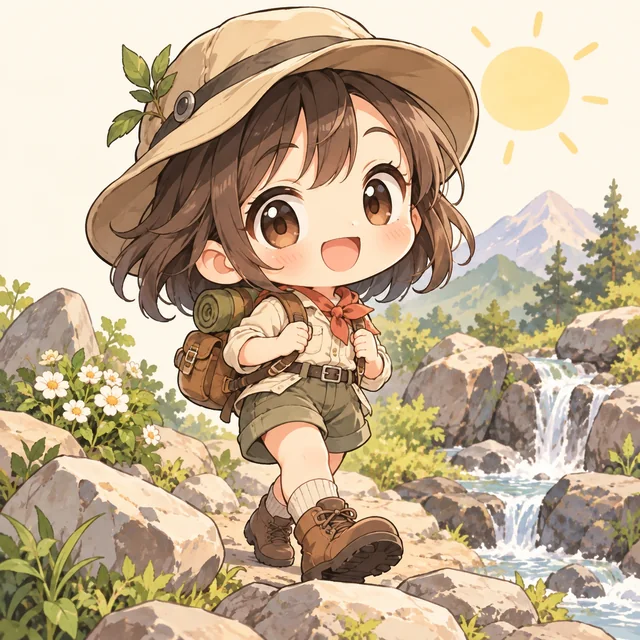
Chibi
Original chibi explorer with a tiny backpack, oversized head, cheerful expression, soft sunshine, clean bold outlines, cream background, no text
JPEG, PNG or WebP
Up to 10 MB
Build an anime image from a written idea. Describe your subject, shape the scene, and use the prompt examples below to refine the result.
Sign in with Google for 30 free credits, valid for 7 days. At 10 credits per image, that’s 3 images with the default model.
Choose a starting idea and make it your own.
Original chibi explorer with a tiny backpack, oversized head, cheerful expression, soft sunshine, clean bold outlines, cream background, no text
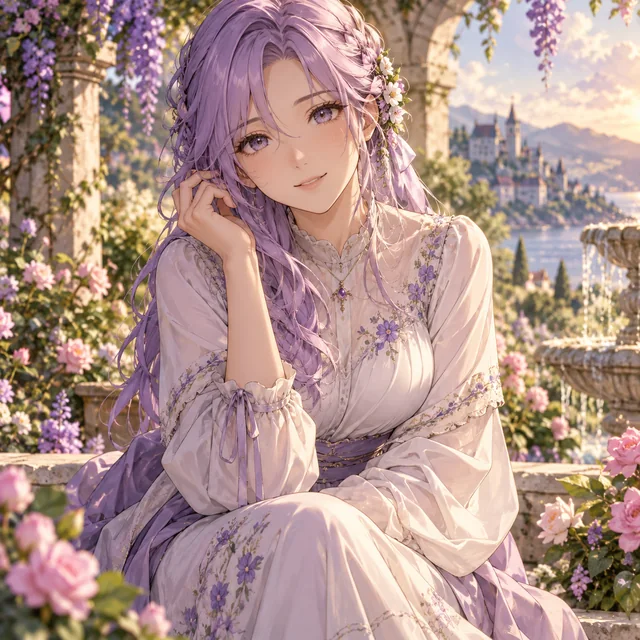
Portrait of an original adult anime woman with lavender hair, a modest flowing dress, warm smile, flower garden, soft cinematic lighting, detailed eyes, no text
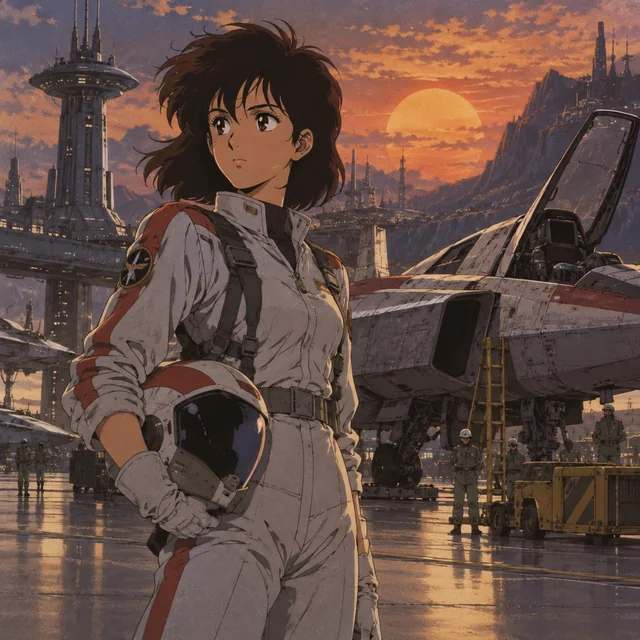
Original anime pilot in a retro spaceport, 1990s cel animation look, muted colors, hand-painted background, subtle film grain, dramatic sunset, no text
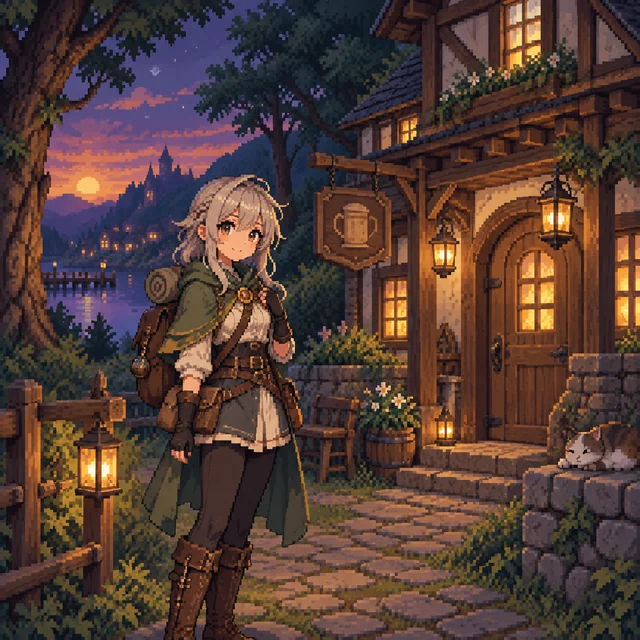
Original anime adventurer standing beside a cozy forest inn, crisp pixel art, limited color palette, small lanterns, evening sky, no text
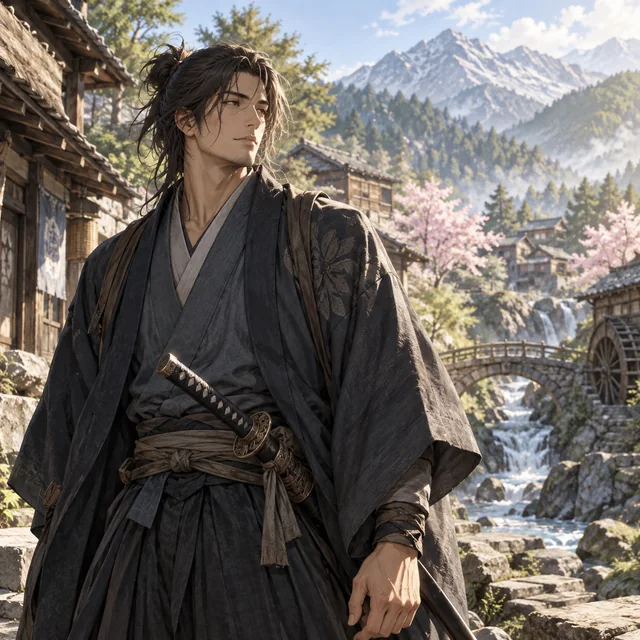
Original adult anime swordsman in a peaceful mountain village, realistic fabric textures, natural morning light, painterly detail, calm expression, no text
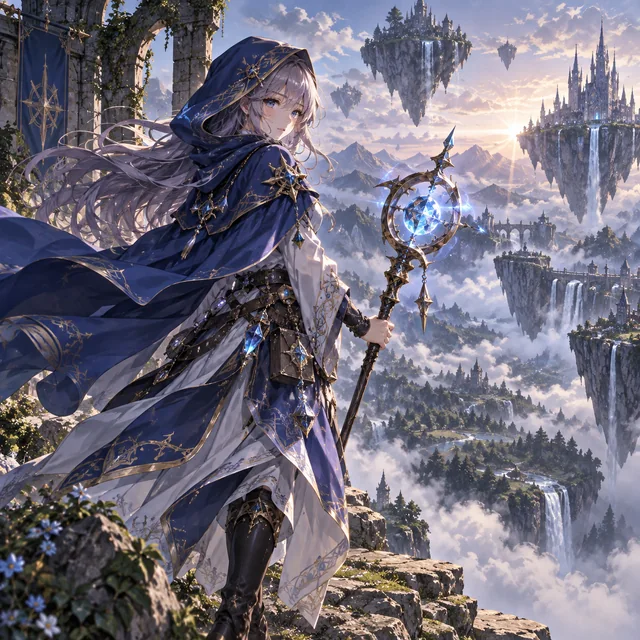
Original anime mage with a blue cloak and glowing staff, floating islands above a misty valley, intricate fantasy costume, cinematic composition, no text
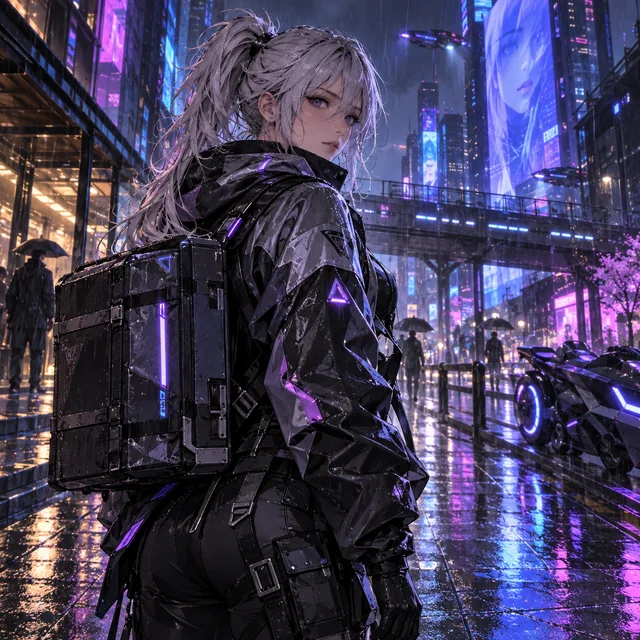
Original adult anime courier with silver hair in a rainy neon city, futuristic jacket, blue and violet reflections, cinematic cyberpunk atmosphere, no text
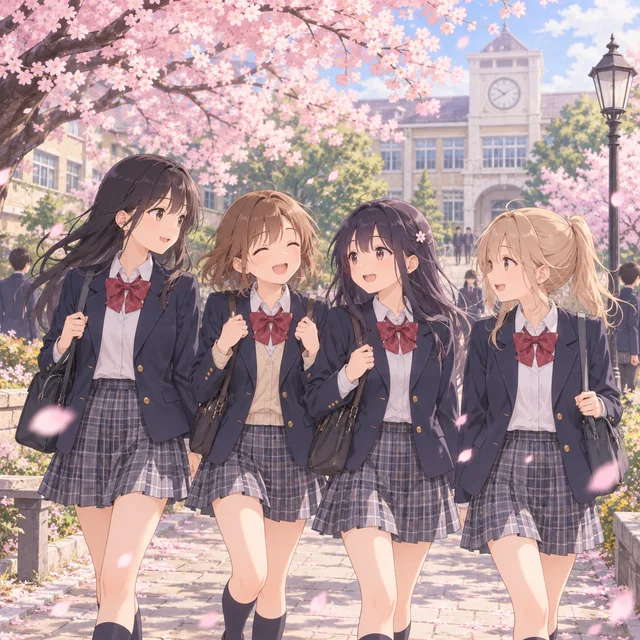
Original anime school scene with friends walking through a cherry blossom courtyard, modest uniforms, peaceful spring afternoon, soft pastel colors, no text
Write a specific character or scene prompt. A gallery card gives you a complete starting idea that you can edit.
Choose the style, model where offered, and aspect ratio. Check the displayed credit cost and sign in with Google to generate.
Wait for the approved image to load, then download it. For another version, change one detail and generate again.
Give the image a subject, an action, and a place to happen. Add light and framing to help those details work together.
Original adult anime courier with silver hair, walking through a rainy neon city, futuristic jacket, blue and violet reflections, full-body composition, no text
The backpack, oversized head, cheerful expression, and cream background give the model a clear subject and a simple composition.
The pilot, 1990s cel animation look, muted palette, and sunset describe both the character and the visual treatment.
The blue cloak and glowing staff anchor the character; floating islands and a misty valley establish the world around them.
Use 1:1 for a balanced square portrait or a compact scene. A portrait ratio gives a full-body character more vertical space; a landscape ratio leaves room for scenery. Only ratios supported by the selected model are offered. Include the intended framing in your prompt so a wide canvas does not simply stretch a portrait idea.
Start with one clear subject and a short scene description. If the result feels crowded, remove secondary objects. If the mood is wrong, change the lighting rather than replacing the entire prompt. Keep the model, style, and ratio fixed while testing one change. Each new generation uses the credit cost shown on the button; results can vary even with the same prompt.
New accounts receive 30 free bonus credits once, valid for 7 days. No card is needed to start. At the default cost of 10 credits per image, this covers 3 images. The number varies if you choose a model with a different cost.
Yes. Click a gallery card to fill the prompt and style, then replace the subject or setting. A prompt card is a starting idea, not a promise that your result will match its illustration exactly.
Use a subject, action, setting, lighting, and composition. Keep the details consistent: a close-up portrait and a distant full-body view are competing instructions.
Start with square for portraits and compact compositions. Choose a supported portrait ratio for tall characters or landscape for environments, and describe that framing in your prompt.
The same prompt can produce different details. Save a result you like before trying another version, and change one element at a time to make comparisons useful.