HEIC, JPEG, PNG or WebP · Up to 40 MB
AI Anime Generator
New · GPT Image 2.6 — native GIF output. See the examples ↗
Create beautiful anime portraits, original characters and playful chibis in a few simple steps.
Start with 40 bonus credits, with no expiry. Credit packs from $4.99. No subscription needed.
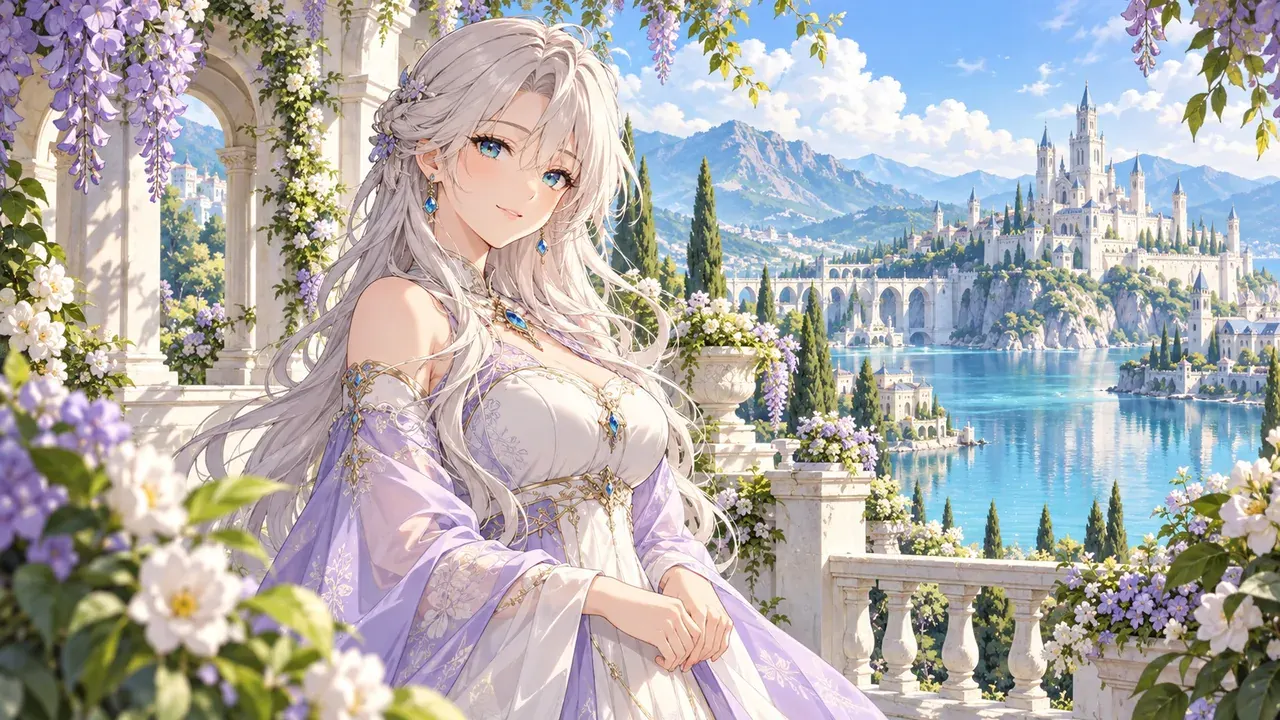
Anime prompt inspiration
Choose a starting idea and make it your own.
Choose how to create your anime art
Start with a description when you want to invent a character or scene. Use a photo when you already have a subject and want an anime interpretation. Both workflows share the generator above, so you can choose the starting point that fits your idea.
Create AI anime art from text
Describe the subject, setting, and mood rather than listing unrelated style words. A lavender-haired character in a quiet garden needs different details from a courier in a rainy city. Choose a gallery card to fill the prompt and style, then edit it to make the idea your own.
Explore the text-to-anime prompt guide ↗Planning a scenic illustration or a wallpaper concept? Explore composition ideas in the anime art generator.
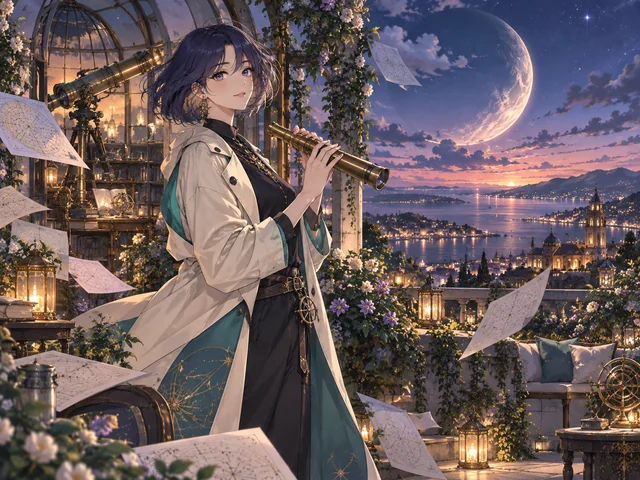
Turn a photo into anime
Choose a clear photo with an unobstructed subject and a simple background. Add it to the generator, pick a style, and describe any changes you want. You can also leave the description blank for an anime transformation. Upload only photos you have permission to use.
Choose a reference-capable model for photo editing. Use a clear photo and describe the details you want to keep.
Turn your photo into anime ↗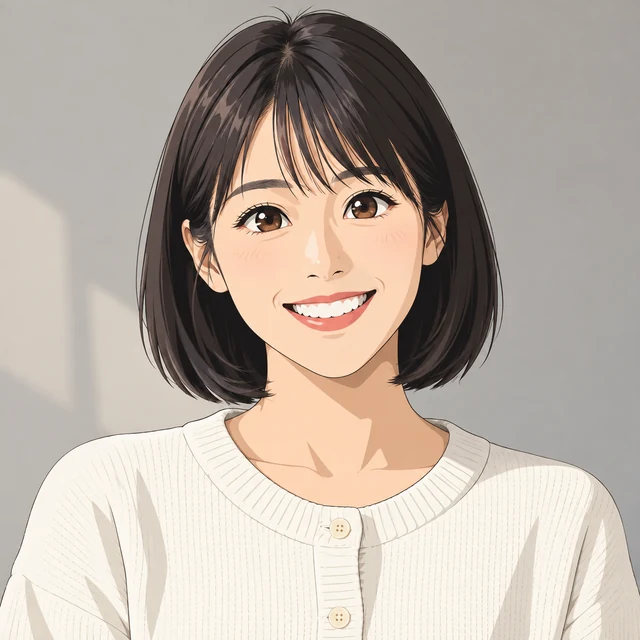
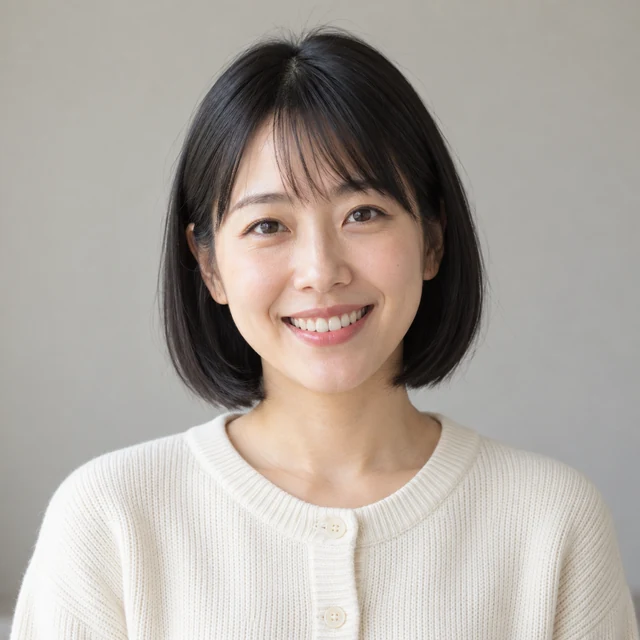 PhotoAnime
AI-created photo-to-anime illustration.
Animate an anime image into a short video
Turn the anime image you just created into the opening frame of a video. Make your character run, leap through the scene or turn with a flowing cape. Describe the action and add a camera push or an orbit to shape the shot.
Build a character reveal, a fantasy scene or a short social edit. Upload an image or choose one from your creations, then select a model, resolution and duration. The default output is a five-second silent MP4 you can download and share.
Try the anime video generator ↗Five-second starting options: Wan 2.2 Turbo (80 credits); Kling 2.6 (110 credits); Seedance 2.0 Mini (40 credits); Seedance 2.0 (190 credits); Seedance 2.5 (280 credits).
Each model offers its own resolution, framing and duration options. Adjust them to suit your shot and check the updated credit total on Generate before you start. Your motion description guides both the character and the camera.
Try the anime star eye filter
Add one bold anime eye and three original anime stickers to your selfie. Upload a front-facing photo with both eyes visible; no prompt needed.
20 credits per image. AI editing can change facial details and eye placement.
Make your star eye selfie ↗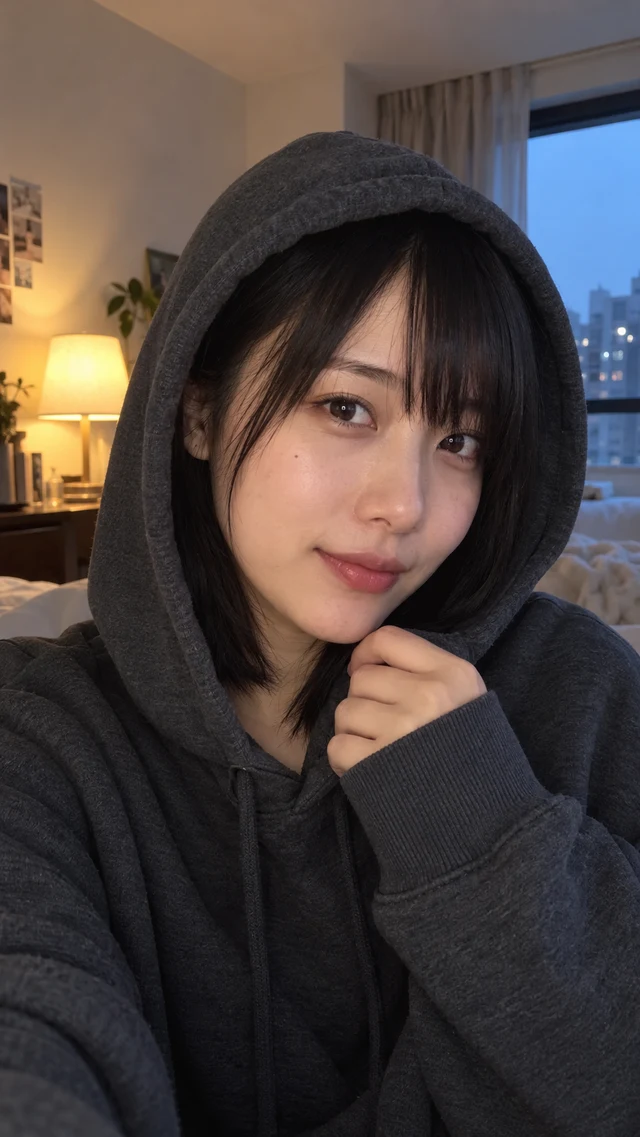
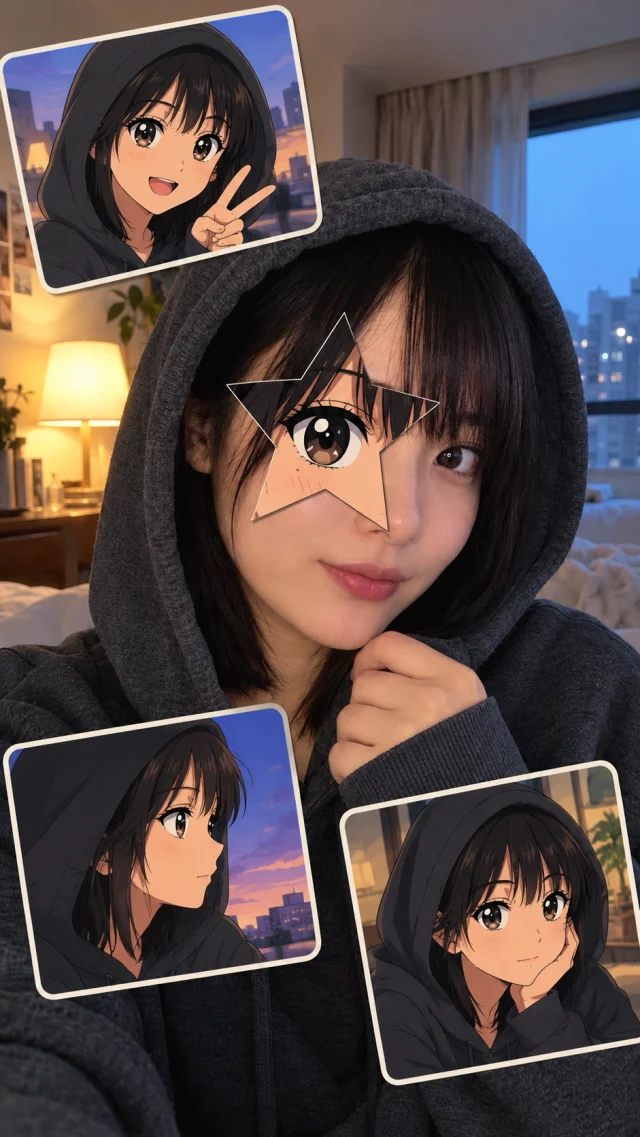
Anime trends & effects
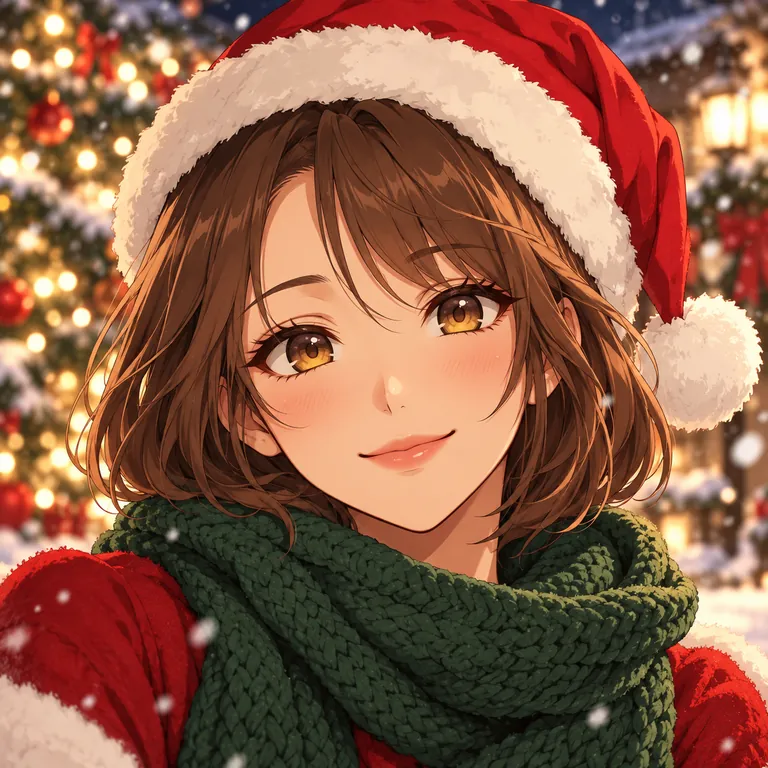
Anime Christmas PFP
Find your festive profile picture. Pick from 75 portraits, matching pairs and winter wallpapers.
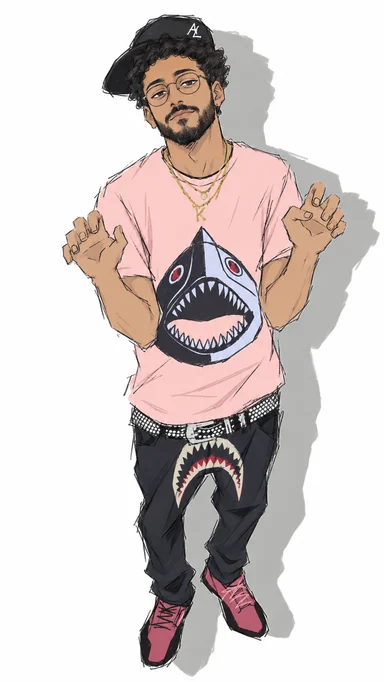
Wassup in a Minute
Your face. A fresh streetwear look. Turn one photo into a laid-back pencil comic character.
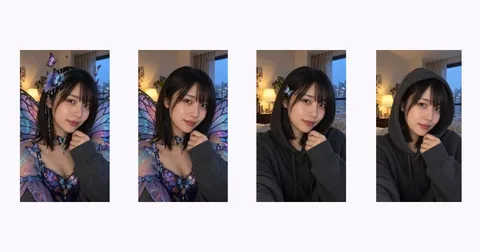
Sorry I Lied AI
Start with the costume. End with the confession. Create your four-photo reveal.
Choose an anime style for your idea
Portraits and character art
Waifu emphasizes expressive adult portraits; Realistic combines anime features with natural lighting and textures. Chibi uses oversized heads and simpler shapes for playful characters.
Worlds and atmosphere
Retro uses cel shading and nostalgic colors. Fantasy suits magical landscapes, while Cyberpunk works well with neon light and city scenes. Pixel favors crisp shapes and a limited palette; School offers gentle everyday settings.
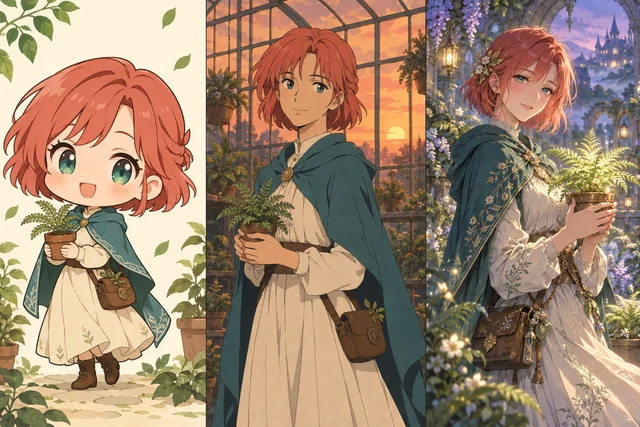
 Chibi generator ↗Describe a little character with a big personality.
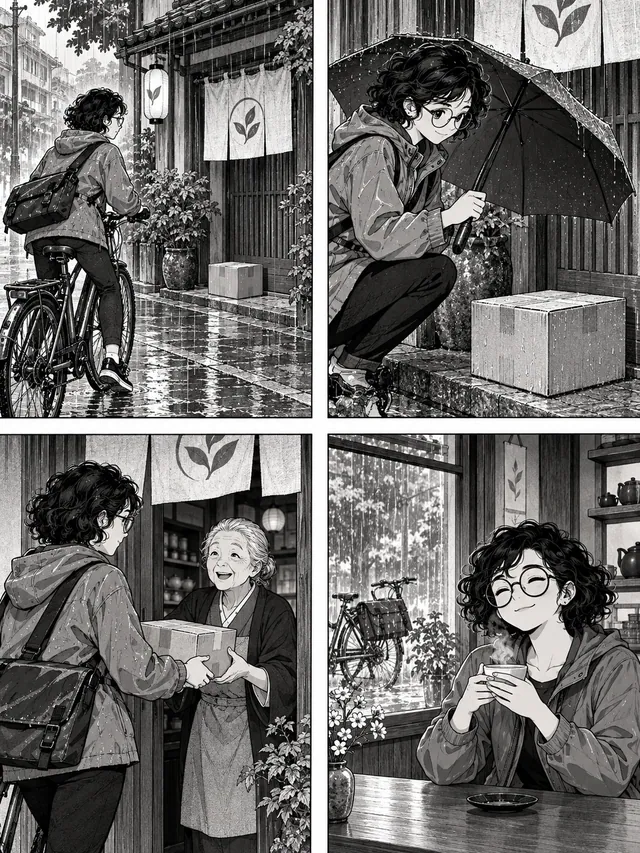 Manga generator ↗Turn your story and dialogue into a four-panel manga page.
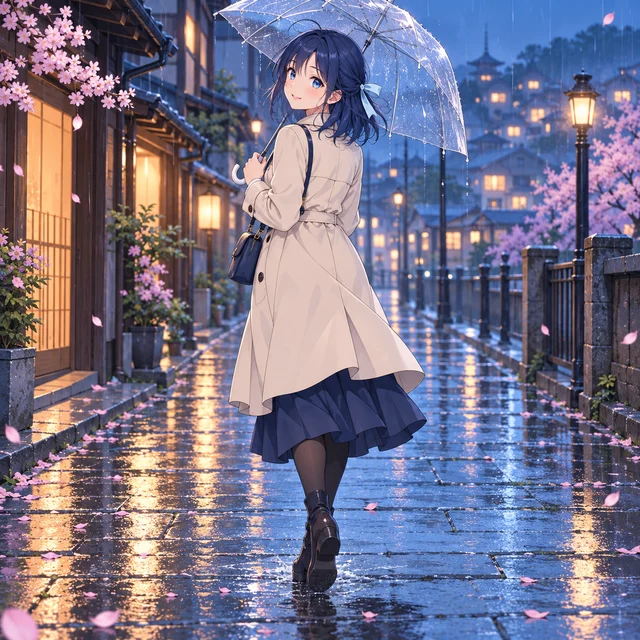 Waifu generator ↗Give an original adult anime character a look and a personality.
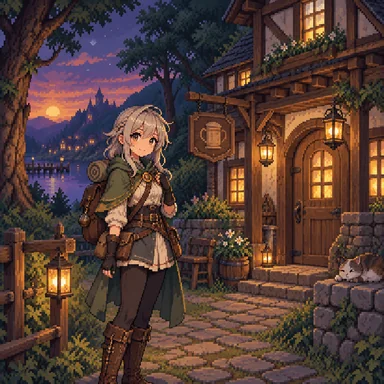 Pixel art converter ↗Convert an image with a precise grid and limited colors.
Understand your model and credits
GPT Image 2.6: start with Flare for fast iteration, or Sunburst for fine details. Both use 15 credits per still image. Native text-to-GIF has a separate workflow and credit quote.
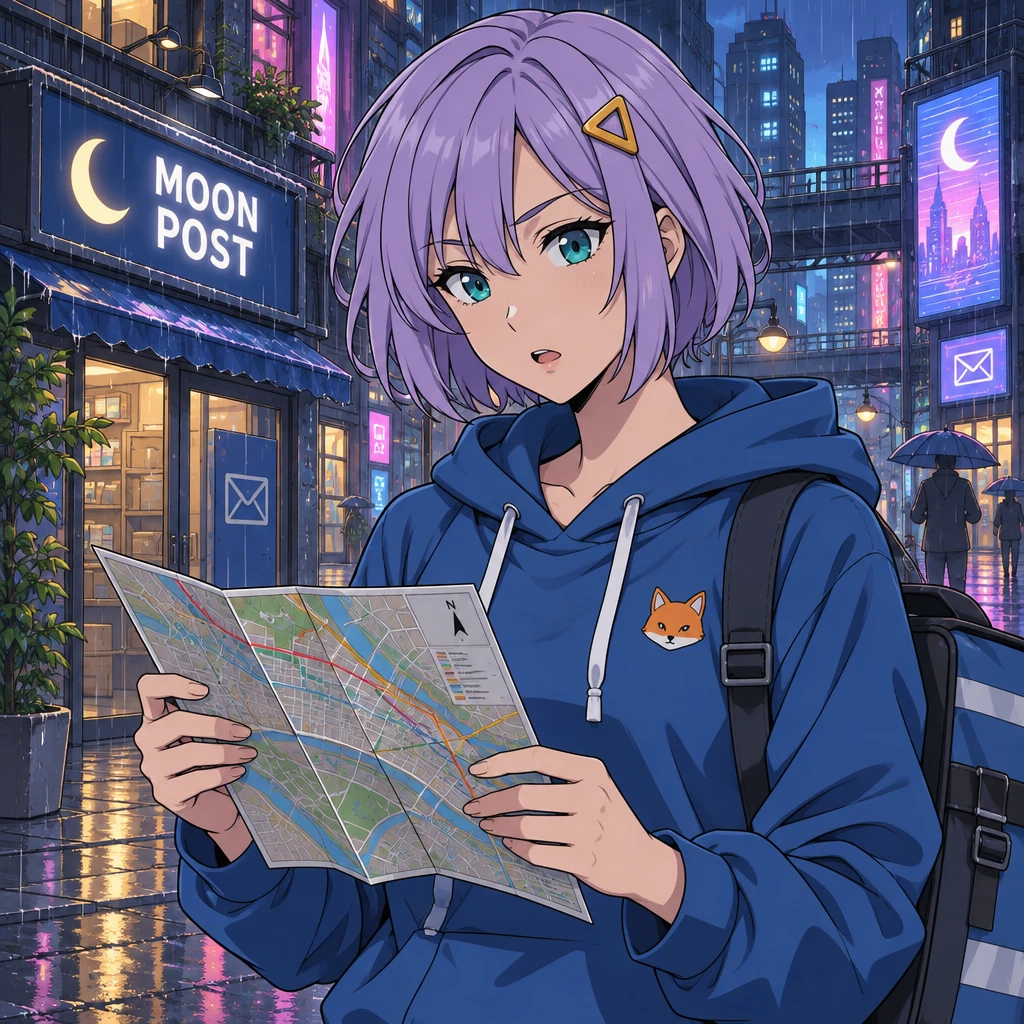
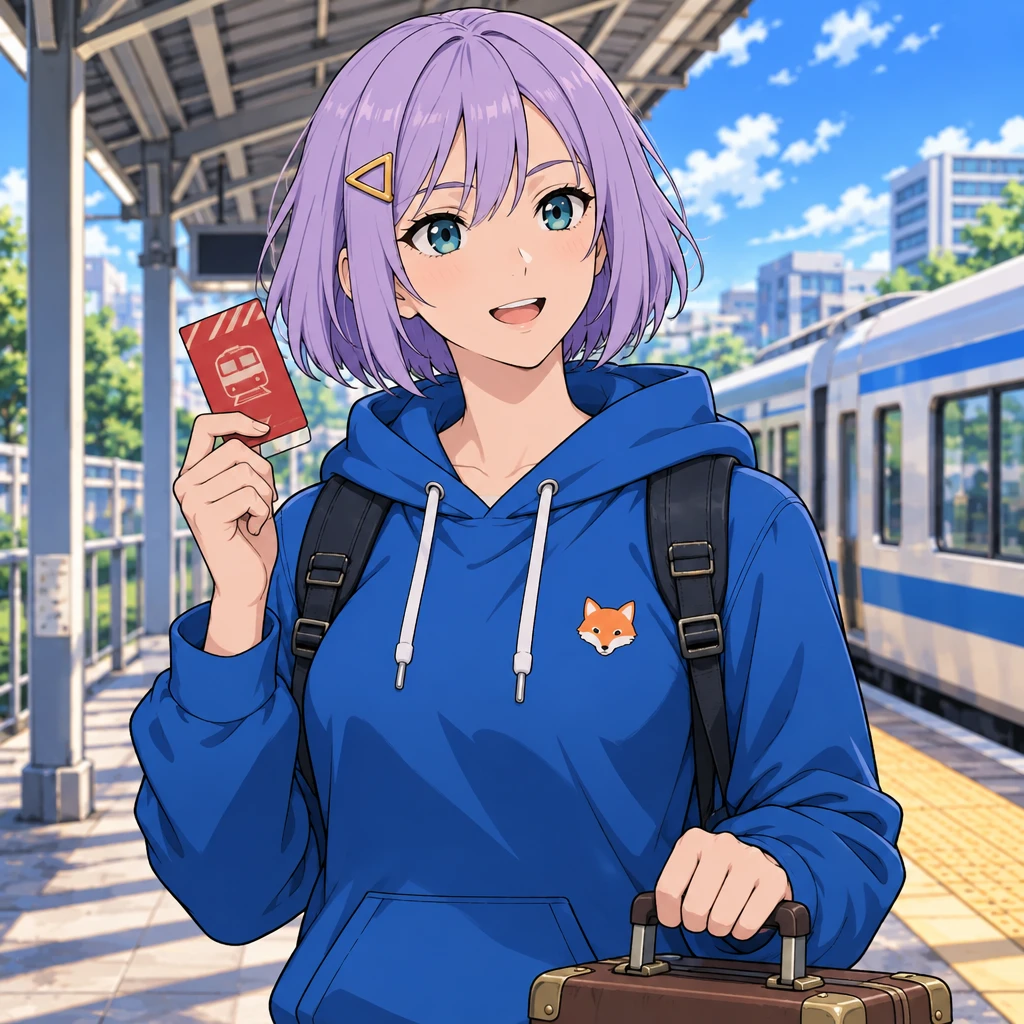
The model and style are separate choices: the model creates the image, while the style guides its look. Not sure which model to pick? Browse our same-prompt examples and credit costs before you generate.
Compare real model outputs before spending credits ↗Where model choices are shown, each version lists its credit cost. The generation button updates to the selected model. Photo editing, when available, switches to its supported model.
Available aspect ratios can differ by model. Use the ratios offered by the generator and check the credit total again after changing options.
New accounts receive 40 bonus credits once, with no expiry. The selected model’s credit cost determines how many images the balance covers.
Purchased credits do not expire. Generation is charged in credits, so check the current cost before trying another version of an image.
Compare credit packs and available plans ↗How the AI anime generator works
- 01
Choose a starting point
Write an original idea, use a gallery prompt, or add your own photo when photo editing is available.
- 02
Shape the result
Choose the style and aspect ratio. Check the credit cost on the generation button, then sign in with Google when you are ready.
- 03
Review and save
Your image appears beside the controls when it is ready. Download your favorite, or adjust your idea and create another version.
Create at your own pace
Start with signup bonus credits, then add credits when you need them.
View credits & pricing ↗AI anime generator FAQ
Which image model should I start with?
Start with GPT Image 2.6 Flare for fast iteration. Try GPT Image 2.6 Sunburst when you want to focus on fine details and reference consistency. Both cost 15 credits per still image. Check the model and credit quote before generating.
How do I start?
Write an idea or choose a gallery prompt, select a style and ratio, then generate. You can browse and edit prompts before signing in with Google to create an image.
Does generation use credits?
Image generation uses account credits. New accounts receive 40 bonus credits with no expiry. Credits per image depend on the model; the cost is shown before generation. One-time purchased credits never expire; no subscription is required.
Can I turn my photo into anime?
Yes. Add a photo, choose an anime style, and generate. Describe the features you want to keep or leave the description blank for a new anime interpretation.
Will a photo keep the same face and details?
Use a clear photo and describe the features you want to keep. Anime styles reinterpret facial details, clothing and backgrounds; Chibi gives the strongest change in proportions.
Can I use images commercially?
For commercial projects, check our Terms, the selected model’s terms and your rights to any reference images.
What if my request is blocked or fails?
Check the message beside your result for the request status and credit return. If you need help, contact support with the request Reference.
Can I try it before paying?
Yes — new accounts get 40 bonus credits that never expire, so you can generate before buying a pack. Credit packs start at $4.99, with no subscription required.