Change the art style
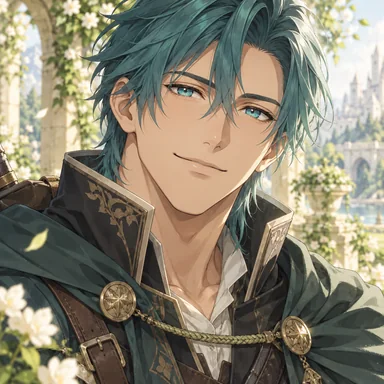
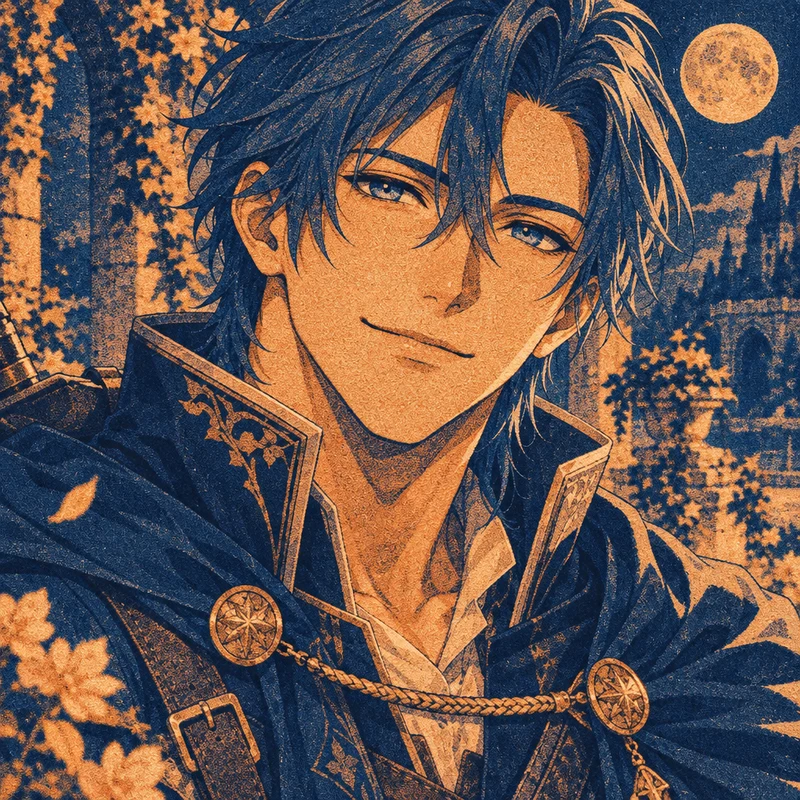
The daytime garden becomes a moonlit print in two inks, with the close crop, tilted head and high collar still in place.
Give a picture a new style, a fresh pose or a full palette. Upload one reference and describe what you want to see.
The first two examples use the same reference and prompt. One keeps the portrait close; the other opens up the frame.
Redraw this teal-haired traveler as a two-color risograph print in midnight blue and copper. Replace the garden daylight with moonlight and give the scene a bold, hand-printed texture.
The daytime garden becomes a moonlit print in two inks, with the close crop, tilted head and high collar still in place.
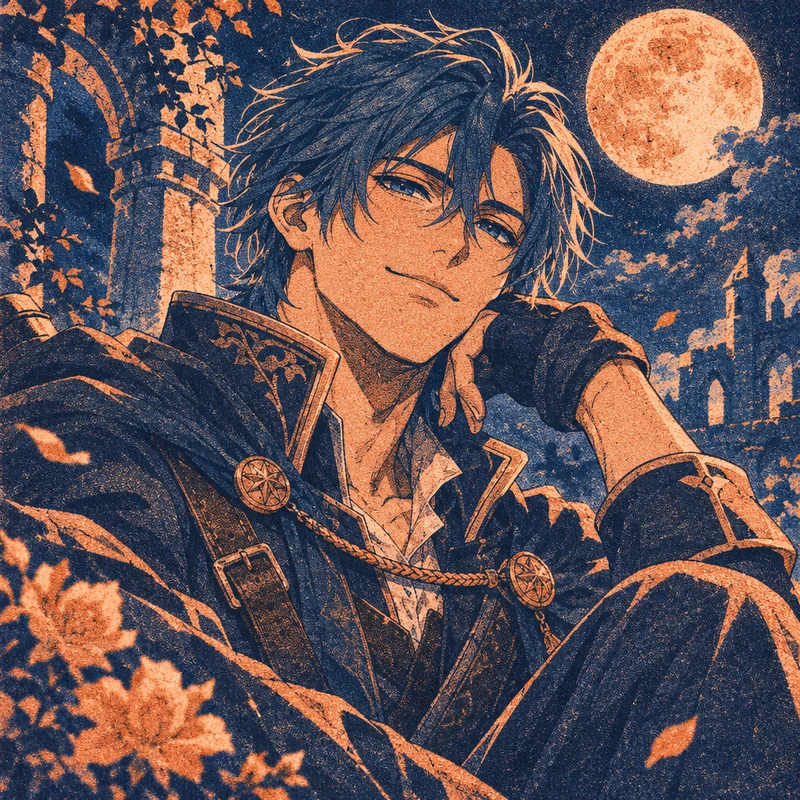
The close-up becomes a seated portrait with the traveler resting his cheek on one hand. Try a glance over the shoulder, crossed arms or a fighting stance to build a character sheet or a nine-panel pose collection.
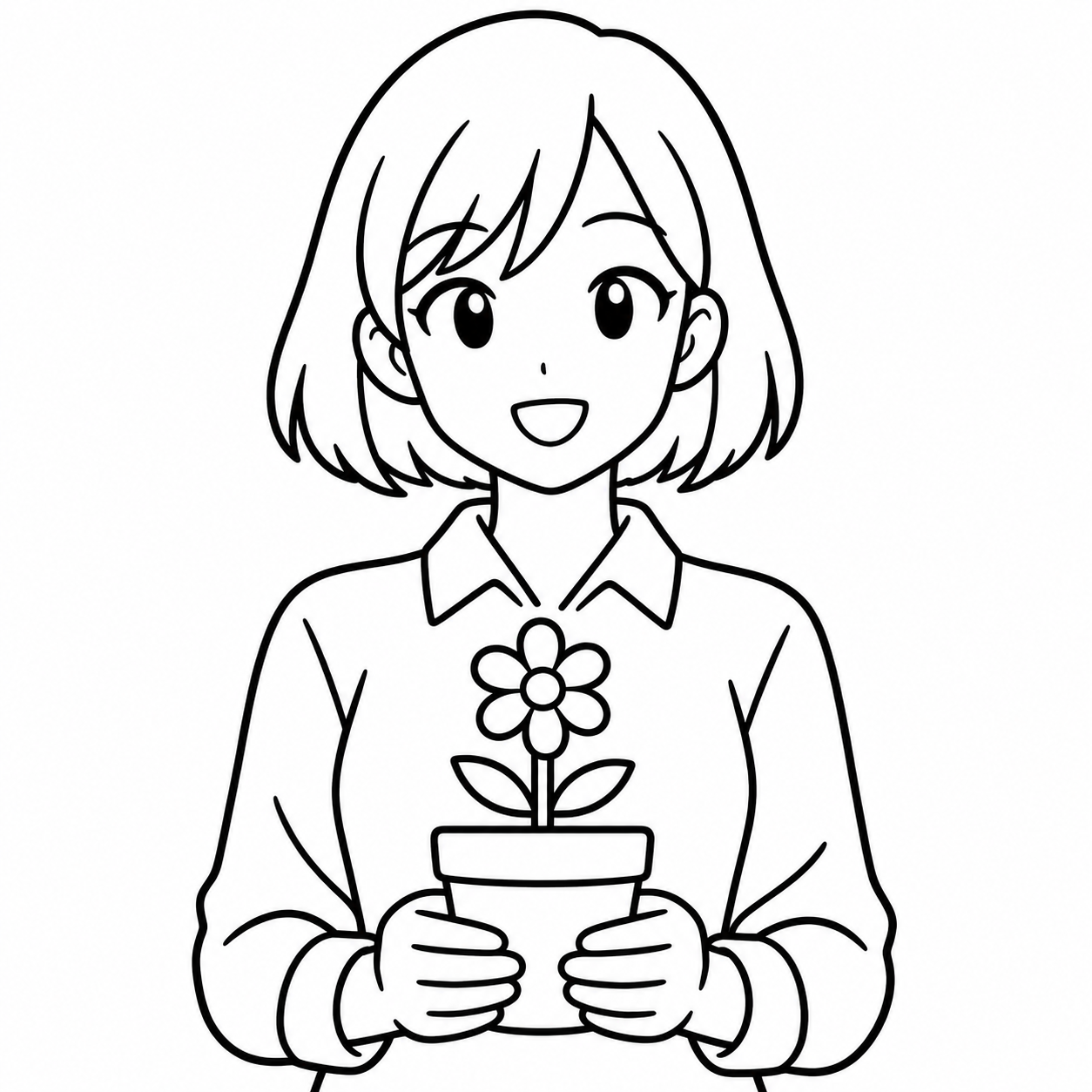
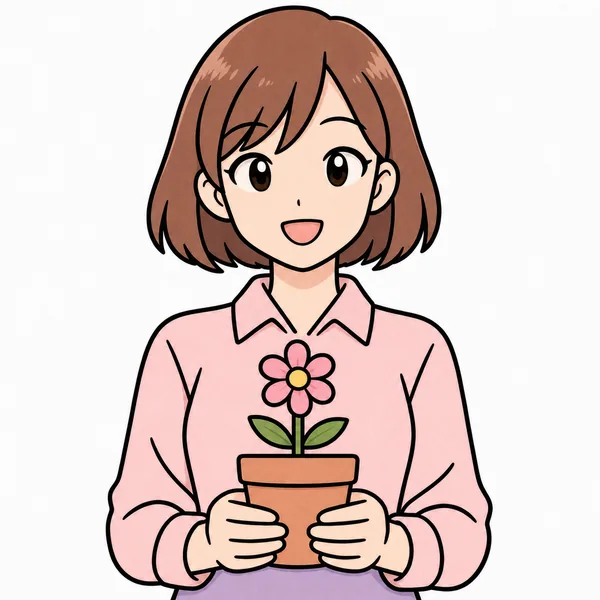
A soft shōjo palette takes a black-and-white drawing to a finished color study, ready to use as a palette reference or share on its own.
An image to image converter starts with a picture you already have. Describe the change you want, such as turning a daylight portrait into a moonlit print or giving the same character a new pose.
You’ll also see this called an image to image generator because it creates a new version of your reference. A text to image generator starts with words alone, while a PNG to JPG converter changes the file format without redrawing the picture.
Turn a selfie into an anime portrait with Photo to Anime. Change a selected detail with the AI image editor, or collect your favorite redraws in the Anime 3x3 Maker.
Turn the style and composition of a reference into editable text with the image to prompt generator.
For a portrait that playfully exaggerates familiar features, try the caricature generator.
Img2img is short for image to image. An image to image generator starts with an existing picture and your description, so you can explore a new style, pose or palette using that picture as a reference.
Keep the composition guides the model toward your original framing and pose. Reimagine gives it more freedom to create a different angle or layout. Both modes redraw the entire image, and fine details may vary.
This tool offers reference-image models such as GPT Image and Nano Banana. Like Stable Diffusion img2img, it starts from an image and a description. You can guide the framing and pose by choosing Keep the composition or Reimagine.
Yes. Sign in, upload a PNG, JPEG or WebP, and review the credit cost shown next to the redraw button before generating. You can download the finished image from the result.