Caricature Generator
Turn a photo into an illustrated portrait with your kind of exaggeration. Choose a drawing style and make a square avatar, a couple’s keepsake or a portrait poster.
HEIC, JPEG, PNG or WebP · Up to 40 MB
How caricature generation works
Upload a photo

Choose a picture from your phone or computer. A clear selfie works for a solo portrait. For a wedding or family caricature, start with one photo that shows everyone you want to draw. The tool accepts HEIC, JPEG, PNG and WebP, so a photo from your camera roll can go straight into the editor. Give your portrait a playful twist with a caricature maker that keeps the features your friends recognize.
Choose the exaggeration and style
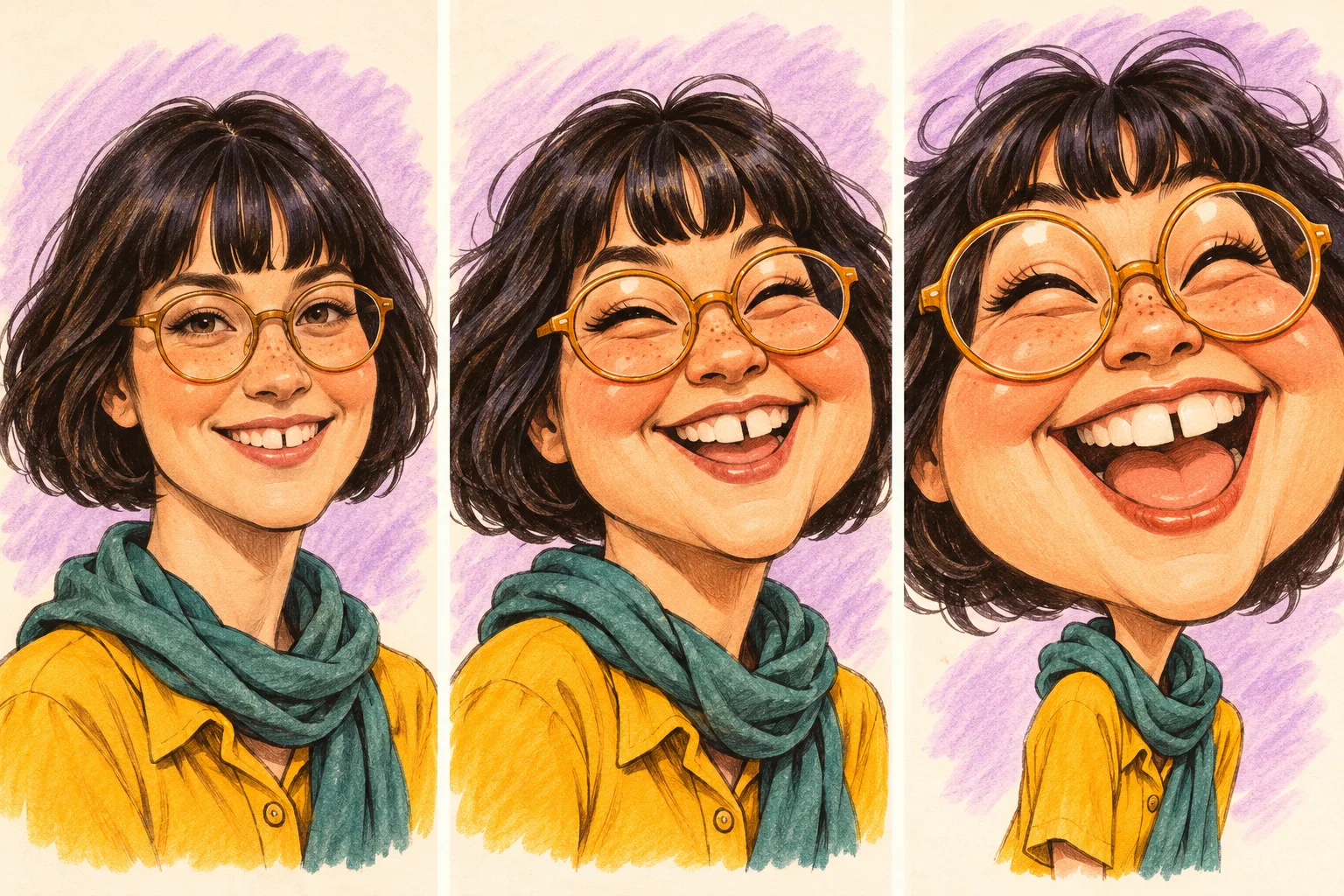
The same face goes from gently emphasized features in Subtle to a bigger grin in Standard and oversized proportions in Extreme. Subtle gives one signature feature a little more character. Standard has the playful proportions you might expect from a fairground portrait. Extreme pushes the cheeks, smile or silhouette much further. Choose a drawing style separately so you can get a gentle ink portrait or a wildly exaggerated watercolor.
Generate and download
Choose a square for an avatar or a 3:4 portrait for a poster or invitation. Sign in and check the credit cost beside the button. When your caricature is ready, download the image to use in a profile, share with friends or place in your own layout.
Caricature styles
The same amount of exaggeration in this caricature generator can feel different with graphite, watercolor or a sculpted finish. Choose the look that fits where you want the portrait to go.
Pencil sketch
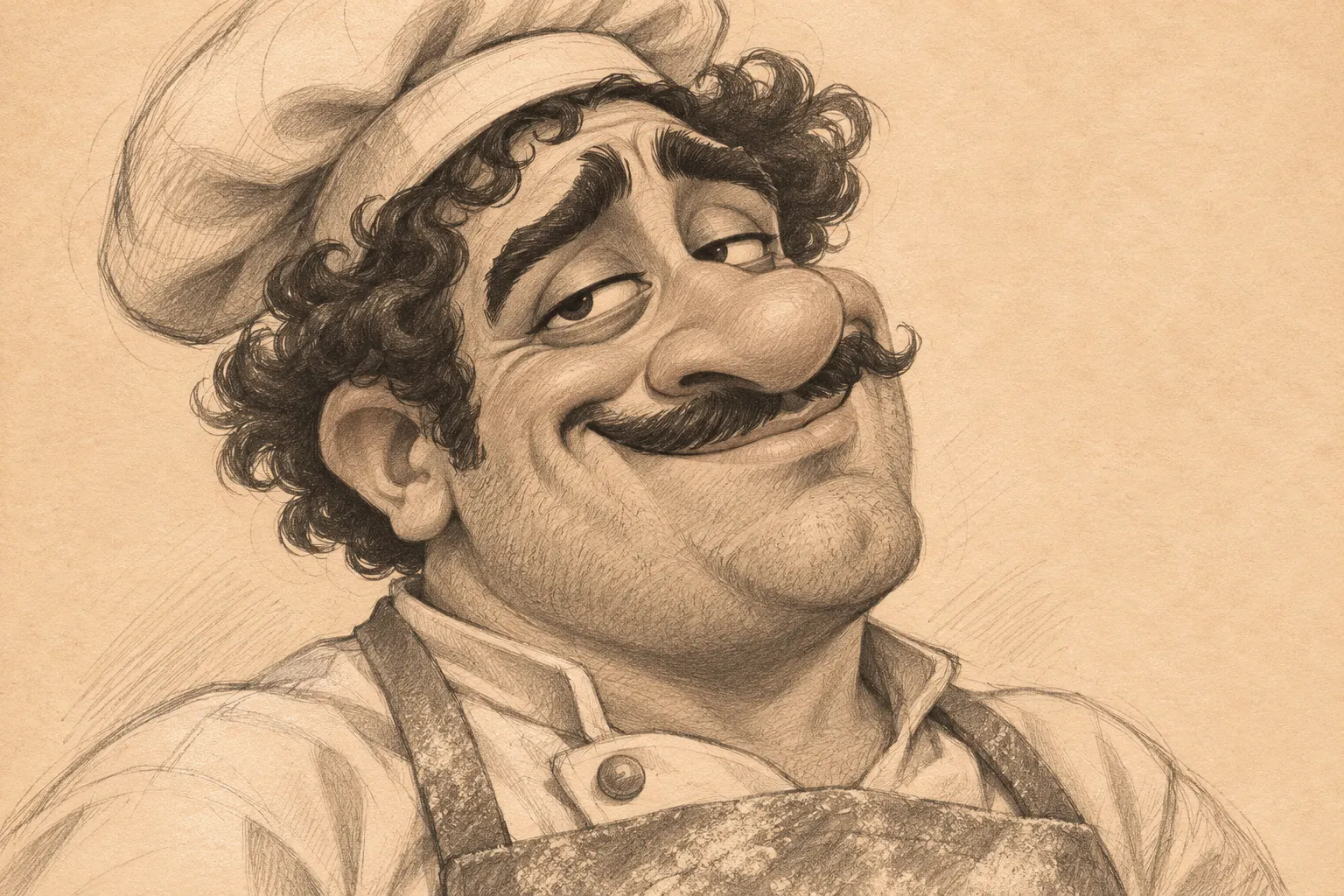
Soft graphite shading and fine hatching bring an expressive face to paper with the feel of a portrait drawn at a street market.
Watercolor
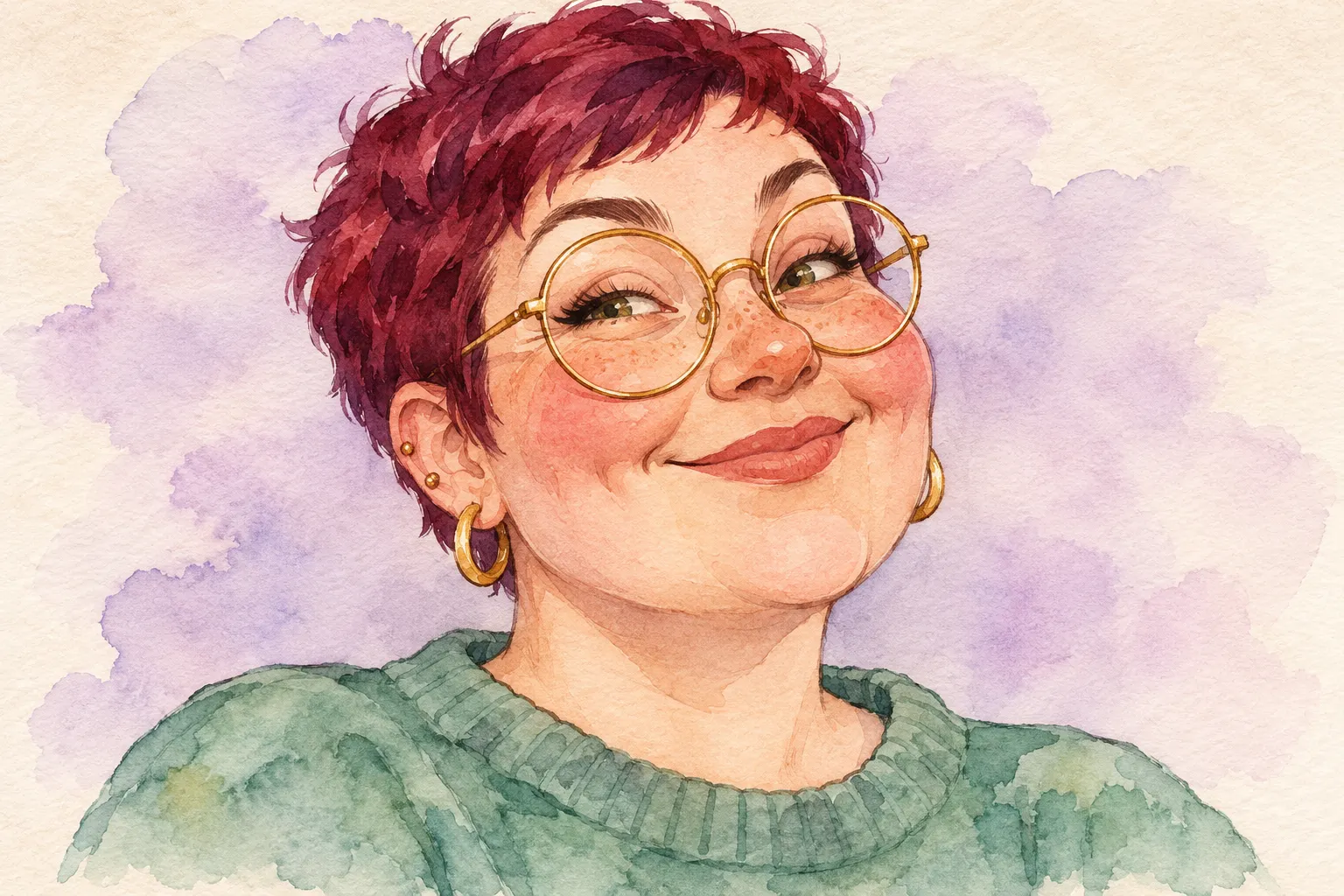
Gentle washes and painted edges suit warm portraits, wedding keepsakes and gifts with a softer palette.
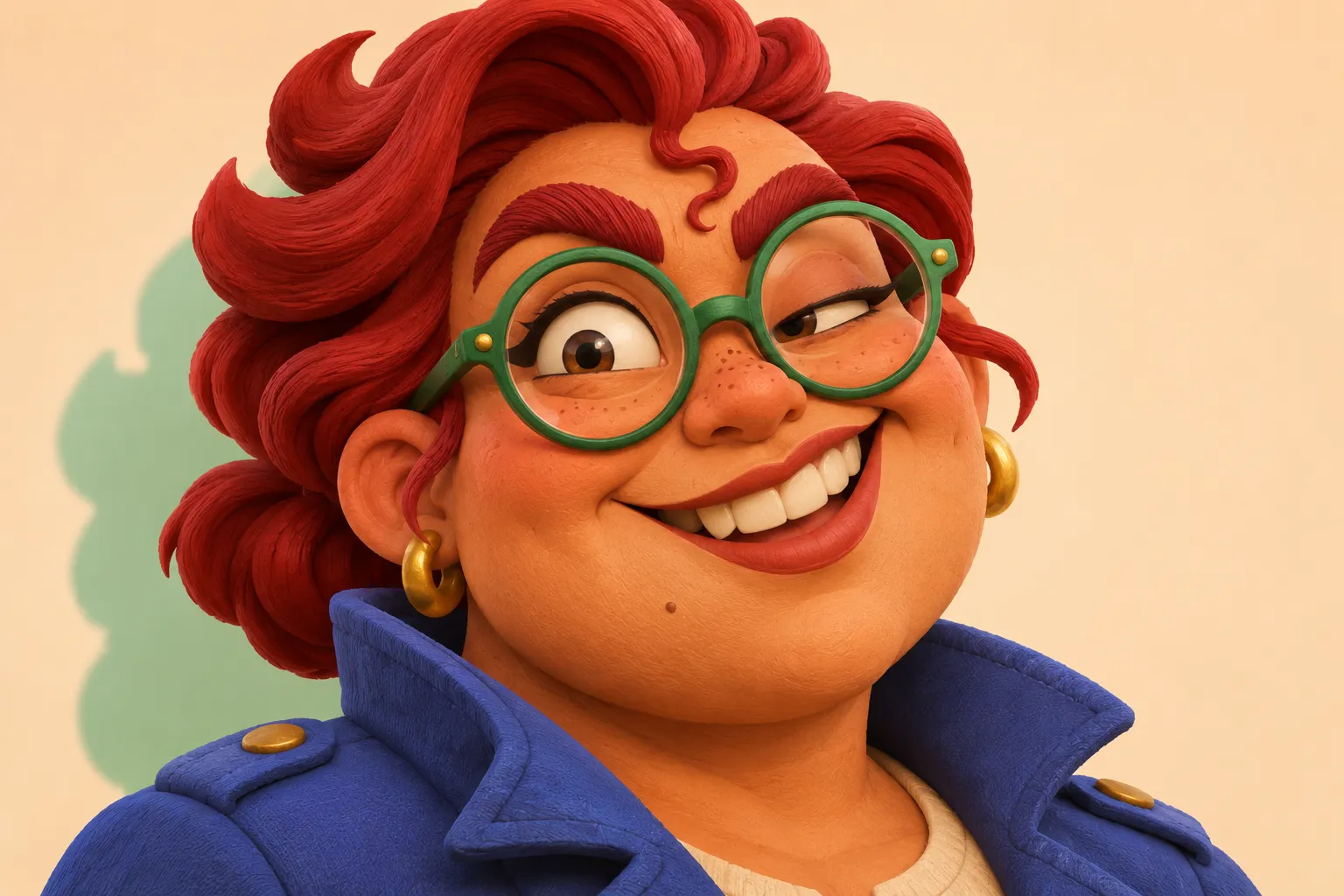
3D cartoon
Rounded volumes, soft studio light and sculpted features make the face read clearly as a small profile icon.
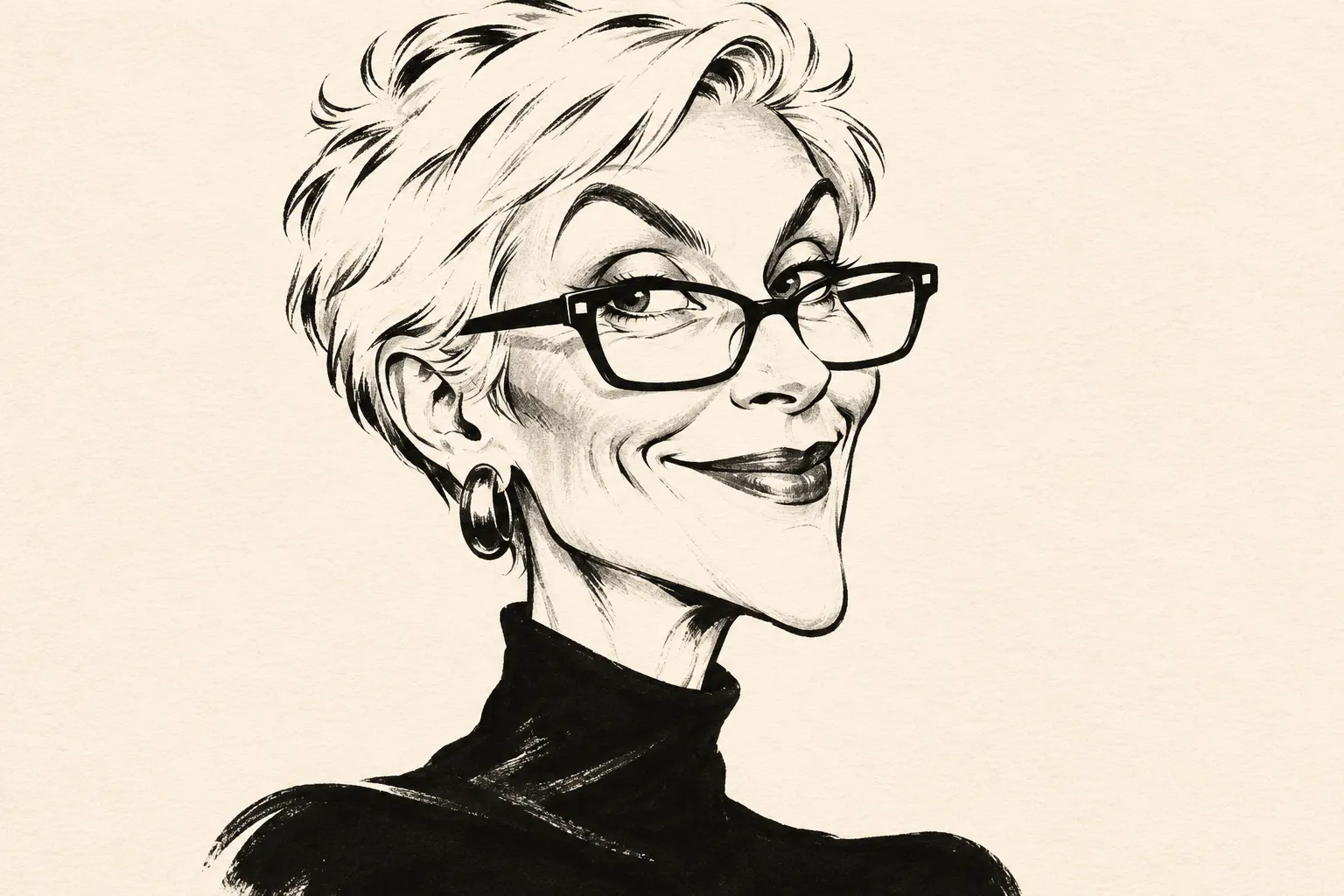
Black & white ink
Bold lines and clean contrast give the brows, smile and silhouette the character of an editorial illustration.
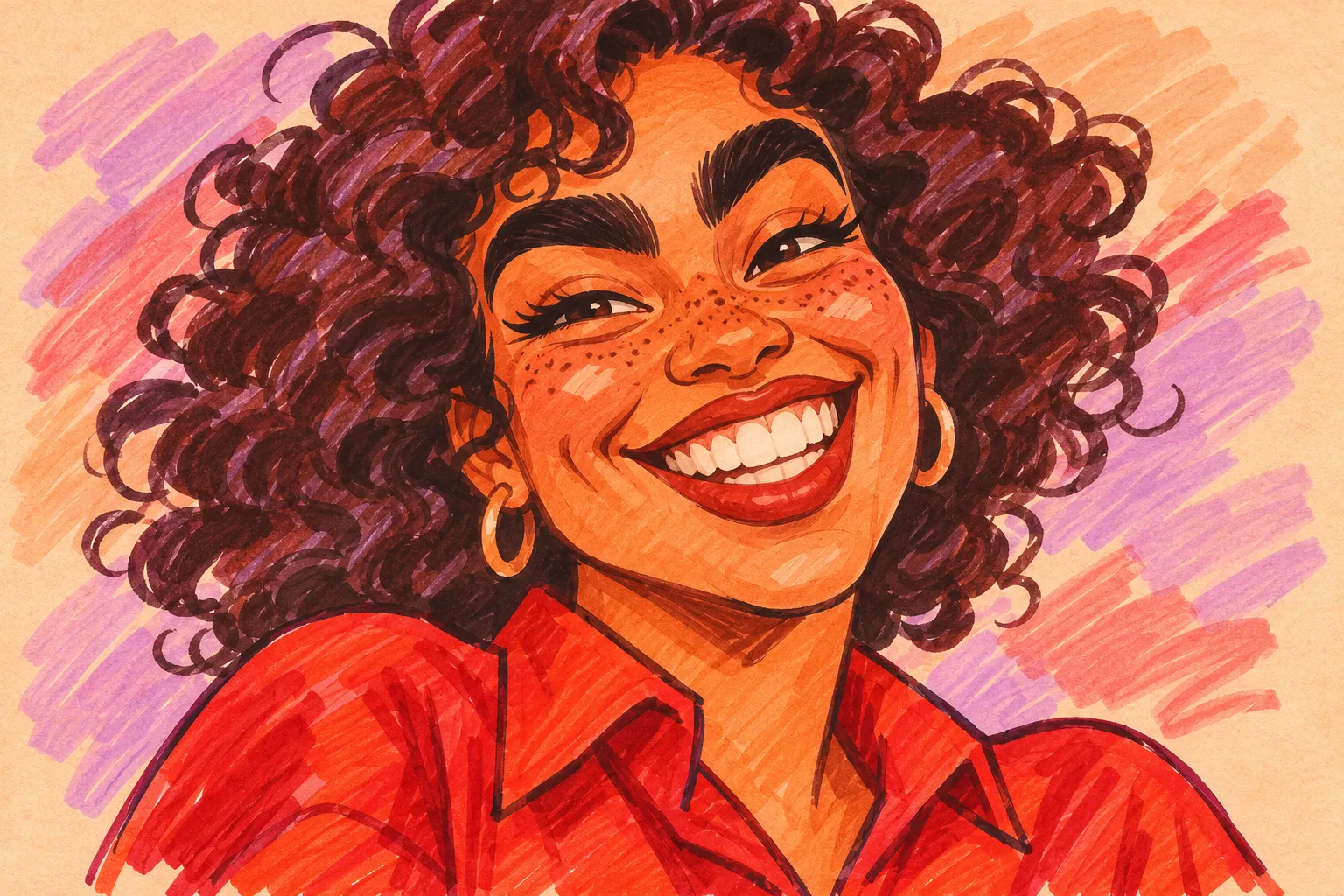
Marker
Visible marker strokes and bright color turn a familiar expression into a lively portrait with a fairground feel.
Wedding and couple caricatures
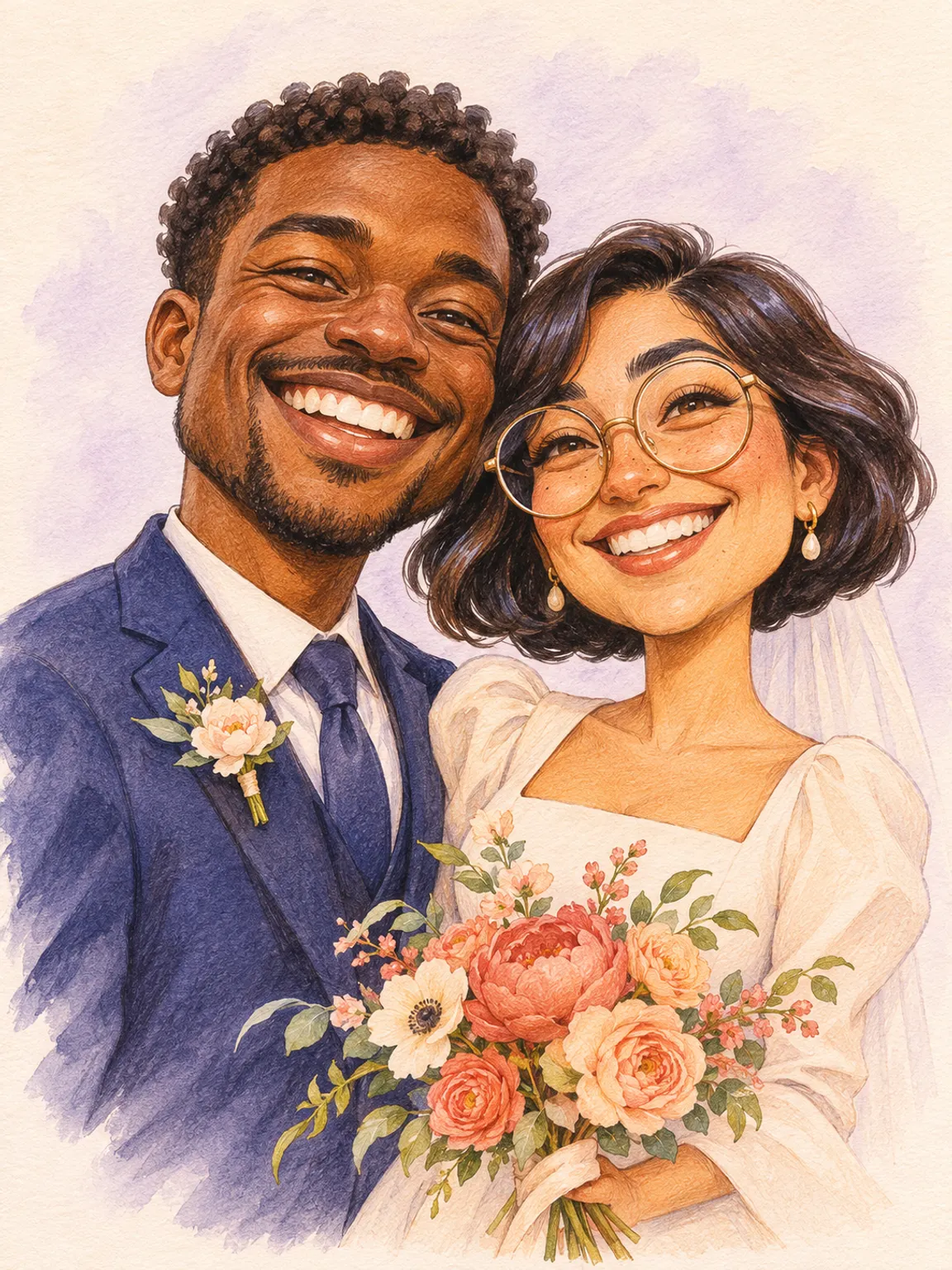
A wedding caricature maker gives a couple an illustration they can carry from a save-the-date to a reception sign. Use the two-person setting with one picture of both people, then choose how far to push their expressions. In a portrait for an invitation, Watercolor and Subtle can give the drawing soft edges while keeping each person easy to recognize. Marker and Standard give a reception sign a bolder look that is easier to make out across a room.
The couple setting suits anniversary cards, engagement announcements and portraits for friends as well. A good shared picture often has small details worth carrying into the drawing, such as a pair of round glasses, a crooked grin or the way one person leans toward the other. The example pairs a dark suit with an ivory outfit and a coral bouquet, so each person has a distinct silhouette even with their shoulders close together.
For family portraits and wedding parties, choose Group (3+) and use a photograph where every face can be seen. A row of people at similar distances is easier to read than a shot with one person close to the lens and everyone else far behind. Start with a square when the group forms a compact cluster. A 3:4 portrait gives a couple or a small group room for more of their outfits.
Caricatures for profile pictures, gifts and invitations
A square caricature is ready for a profile picture, chat avatar or contact photo. A close crop keeps the eyes, hair shape and grin legible when it appears at a small size. Choose one detail that people recognize at a glance, such as a bright pair of glasses or a thick fringe. An ink version can give a profile strong contrast, while a 3D cartoon gives the same face a softer, rounder silhouette.
For a personalized gift, use a photo tied to a shared memory. A vacation snapshot can become a birthday card and a picture of two friends can become an anniversary or reunion keepsake. The portrait format leaves space for more of the head and shoulders. After downloading, you can place the image in a card or frame layout and add the recipient’s name and the occasion there.
For invitations, let the portrait carry the personality and add names, dates and venue information in your invitation editor. That gives you control over spelling, type size and where guests see the practical details. Try a friendly couple portrait for a save-the-date, a charcoal-style sketch for a dinner invitation or a colorful group portrait for a family reunion. Use the same illustration in the digital invite and a small printed sign to tie the event together.
How to get a caricature that actually looks like you
A caricature looks like you when it keeps the features your friends already recognize. Start with a front-facing or nearly front-facing photo in even light. Eyes, brows, nose and the shape of the mouth should be easy to see. Window light or shade outdoors usually makes it easier to read the whole face than a ceiling light that leaves deep shadows across the eyes.
A clean image leaves more room for the features to do the work. Move back a little if a close phone lens makes the nose look too large, and keep the original framing if it shows a haircut or accessory you always wear. For a couple, pick a photo with both eyes and mouths visible and similar lighting across the two faces. For a family, check each person near the edge of the frame before uploading.
Choose the exaggeration for the person and the occasion. Start with Subtle for an invitation where relatives should recognize you immediately. Choose Standard when the goal is a lively gift or an avatar with a noticeable grin. Extreme works well for a playful portrait when a dramatic face shape and larger-than-life expression are part of the appeal. The same pose and art style make the differences between levels easier to see.
Caricature vs anime portrait
A caricature uses exaggeration to bring out the parts of a face that make someone recognizable. A wide smile becomes a bigger grin, a distinctive nose becomes part of the silhouette, and thick brows get more room to show the expression. The humor comes from what you recognize in the person.
An anime portrait uses the conventions of illustration to give the same reference a character design. It may simplify the nose, reshape the eyes and use cel shading or graphic hair highlights. A portrait can be playful in either format. For a gift or wedding portrait, the caricature controls let you choose how much to amplify the features. For a manga-inspired character, start with the photo-to-anime tool and choose an illustration style.
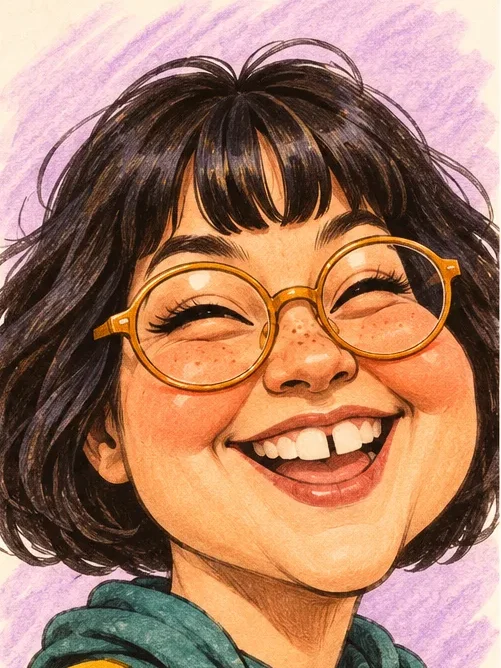
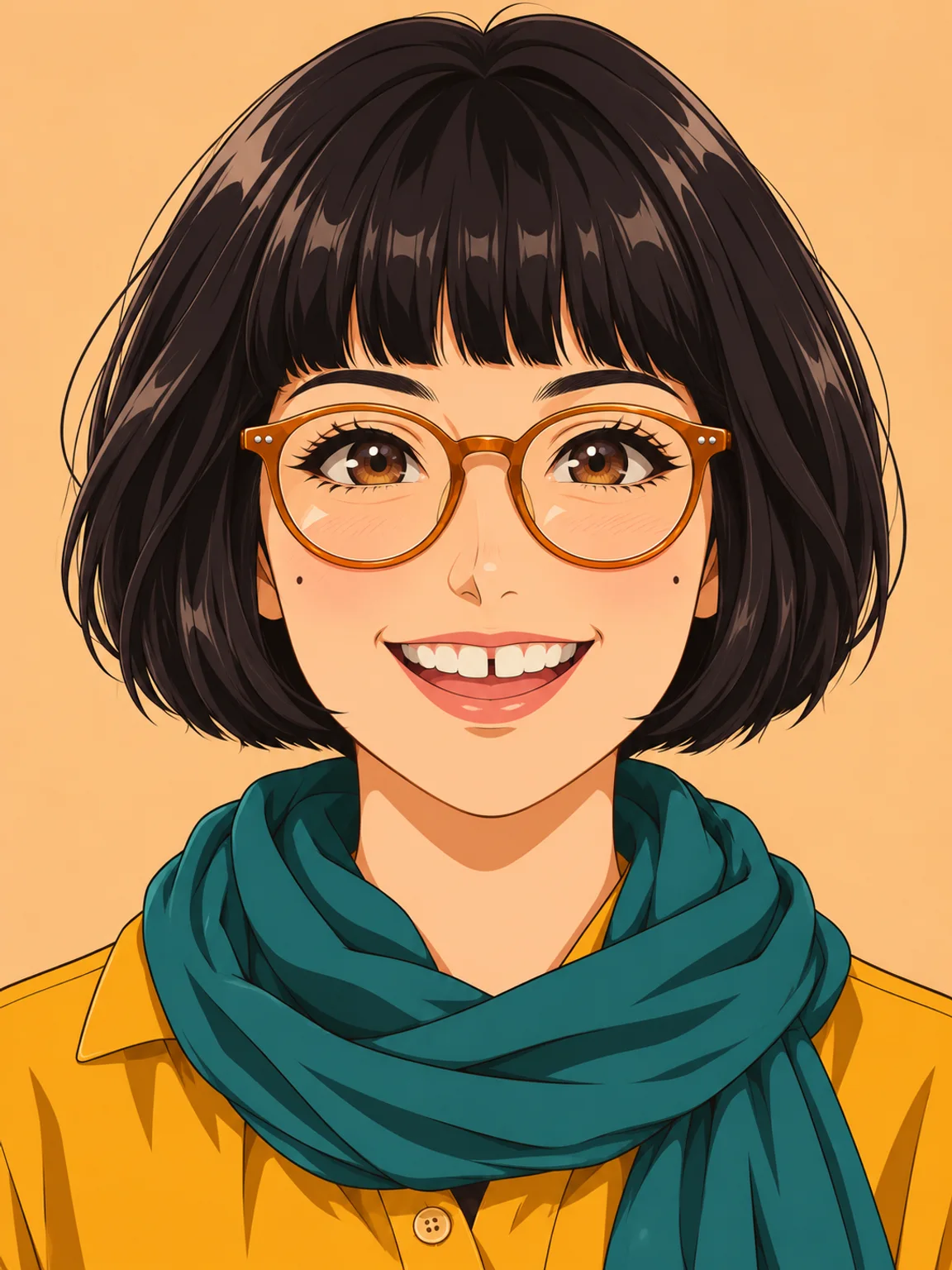
Try Photo to Anime to see your photo as an anime character.
Caricature generator FAQ
Is there a free caricature generator?
You can browse all the examples for free. Making a caricature uses account credits, and the button shows the cost before you generate. Eligible new accounts can use their signup credits.
Can I choose how exaggerated my caricature is?
Yes. Pick Subtle for a lightly stylized portrait, Standard for a playful illustrated likeness, or Extreme for a bold fairground-style caricature. You can pair any level with your favorite drawing style.
Will my caricature look like me?
The tool uses your photo as the reference and asks the model to retain identifying features. Subtle keeps the drawing closest to the original proportions. Exact resemblance varies with the reference, model and settings.
Can I make a caricature of two people?
Yes. Upload one photo that shows both people and choose 2 people. Group (3+) is available for a photo with more people.
Can I use my caricature commercially?
Commercial use depends on the site and selected model terms, as well as your rights to the photo and the people’s likenesses. Check these before printing, selling or using a portrait in an ad. Terms of Use
How long does it take to generate a caricature?
The time depends on the selected model and current demand. The tool shows progress and lets you check the task while the image is being created.
Do I need to sign up to make a caricature?
Yes, sign in to upload and generate. Your account supplies the credits for the request and lets you return to completed work.
Do you save the photo I upload?
Temporary references are private and expire after 24 hours. References you choose to save in your image library stay until you delete them. We send images to service providers for safety checks and generation, as described in the Privacy Policy. Privacy Policy