HEIC, JPEG, PNG or WebP · Up to 40 MB
GPT Image 2.6
Create an image from a description or upload a reference to edit. GPT Image 2.6 Flare is selected to start; switch models whenever you need.
Start with 40 bonus credits, with no expiry. Credit packs from $4.99. No subscription needed.
Images made with GPT Image 2.6
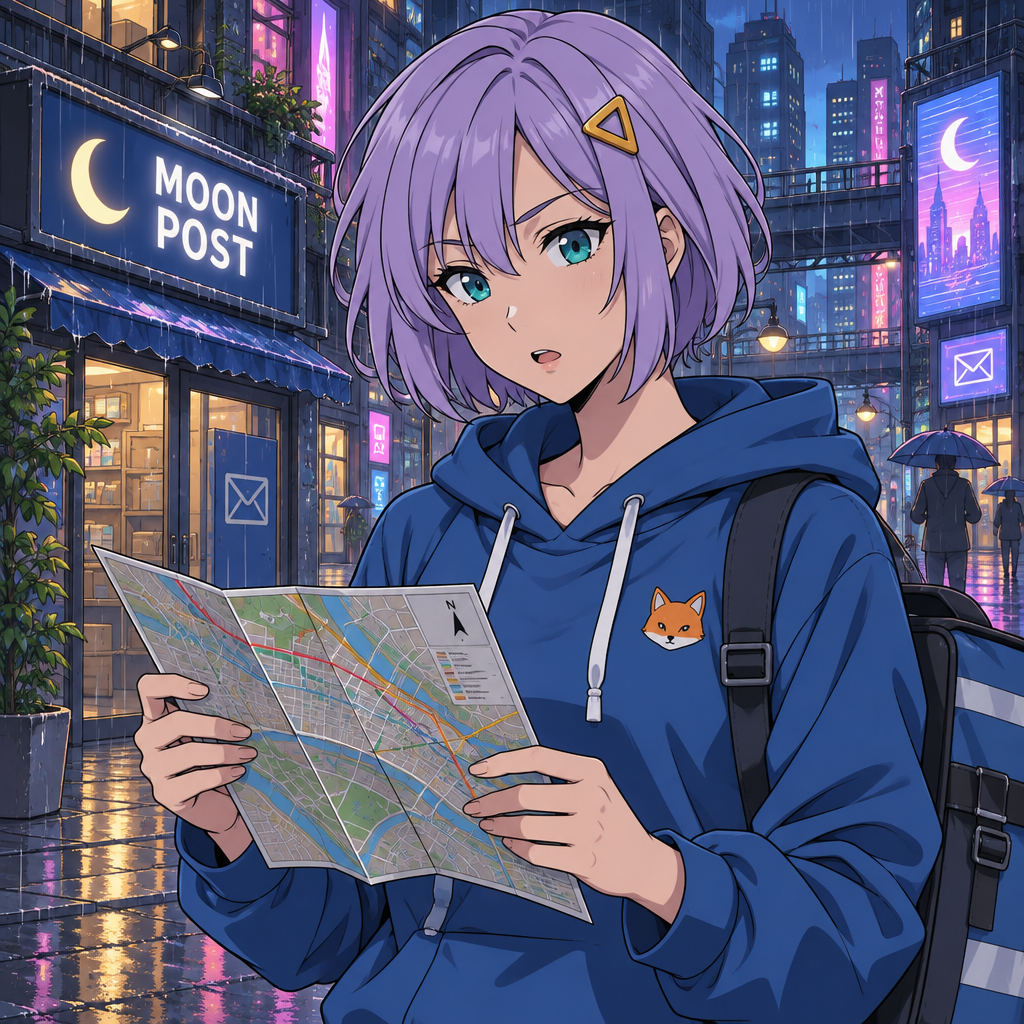
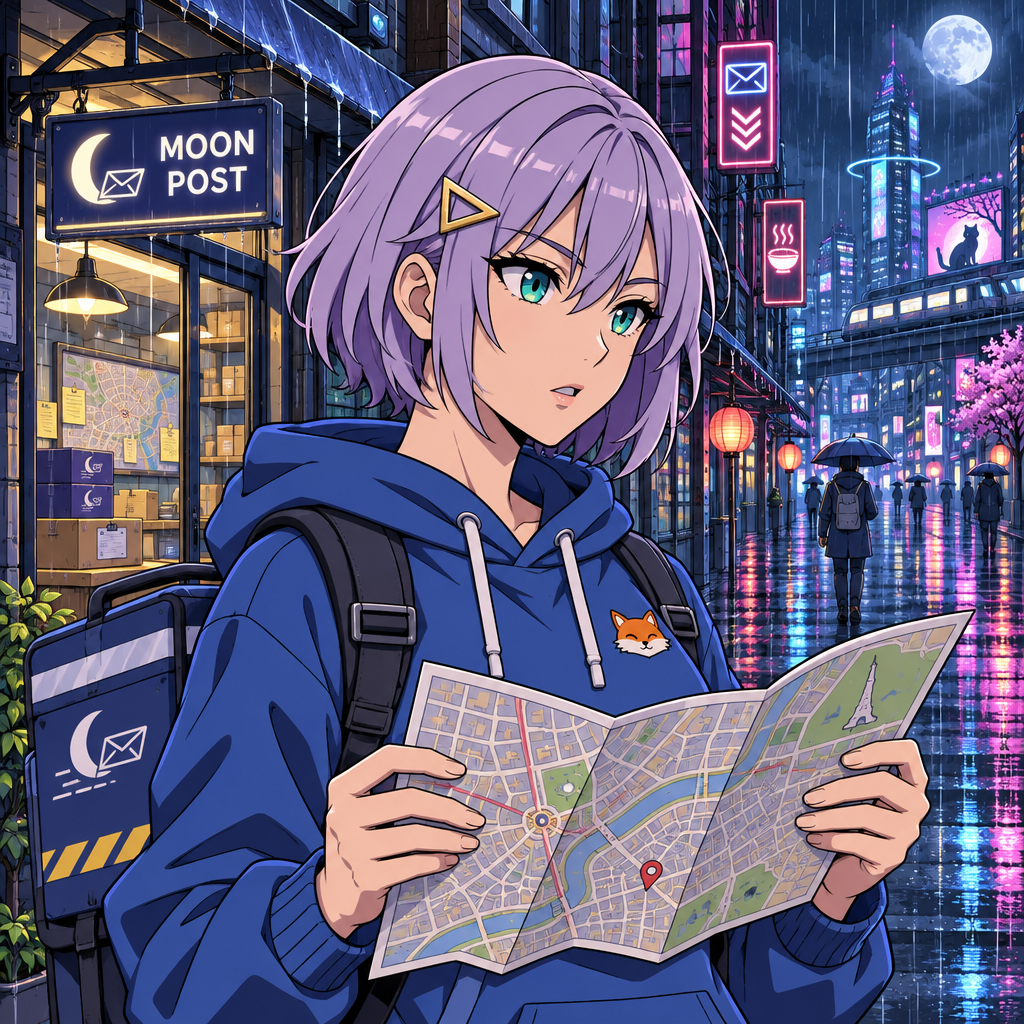
Two results from our matched anime character test. Both used the same prompt and medium quality; compare the visible details rather than assuming a universal quality ranking.
Flare or Sunburst?
OpenAI positions Flare for fast iteration and Sunburst for detailed visual work. Both are available in the Image model menu above. Start with a clear description, review the result, and refine the face, pose or composition before creating another image.
Can I edit an uploaded photo?
Yes. Add a reference in the generation box and describe what to keep or change. The uploaded reference and generated result follow the same private image workflow as the homepage. The displayed credit quote applies to each new generation; downloads do not generate another image.
Can GPT Image 2.6 make a GIF?
For native text-to-GIF output, open the AI GIF generator. Create short loops for avatars and reactions for 30 credits per GIF; the still-image Generate button does not create a GIF.
GPT Image 2.6 Flare and Sunburst each cost 15 credits per still image. Native GIFs cost 30 credits each. The generation button shows the price before you start; downloading an existing result is free.