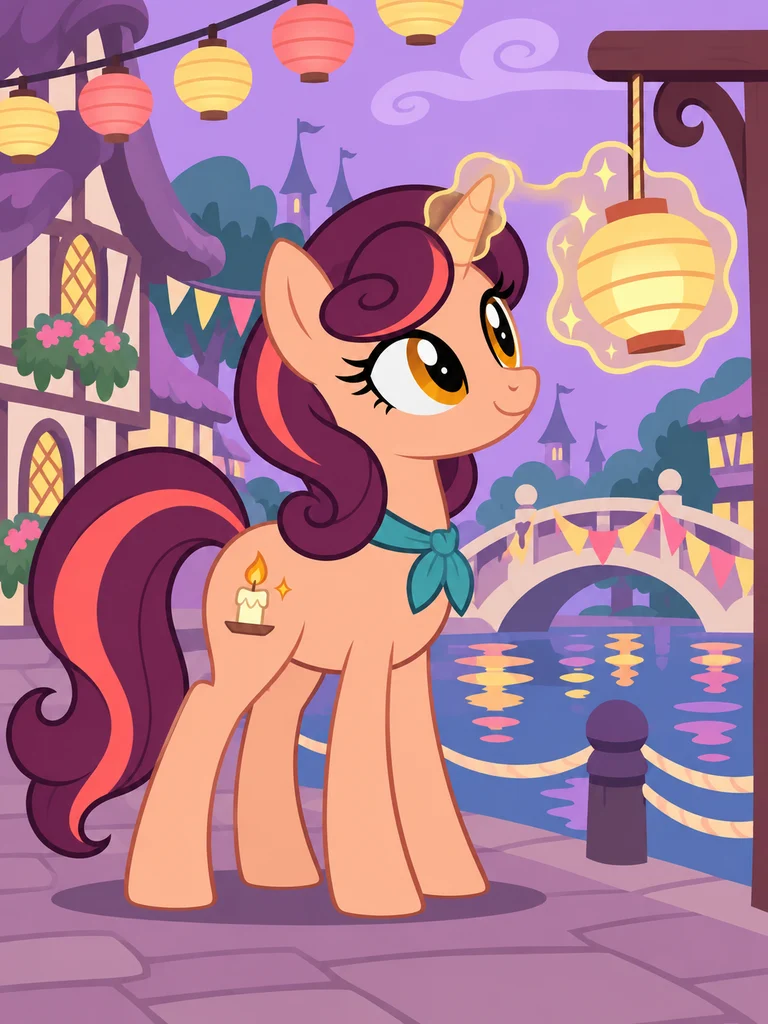
Cinder Glow
A unicorn lantern maker. Peach, aubergine and a candle-shaped mark turn a quiet craft into a recognizable design.
A mane with character. A mark with a story. A pony that’s yours.
Choose a few details or write your own description, then bring an original My Little Pony-inspired character to life.
HEIC, JPEG, PNG or WebP · Up to 40 MB
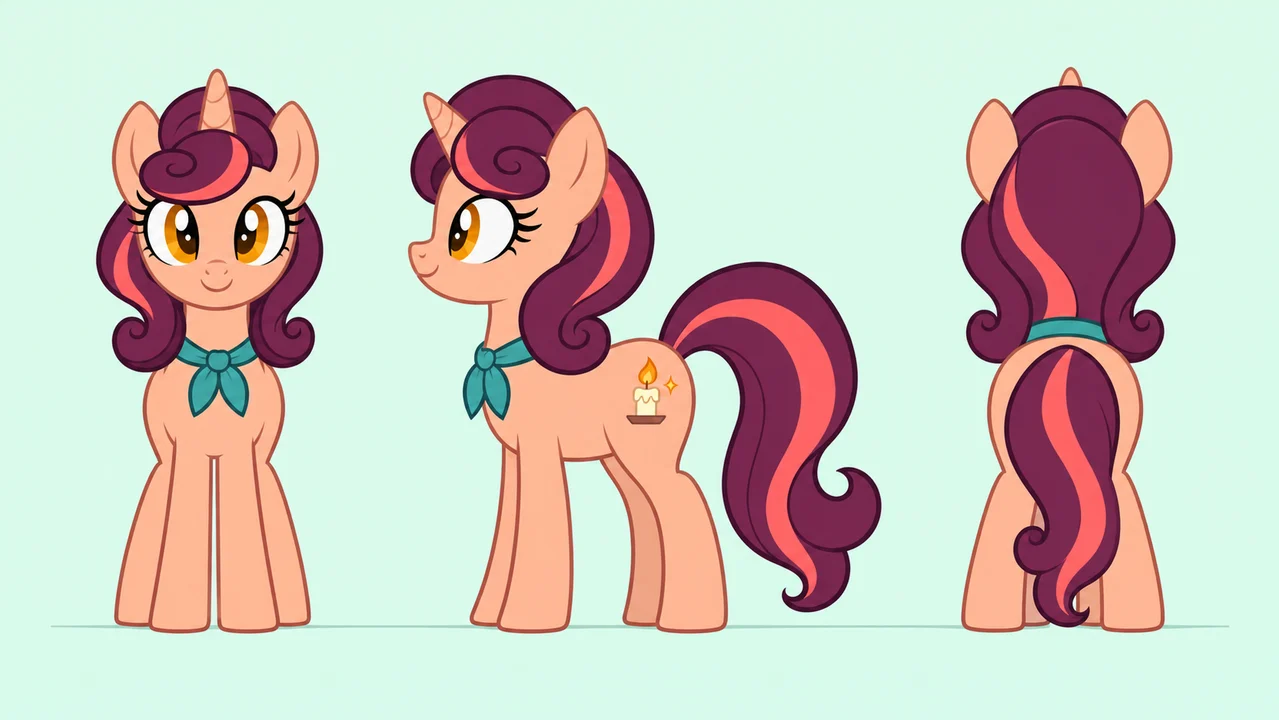
Three views use a plain background. Check markings and proportions across the sheet.
These original examples were created with Codex image generation. Choose a concept to fill the Builder, then change a color, hobby or detail. The image is not uploaded automatically; the model you choose may draw the same idea differently.
A unicorn lantern maker. Peach, aubergine and a candle-shaped mark turn a quiet craft into a recognizable design.
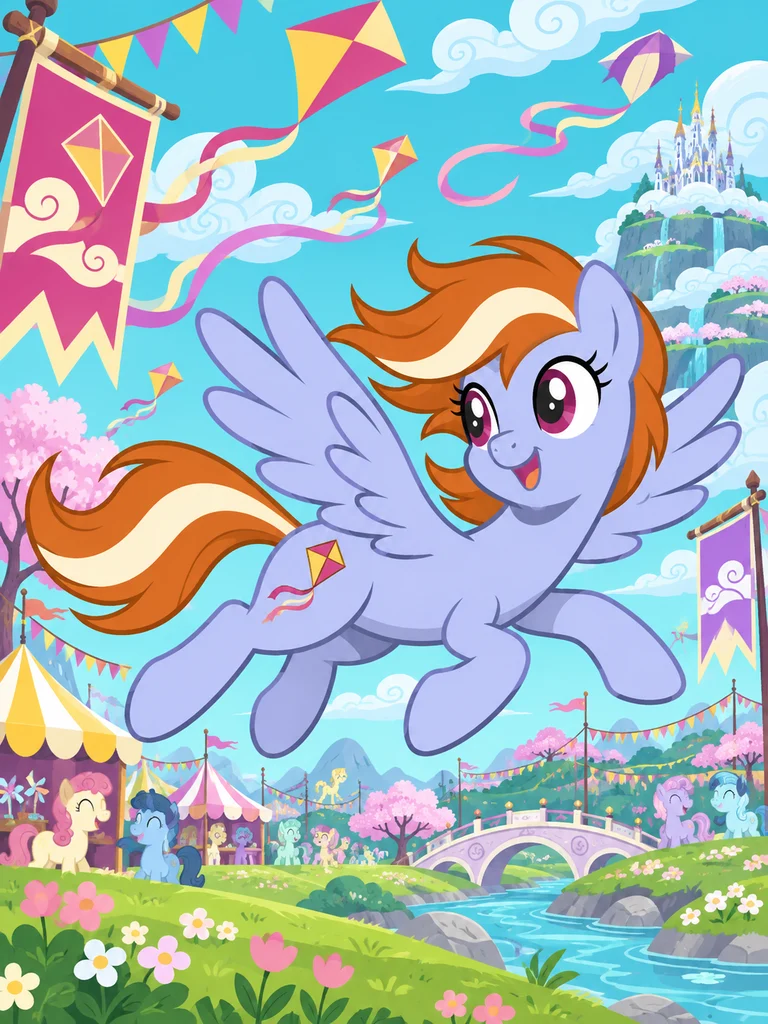
A pegasus who tests handmade kites. A periwinkle coat and orange mane stand out against a sky full of pennants.
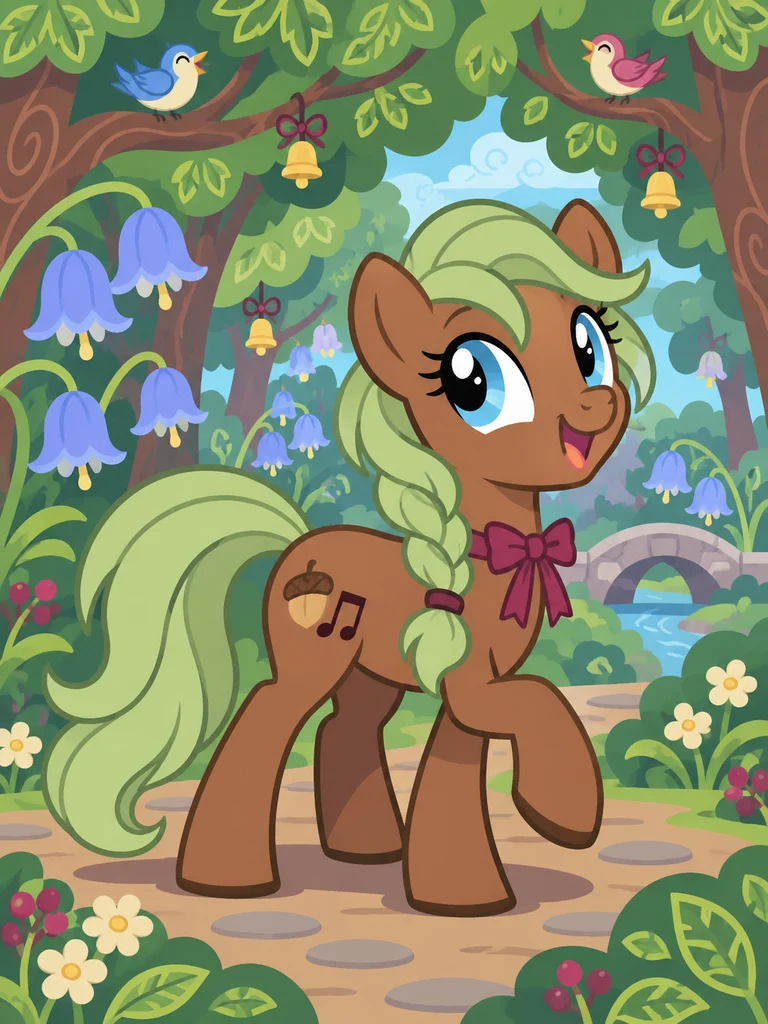
An earth pony who makes woodland instruments. A sage braid and an acorn-and-note mark connect the look to the hobby.
Full body for the outfit. Portrait for the expression. Three views to explore the design from every side.
After generating your pony, prepare the selected result as a reference. Review the model and credit cost before making the next image.
Start with something your pony loves. Moss Melody makes woodland instruments; Cinder Glow folds paper lanterns. A favorite activity gives your My Little Pony character a reason for every detail.
Use the MLP OC maker to pick a silhouette, then add one memorable accessory. A shy pony with an enormous bow? A fearless flyer who loves sewing? That contrast is where the fun starts.
These categories also appear in Hasbro’s official character collection. Your pony’s colors and story are up to you.
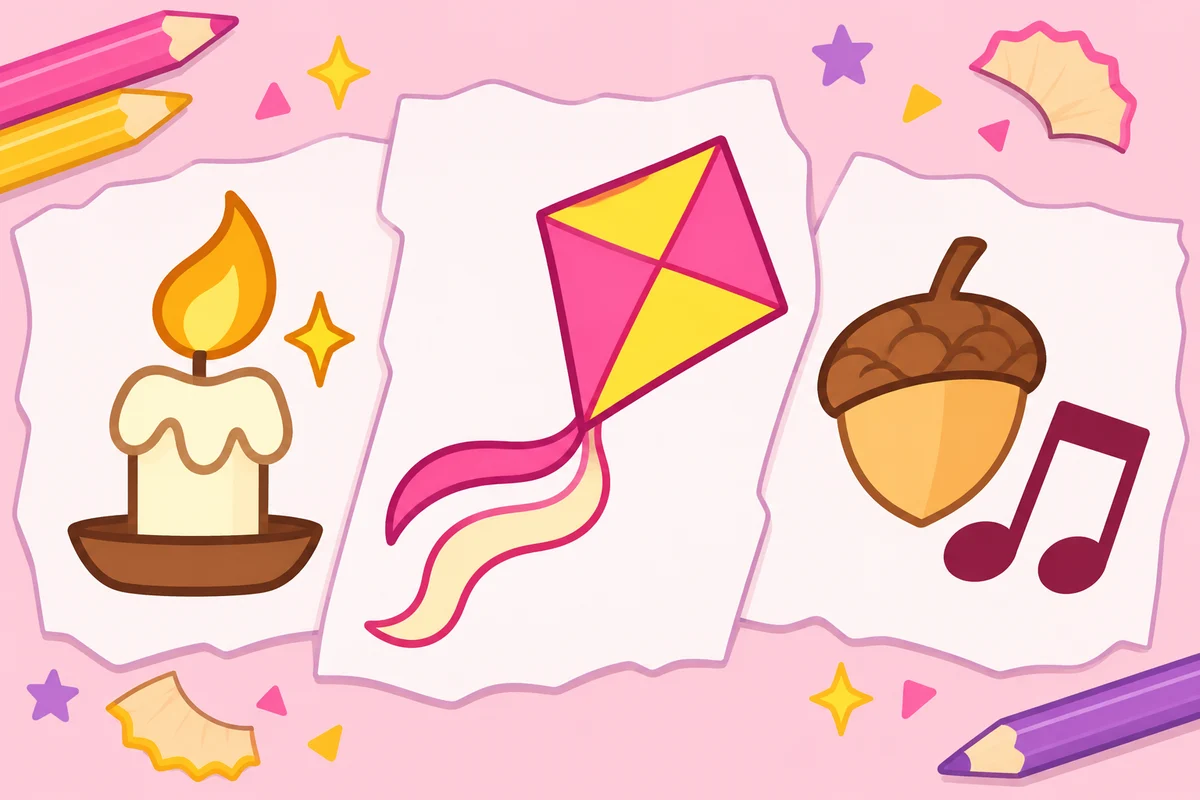
A candle for a lantern maker. A kite for a playful flyer. An acorn and notes for a woodland musician.
Choose one clear symbol and a small accent. Give it enough contrast against the coat, and keep the flank visible. Still figuring out the talent? Leave the mark blank for now.
Tiny symbols can change between generations. Inspect the shape and placement before calling it finished.
A ponysona can start with your favorite color, a hobby or an accessory you wear everywhere. A few words are enough; you don’t need a personal photo.
Try a sample in the MLP OC maker, then change two or three details. Your original My Little Pony character might be one small twist away.
For movement, start from a single pony image. Try a side-tracking trot, a small leap, then a wide landing shot. Our image-to-video walkthrough shows what to check when the camera changes.
MLP stands for My Little Pony, and OC means original character. It is a pony you invent for a story, drawing or role-play, with a name, look and personality of its own. A ponysona can be a version of yourself imagined as a pony.
Browsing examples and editing a design are free. Eligible new accounts receive 20 signup credits once, with no expiry. Sign in to generate, and check the selected model’s credit cost before submitting. More credits are available on the pricing page.
Yes. Builder has Earth pony, Pegasus, Unicorn and Alicorn choices. The no-mark checkbox asks for an unmarked flank while keeping your saved symbol available if you turn it back on. These are drawing directions, not restrictions on the story you can write.
Choose a model that accepts reference images and upload a drawing you can use. Explain which colors, mane shape and accessories should remain. A reference gives the model a guide, but it can still change the face, legs or small symbols.
Not necessarily. Small markings may be mirrored, simplified or moved, especially in a character sheet. Use a short description and one strong shape, check the visible flank and correct the symbol separately if you need an exact emblem.
It generates an image from a description. It does not place premade mane and body parts on a canvas, export separate layers or create a rigged game model. You can change the brief and generate again; every submitted image uses the quoted credits.
Choose Three views for a front, side and back image, or prepare a successful result as a reference first. Check each view for differences. An owned generated image can also open the video editor; use a single pony image for motion and review that separate generation’s settings and credit cost.
No. This is an independent fan tool and is not affiliated with or endorsed by Hasbro. My Little Pony and its characters belong to their respective rights holders. The ponies shown here are original AI-generated fan designs.
Original AI-generated examples. Independent fan tool; not an official Hasbro product.