5 seconds · Jump attack
A leap, an airborne energy strike and a landing. The camera pulls back to keep the full action in view.
A face-screen with a little attitude. A coat with a story. Your own drone.
Build a Worker or Disassembly fan character, or write your own description.
HEIC, JPEG, PNG or WebP · Up to 40 MB
Generation uses the credits shown below.
Three views use a plain background and no energy effects so the design stays readable. For consistency, generate your character first and prepare its result as a reference below.
Use the selected result as a reference for the next image. Each step is a separate generation. A reference guides identity; details can still vary.
Generate a character to unlock reference preparation and the available video entry.
Follow Relay from a clean character design to three views and an electric action scene. The two variations were made with Codex image generation using the original Relay illustration as the reference. These are real generated examples, not a guarantee of the result from another model.
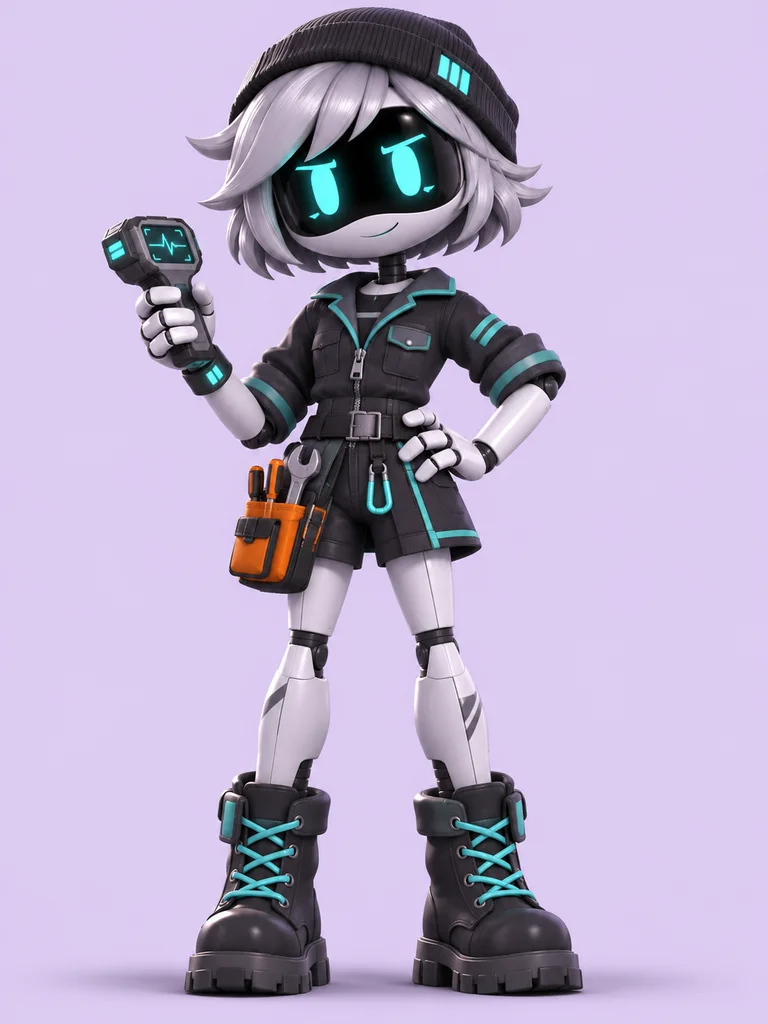
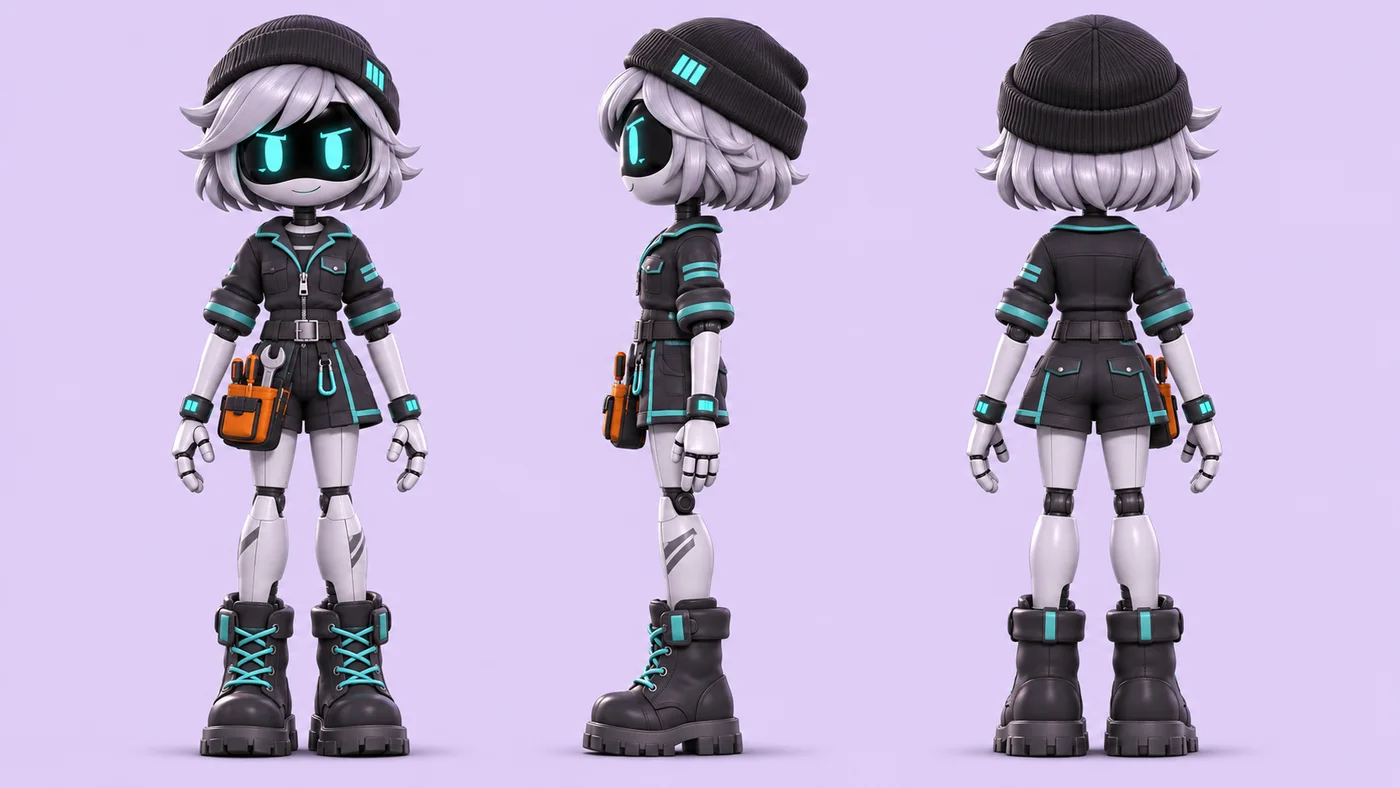
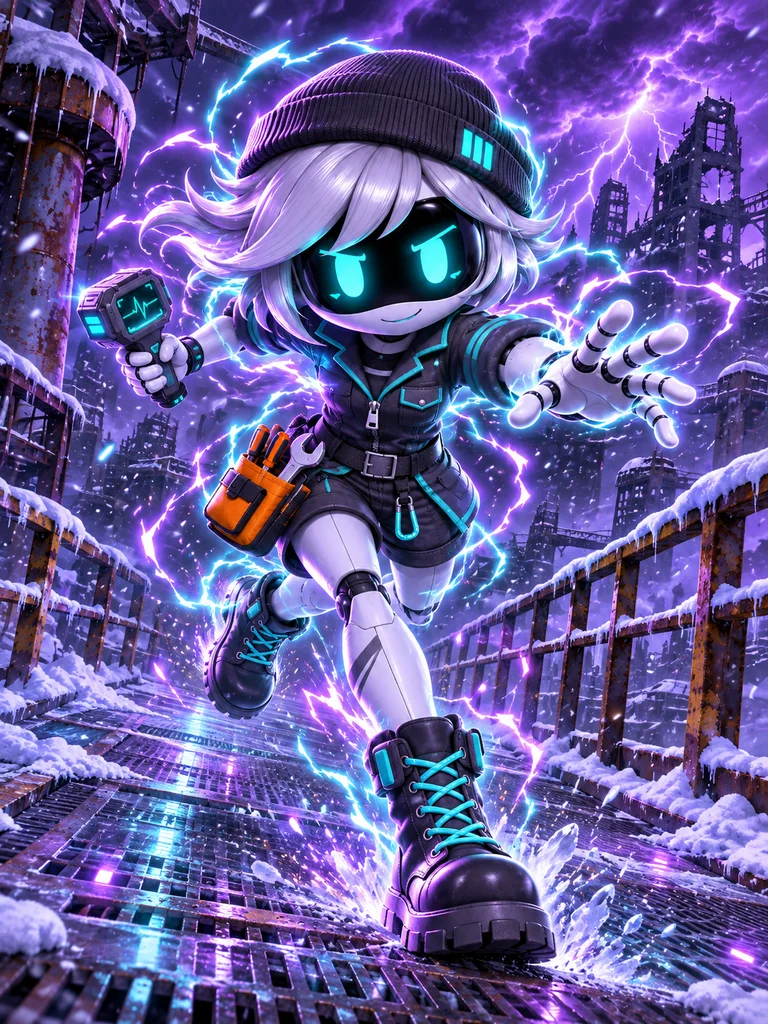
Compare the face-screen, hair, cap, cyan trim, orange pouch and boots. Poses, lighting and small clothing details change; the handheld scanner is omitted in the neutral reference sheet. A reference improves continuity but does not guarantee identical details.
Download Relay referenceWatch Relay in two real Seedance 2 Mini examples. The longer clip adds a running sequence and changes the framing as the character moves through the scene.
A leap, an airborne energy strike and a landing. The camera pulls back to keep the full action in view.
Follow the run with a side-tracking view, shift to a low-angle jump and energy strike, then pull back for the landing.
Both clips start from the same electric action illustration. Compare the face-screen, silver hair, black cap, cyan trim and orange pouch as the pose and camera change. Coat length, proportions and small accessories can shift; the handheld scanner does not stay consistent. These are two generated results, not a guarantee of identical details in every shot.
Three original examples created with Codex image generation. Choose a concept to load its Builder settings; the result depends on the model you generate with.
A cyan-eyed Worker who keeps the colony’s old machines running.
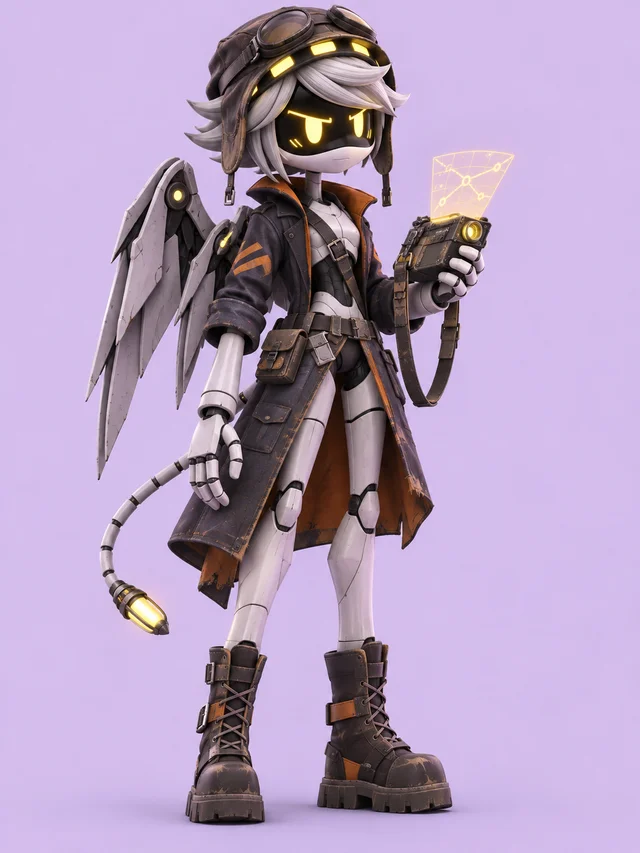
A yellow-eyed Disassembly scout with a weathered flight coat.
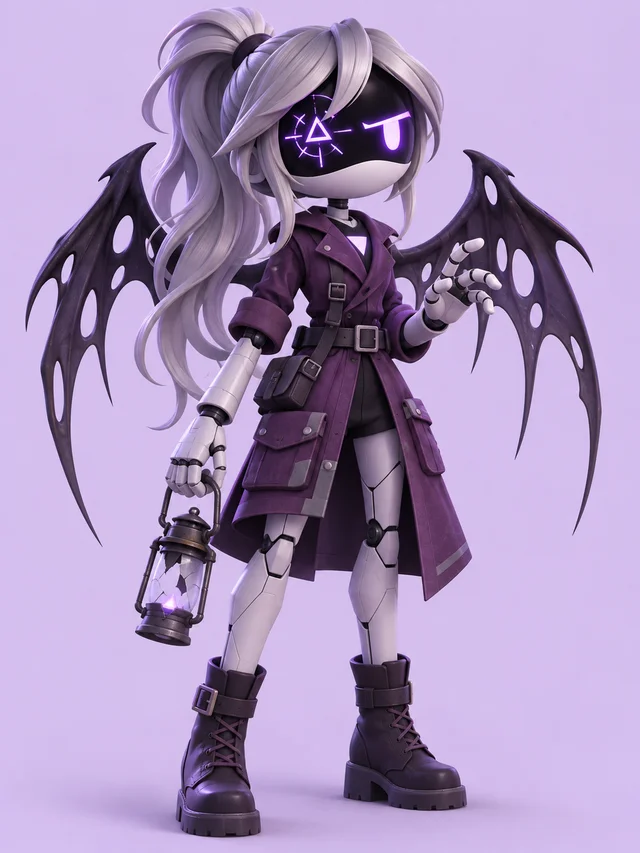
A violet-eyed Worker with an eerie Solver-inspired appearance.
Start with the original Relay design or a character inspiration. Choose Worker or Disassembly, then choose a Standard or Solver-inspired appearance.
Change the LED eyes, hair, headwear and outfit. Add a role and one signature accessory. Open the Builder prompt to check the full description.
Review the model, aspect ratio and credits. Generate when ready, check the silhouette, then download or refine with a compatible reference model.
The official GLITCH introduction identifies Uzi as a Worker and N as a Disassembly Drone. Those are the two body directions in this Builder. An inspiration preset suggests visual choices; it does not lock your OC into a cast member’s identity.
The official Solver Uzi reference shows a different appearance with large wings. Our Solver-inspired setting is a fan design option, separate from the body selection. Choose your OC’s abilities and backstory separately from its visual effects.
A repair technician could carry a scanner and wear a patched work jacket. A scout could have a weathered flight coat and a route projector. Choose details that connect to the role, then keep the background simple enough to read the face-screen and mechanical body.
Follow Relay’s OC image-to-video workflow to see the original design, two image branches and a finished jumping attack.
Builder asks for the whole head, hands and feet with room around the character. In Prompt, describe the wing position and tail clearly if they matter. For a close-up avatar, ask for a head-and-shoulders composition instead. Generated anatomy and small details can vary; check them before using the image as a reference.
No. This is an independent fan tool, not affiliated with or endorsed by GLITCH Productions or Liam Vickers. Make an original name, look and personality rather than a copy of the cast.
Here, Worker starts with a compact robot body. Disassembly starts with a taller body, sensor lights, metal wings and a segmented tail. You can describe more specific changes in Prompt. These are creative starting points, not a complete guide to every story detail.
This tool keeps Solver-inspired appearance separate from the underlying body. It adds a fan interpretation of screen effects and dark wings. It is not a universal upgrade or a claim that every character has the same canonical powers.
Yes. Switch to Prompt to write your own description. Your Builder choices stay saved separately. Replacing an existing written prompt with Builder text asks for confirmation.
Use the existing reference upload in the generator. Availability depends on the chosen model. References help guide a design but do not guarantee identical faces, outfits or appendages.
Choosing options and writing prompts is free. Image generation requires signing in and uses the credit cost shown for the model. Review that cost before generating.
A successful generation includes the existing result and download actions. You can also find your private generated images through the account tools.
Independent fan tool. Original example created with AI. For the series and its characters, visit GLITCH Productions.