Seedream 5.0 & 5.5 Image Generator

Seedream 5.0 turns a written idea into anime art, a character portrait or a scene. With Seedream 5.5, you can also bring an existing image and describe the next version you want to see.

HEIC, JPEG, PNG or WebP · Up to 40 MB

What Seedream 5.0 can do

Start from a few lines about a person, costume or location. Seedream turns them into a finished illustration you can download. Use a square frame for a profile picture, a vertical composition for a full outfit, or a wide frame to give an anime scene room for architecture and light.

Flash creates 1K drafts for exploring different looks. Lite starts at 2K and gives you more pixels for a print-style composition or a close crop of the face. Start with Lite in the generator above or choose Flash in the model menu when a smaller first draft suits the project.

Seedream 5.0 vs. 5.5

Use Flash or Lite to explore a new idea from text. Select 5.5 when you want a 2K image from text or want to develop artwork you already have. A reference lets you work from an established character, shot or palette while your description sets the change.

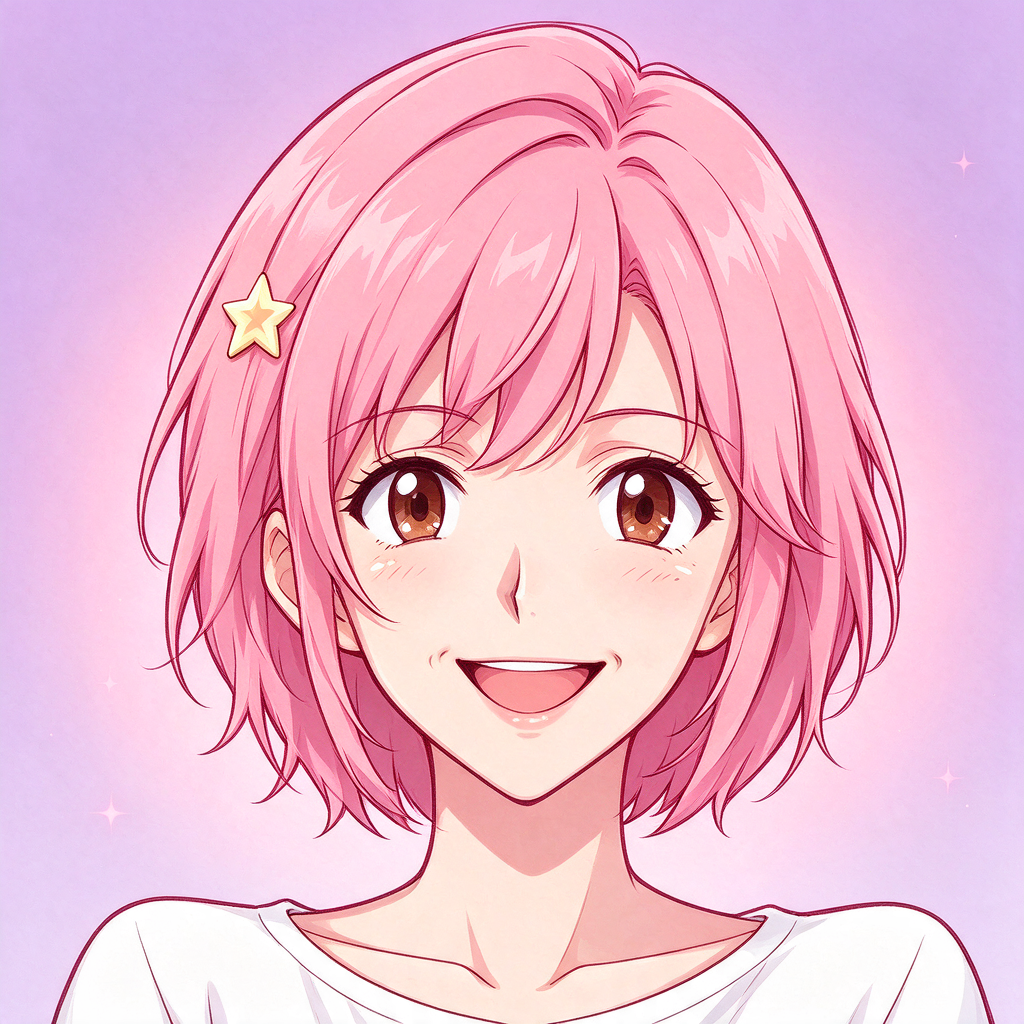
Square anime avatar generated with Seedream 5.0 Flash
Seedream 5.0 Flash · 1024 × 1024
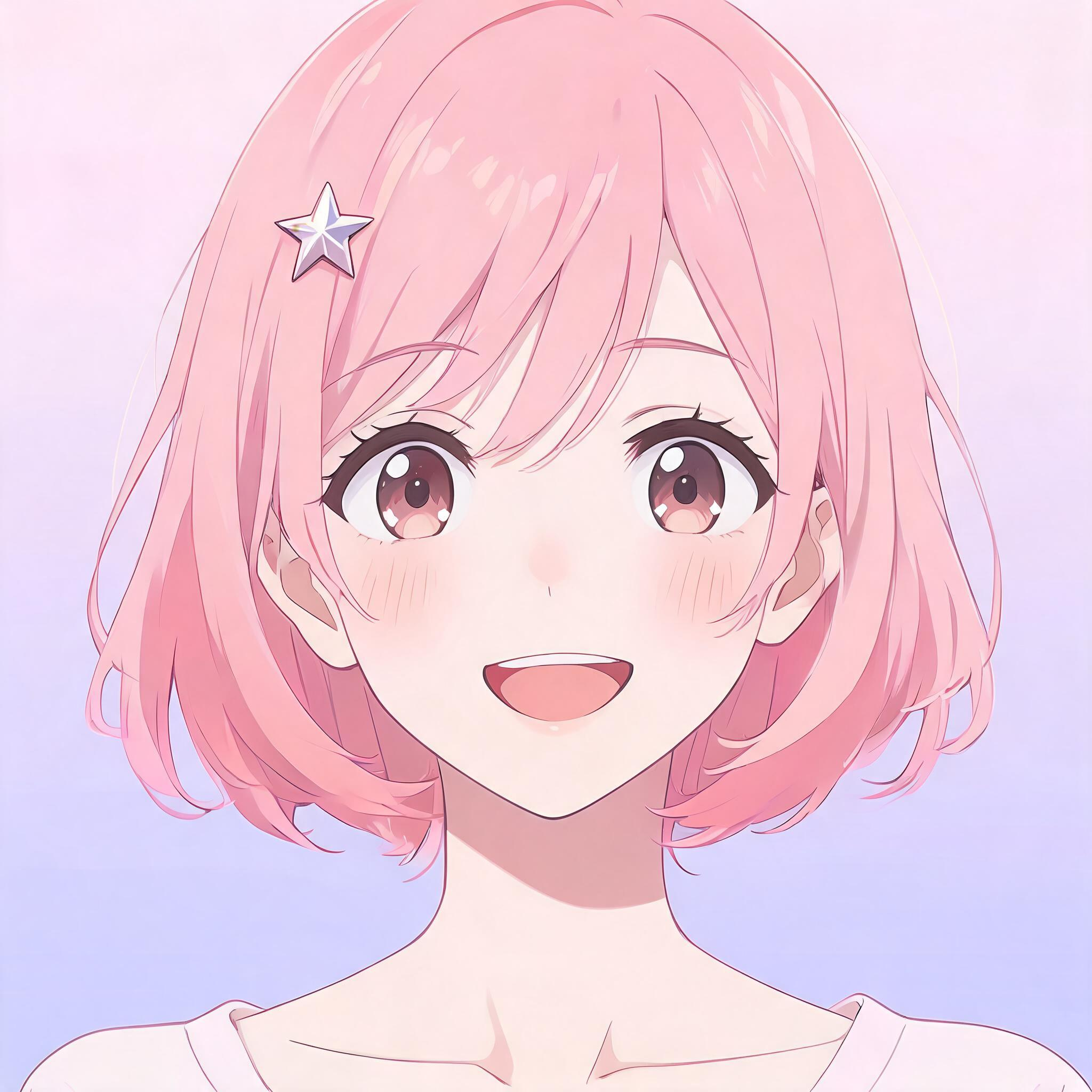
Square anime avatar generated with Seedream 5.0 Lite
Seedream 5.0 Lite · 2048 × 2048
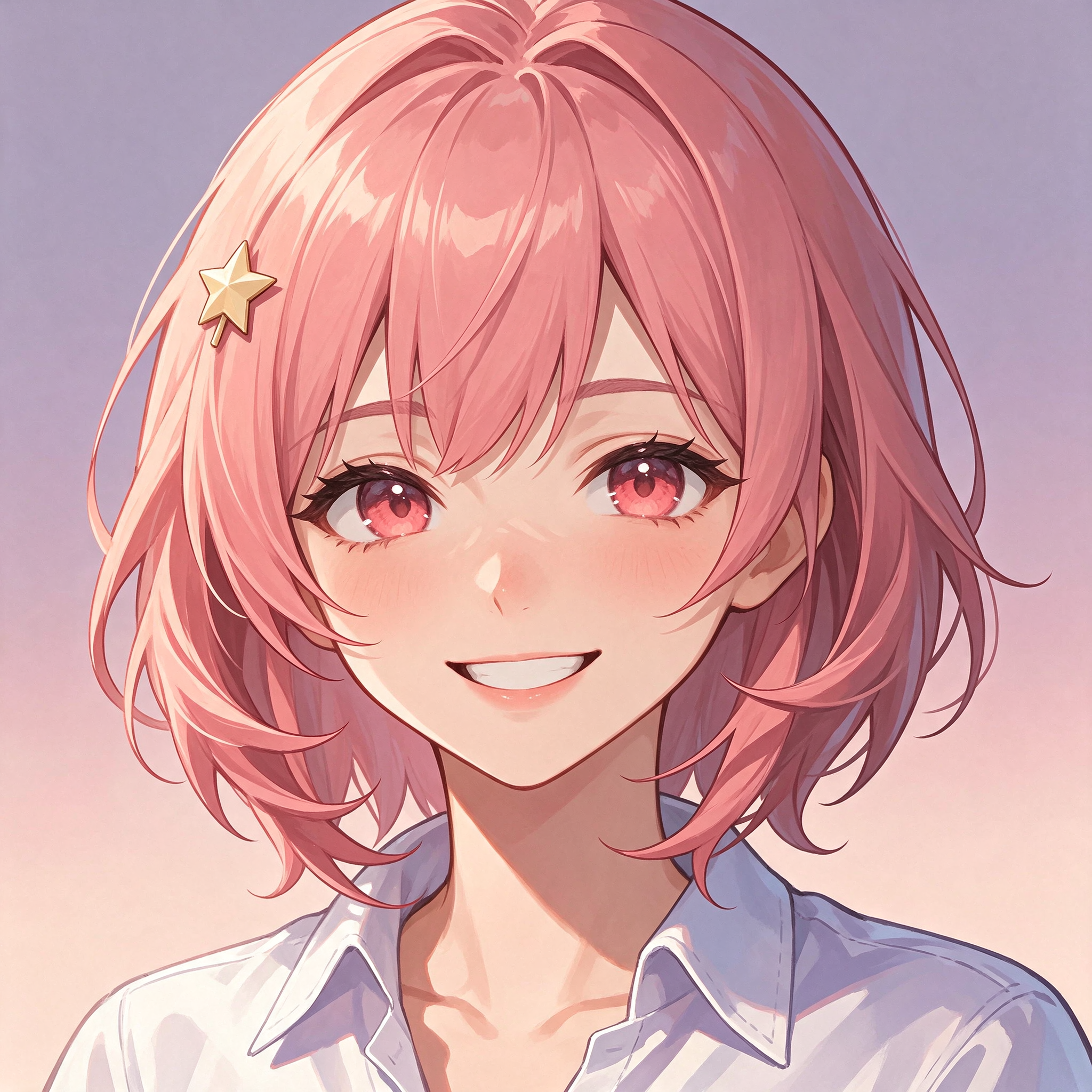
Square anime avatar generated with Seedream 5.5
Seedream 5.5 · 2048 × 2048

Each portrait uses the same square avatar brief. See the prompt and compare these with other image models.

Seedream 5.0 prompt formula

Describe who or what is in the image, where the scene takes place, how it is lit, what is in the frame, and where you want open space or text. A short, concrete brief gives the same idea a distinct look when you switch the palette, point of view or composition.

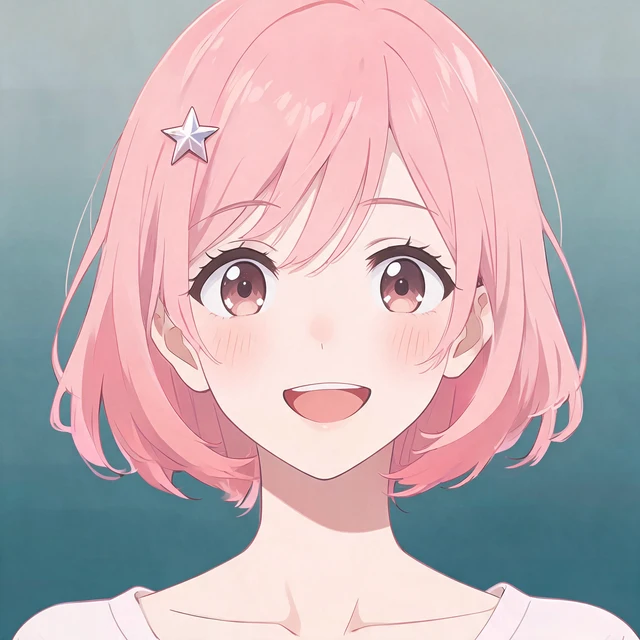
Anime profile portrait

A readable expression and one distinctive accessory make this avatar easy to recognize in a small circle crop.

Square head-and-shoulders portrait of an adult anime cartographer with a short plum bob, brass compass hair clip and an open smile. Center her face against a soft peach studio backdrop. Diffuse window light from the left, dark violet ink, restrained two-tone cel shading and clear space around the shoulders.
Full-body original character

Build a costume concept with a recognizable silhouette for a character sheet or a first look at a new OC.

Full-body anime concept art of an adult mountain courier in a short pale windbreaker, forest-green cargo trousers and weathered red climbing boots. Show the figure from the front three-quarter view with both boots in the frame. Cream studio floor, soft daylight and a narrow shadow beneath the figure. Clean color blocks, slate outlines and no labels.

Chibi reaction sticker

A large gesture and a simple palette make the reaction legible in a chat or on a stream overlay.

Square chibi illustration of an exuberant adult bakery apprentice holding a star-shaped bun overhead with both hands. Oversized round head, mint apron, two rosy cheek marks and bouncing sleeves. Front view on pale butter-yellow, bold rounded linework, warm overhead light and clear margin around the entire silhouette.

Widescreen anime background

Create an establishing shot with room to place a character or a title later.

Wide anime environment painting of a rain-soaked tram stop at the foot of a hill, with a scarlet bench on the right and a distant row of apartment windows. Show the scene from sidewalk height with unobstructed pavement on the left. Cool blue dusk, apricot window light and small puddle reflections. Quiet atmosphere, no people, no lettering.

Book-cover composition

A clear focal point and open space give an illustrator or designer room to add the final type separately.

Vertical anime cover illustration of an adult violinist pausing beneath a greenhouse arch while a firefly rests on the bow. Frame the figure in the lower half and leave open dark foliage in the top quarter for a title. Moonlit teal glass, warm amber highlights and lightly textured ink. No rendered words.

Color and costume study

Test a coordinated palette and fabric choices before committing to an outfit for a cast or series.

Anime fashion illustration of an adult café owner in an indigo work jacket over an apricot shirt, with a pale canvas apron and black loafers. Show a single standing figure with one hand on the apron pocket, centered in a warm gray studio. Crisp dusk-blue shadows and a small red enamel pin as the only strong accent.

Seedream 5.5 prompts for editing

Bring a reference to keep the parts of a design you already like. Each preset opens the 5.5 editor with a change and a description of what to carry forward. Upload an image and make the instruction specific to your scene.

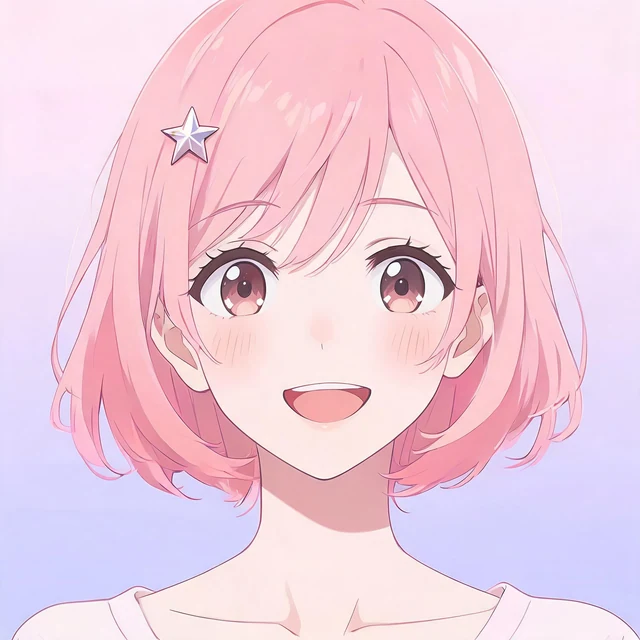
Original pink-haired anime portrait against a pink and lavender gradient
Original portrait
The matching anime portrait with a muted teal background
Seedream 5.5 background edit

The edit switches the background to muted teal while carrying through the pink bob, star clip, smile and square framing.

Replace a prop

Try a new prop on an existing character while keeping the shot recognizable.

Replace the book in the character’s hands with a folded navy map edged in gold. Keep the same character, hand placement, outfit, crop and background. Match the existing ink line weight and the upper-left light on the map.

Relight a scene

Explore another time of day without starting the scene layout from scratch.

Relight this scene as late evening. Preserve the framing, pose, clothing colors and layout. Add cool moonlight from the right, warm light from the existing windows and soft reflections on the floor. Keep facial details legible.

Change display text

Make a new version of a poster or prop with one short line of copy.

Change the large words on the existing sign to “MOON CAFE”. Preserve its location, size, border and colors. Keep the remaining artwork and layout the same. Give the new sign lettering even spacing and the same angle as the sign surface.

For a broader choice of reference models, open image to image AI. The loading-screen illustration guide has more examples of creating a new composition around a reference.

Seedream for anime and character art

A single character idea can become a profile portrait, a full outfit illustration and a chibi expression. Start with one signature detail such as a star clip or a red boot, and carry it through each prompt to tie the series together. Use your favorite first image as the 5.5 reference when you want to keep working from that design.

Develop a new cast with the anime character generator, or use the chibi generator for sticker-sized expressions and simplified outfit details.

Pricing and output sizes

The generator creates one downloadable still image per request. The model you select sets the resolution and credit price. The Generate button shows the charge for the current selection.

Seedream 5 Flash
1K · 8 credits per image
Seedream 5 Lite
2K · 14 credits per image
Seedream 5.5
2K · 24 credits per image

See credits and pricing for account plans and credit packs.

Seedream generator FAQ

What is Seedream 5.0?

Seedream 5.0 is a family of image models. The generator here offers Flash for 1K text-to-image drafts and Lite for 2K text-to-image output. Lite is selected when you first open this page.

What changes with Seedream 5.5?

On this site, Seedream 5.5 generates at 2K and also accepts a reference image with a written instruction. Use it when you want to work from an existing portrait, illustration or scene.

Can I upload my own image?

Yes. Choose a reference image in the generator, describe the part you want to change, and select Seedream 5.5. The upload and result follow the site’s private image workflow.

Do I need an account or credits?

You can browse examples and try prompt presets before signing in. Generation requires an account and credits, and the Generate button shows the cost before each request. Downloading an existing result uses no credits.

Can I reuse the example prompts?

Yes. Use this prompt puts the example in the generator with its matching model. You can change the subject, palette or frame before you submit. Applying a preset alone does not spend credits.

Can I make the same character at different sizes?

Choose a square frame for an avatar, a tall frame for a costume or a wide frame for an environment. For an existing design, use it as a reference with Seedream 5.5 and describe the new framing.