Classic · FNAF 1
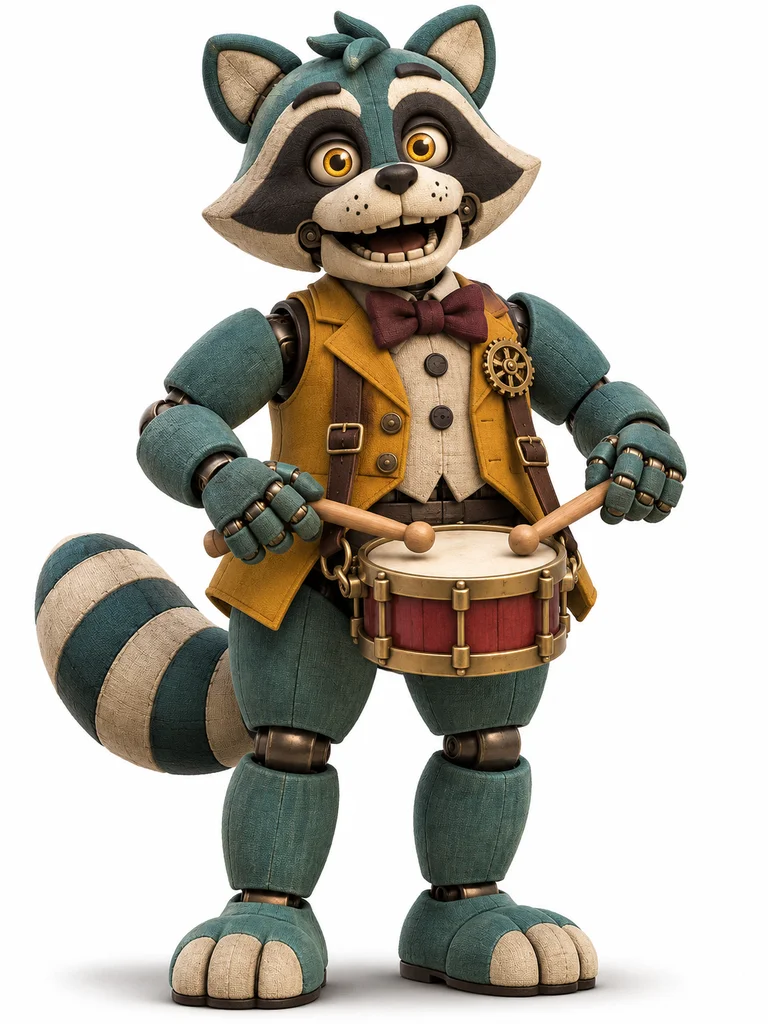
Marlo
A teal raccoon drummer with a striped tail, a small snare and a warm stage smile.
Give your animatronic a face, a role and a place on stage.
Choose a shell and a game-era influence. Make the performer your own.
HEIC, JPEG, PNG or WebP · Up to 40 MB
Start with an original concept, then change the shell, colors, stage and signature prop.
Classic · FNAF 1
A teal raccoon drummer with a striped tail, a small snare and a warm stage smile.
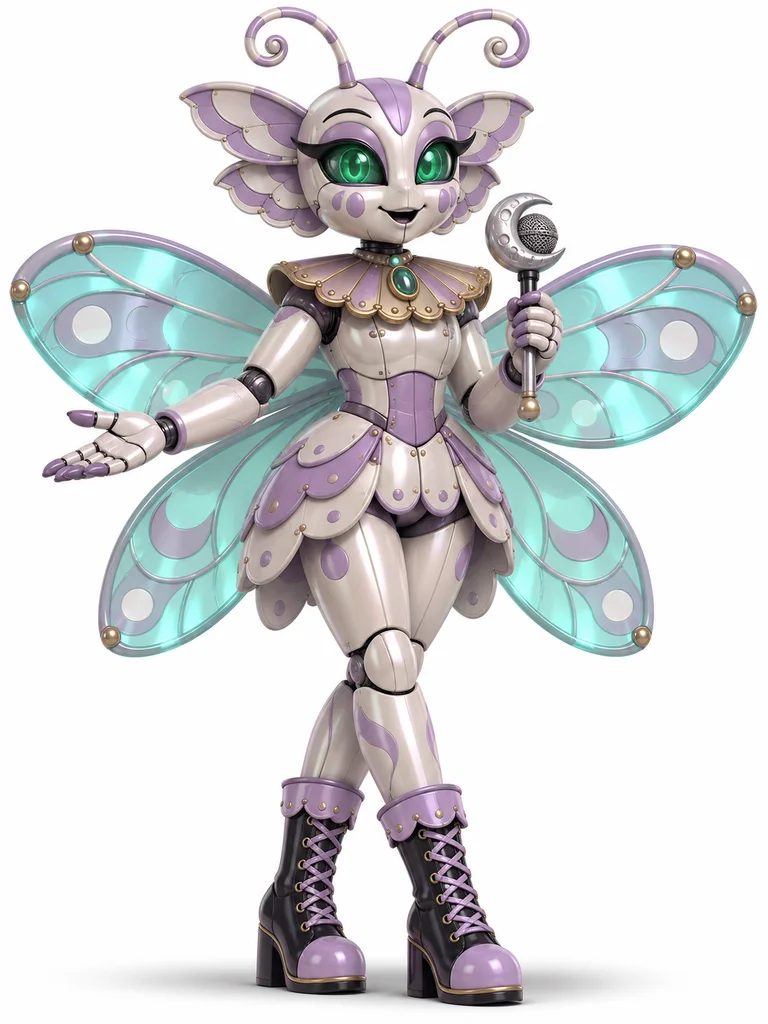
Toy · FNAF 2
A pearlescent moth singer with rounded wing panels and a moon-shaped microphone.
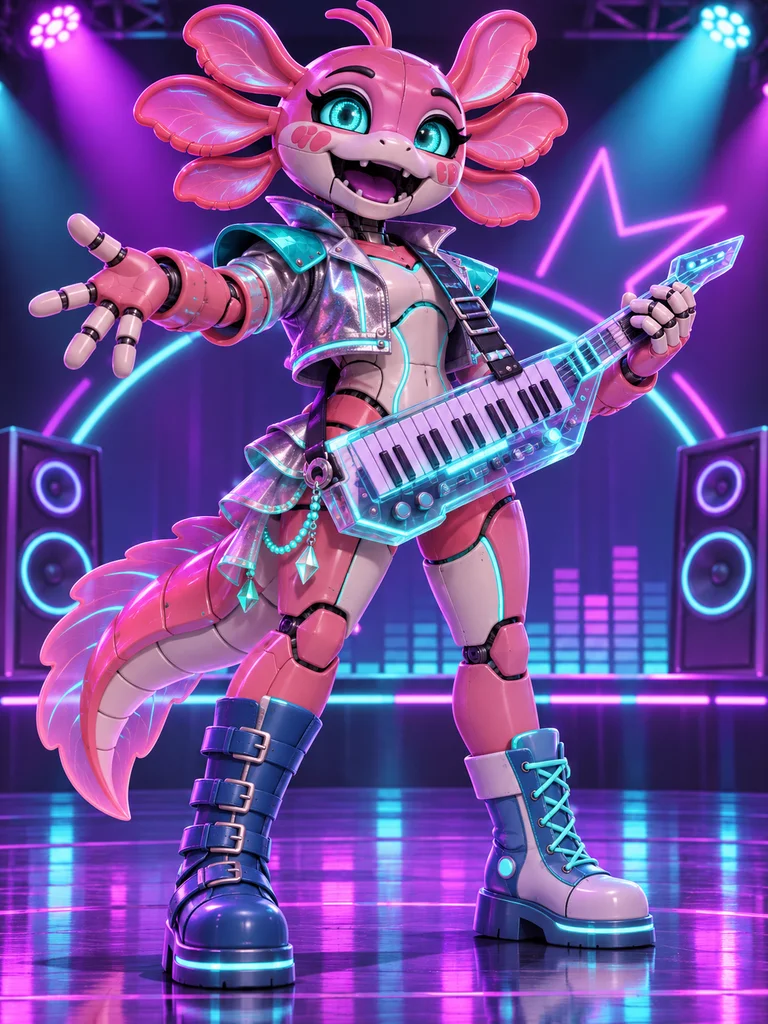
Glamrock · Security Breach
A coral axolotl keytar player with glowing aqua accents, ready for a neon arcade stage.
AI-generated original examples. A concept fills the form; it does not automatically upload the example image.
A drummer needs a different silhouette from a singer. Marlo carries a snare and drumsticks; Velvet has a microphone and soft wing panels. One prop can tell the audience who a character is before the first note.
Start with that role, then choose a shell, two main colors and one signature detail. Rounded toy plates can feel playful. A worn shell and visible wiring can turn the same concept into a backstage mystery. Both are ways to shape an original animatronic.
Change the animal or object motif in the optional details. Your performer can be a moth, an axolotl, a familiar animal or something entirely your own.
FNAF OC ideas become memorable when a character has a place in the story. A retired drummer returning for one last show, a toy singer hosting a midnight radio hour, or an arcade performer rebuilding an old band can each give your FNAF OC a distinctive identity.
Use a game era as a visual starting point, then take the story somewhere new. A small restaurant stage, a bright concert venue and a quiet maintenance room give the same robot very different moods.
Independent type, era, palette and stage choices bring that story into the image. A worn fabric shell can belong to a beloved older venue, while glossy panels and a bright prop give a new performer a concert-ready identity. Full-body artwork makes a character profile, fan-story cast sheet or illustrated stage introduction.
Eligible new accounts receive 40 bonus credits once. Those credits do not expire. Browsing the concepts and changing settings use no credits. Each generation uses the model and credit quote shown on the button.
Sign in to generate and save a private result. You can start with text alone. A reference image is optional when the selected model supports editing; your own image can help guide the face, shell and costume.
Classic, Toy, Withered, Funtime, Glamrock, Endoskeleton and Nightmare guide construction, materials and silhouette. Think fabric shells, polished plastic plates, exposed robot joints or concert-inspired shapes. You can still give any type its own animal motif and job.
No. It is a visual influence for an original fan timeline. Type and game-era influence stay independent, so you can mix a toy-like shell with your own setting instead of selecting an existing cast member.
Yes. Plain backdrop is the default and requests a complete full-body character on white. You can also choose a pizzeria stage, neon arcade stage, backstage workshop or abandoned hallway. Face and mechanical details stay central to the composition.
Yes. Prompt lets you write your own character description, while Builder keeps its settings saved separately. Switching modes or trying a concept preserves the text you have already written. Choosing a concept fills the form and does not start a generation.
Your illustration can become a character reference, profile image or story concept. A successful owned result also opens the image-to-video workspace, with its own motion description, model and credit quote. Check the terms and any reference-image rights before publishing or commercial use.
No. This is an independent fan-character tool and is not affiliated with or endorsed by ScottGames or Steel Wool Studios. The examples are original AI-generated concepts, rather than official characters or game assets.
Original AI-generated fan-character concepts. Independent tool; no official affiliation. The FNAF 2 game page and Security Breach game page introduce the official games.
 Anime Character CreatorOriginal characters for your own stories
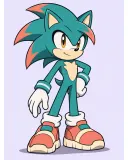 Sonic OCAnimal silhouettes and expressive poses
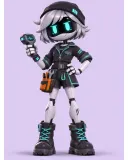 Murder Drones OCRobot silhouettes, lights and support gear
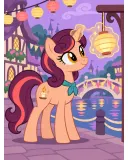 My Little Pony OCPony types, mane colors and signature marks
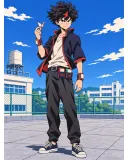 My Hero Academia OCOriginal powers, costumes and hero stories
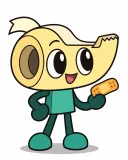 Dandy’s World OCEveryday objects with a Toon personality
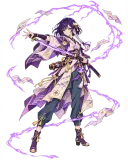 Genshin Impact OCVisions, regional fabrics and signature weapons
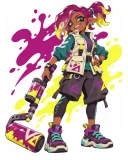 Splatoon OCOriginal ink colors, tentacle hair and streetwear