JPEG, PNG or WebP
Up to 10 MB
Free AI Anime Image Generator
Build an anime image from a written idea. Describe your subject, shape the scene, and use the prompt examples below to refine the result.
Sign in with Google for 30 free credits, valid for 7 days. The number of images depends on your model; check the credit cost before generating.
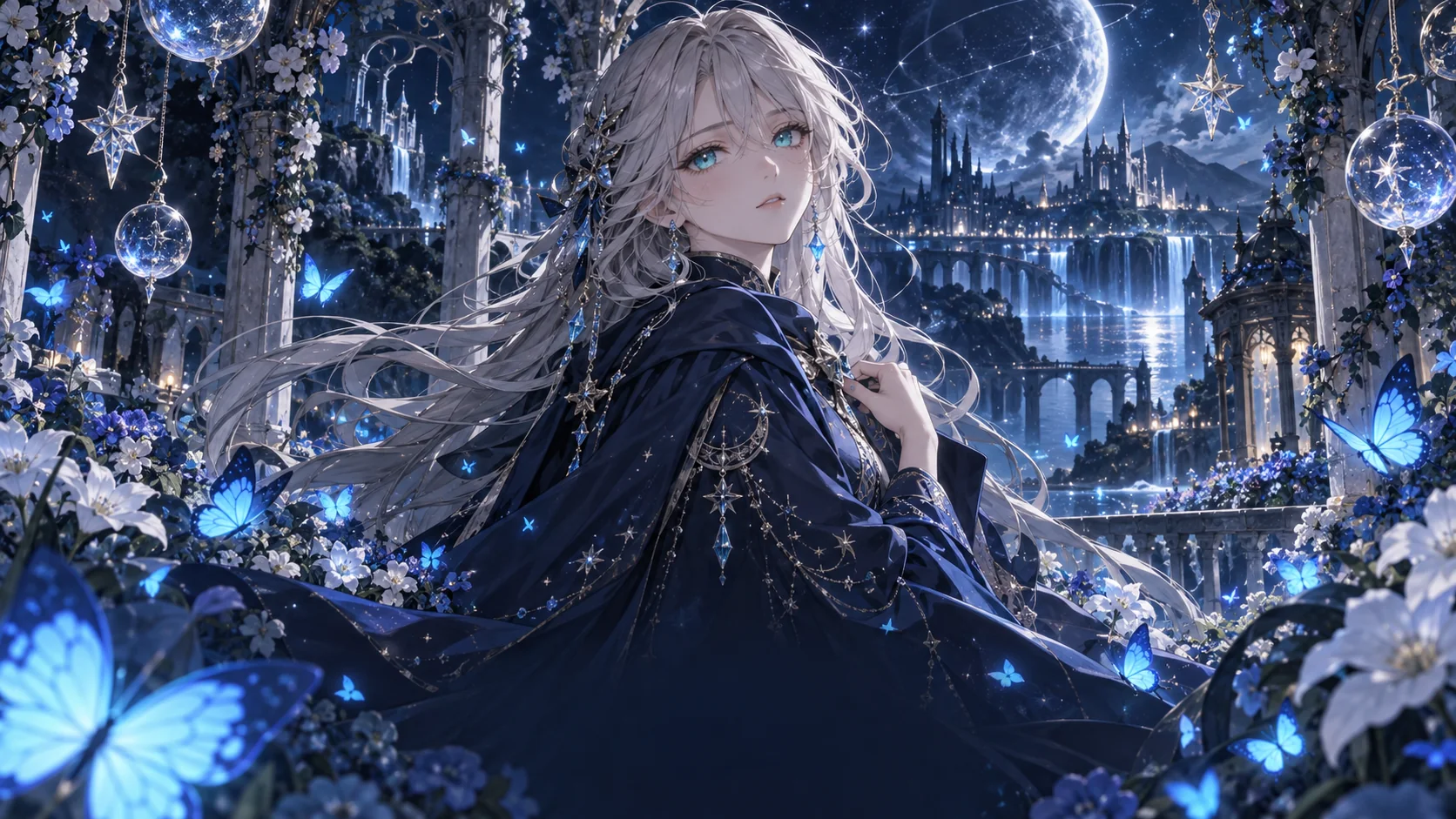
Anime prompt inspiration
Choose a starting idea and make it your own.
How to create anime images from text
- 1
Describe the scene
Write a specific character or scene prompt. A gallery card gives you a complete starting idea that you can edit.
- 2
Frame the image
Choose the style, model where offered, and aspect ratio. Check the displayed credit cost and sign in with Google to generate.
- 3
Refine the result
Wait for the approved image to load, then download it. For another version, change one detail and generate again.
Already have a photo?
Use your existing portrait as a reference in the photo to anime converter. Upload a photo, choose a style and preview the result on the same page. A description is optional.
Turn your photo into anime ↗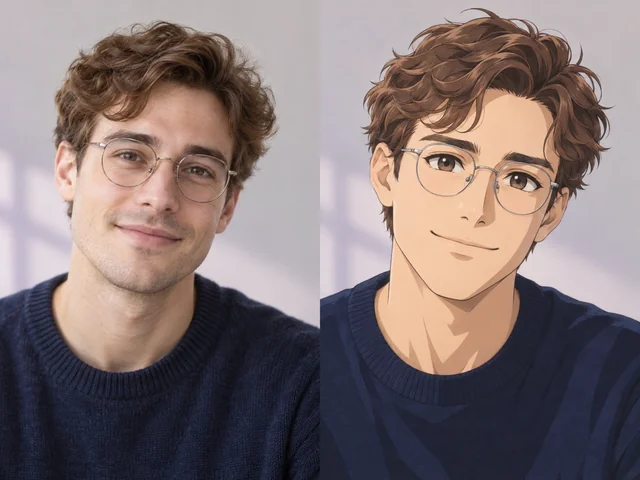
Build a clear anime prompt
Give the image a subject, an action, and a place to happen. Add light and framing to help those details work together.
- Subject
- Name the main character and two or three defining features: an adult courier, silver hair, and a futuristic jacket.
- Action
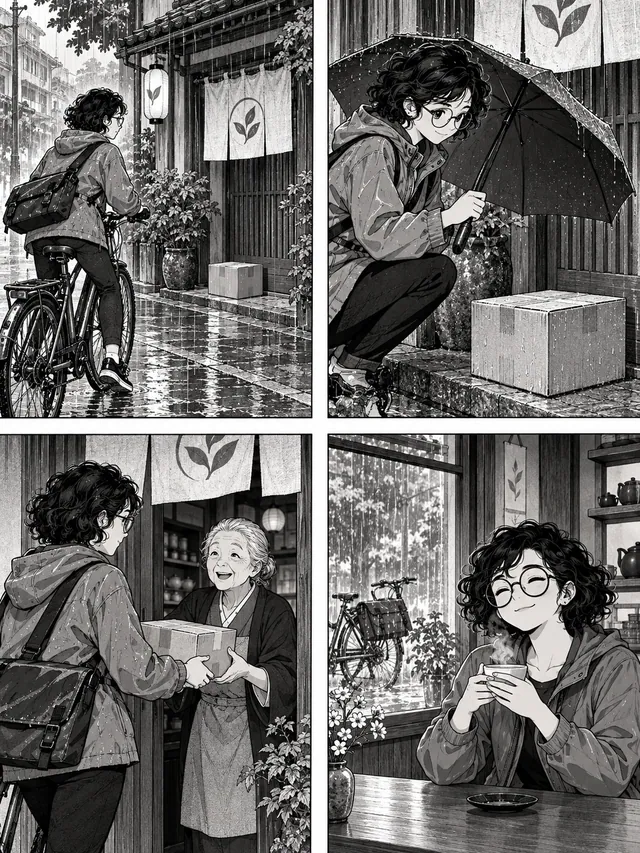
- Say what the subject is doing: walking through the rain, holding a glowing staff, or exploring a forest.
- Setting
- Place the subject in a specific environment, such as a neon street, a mountain village, or a floating island.
- Light and mood
- Choose a consistent atmosphere: warm morning sunlight, a dramatic sunset, or blue and violet reflections.
- Composition
- Describe the framing: a close-up portrait, a full-body character, or a wide landscape with the subject in the foreground.
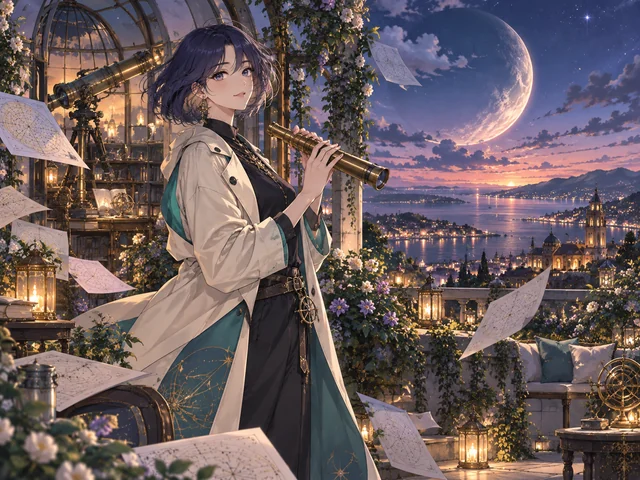
An adult anime astronomer with a short indigo bob and a cream coat, holding a brass telescope in a rooftop observatory garden, a coastal city and crescent moon at blue hour, teal and warm golden light, delicate cel shading, no text
Putting it together
Original adult anime courier with silver hair, walking through a rainy neon city, futuristic jacket, blue and violet reflections, full-body composition, no text
Choose an anime style for your idea
Portraits and character art
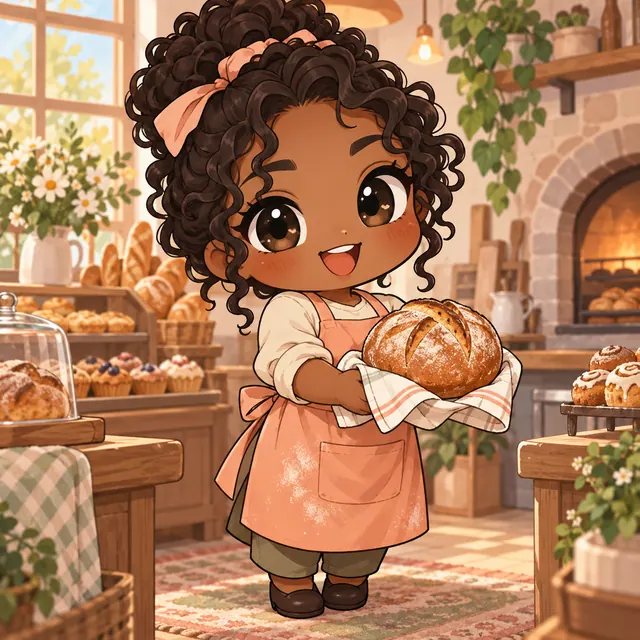
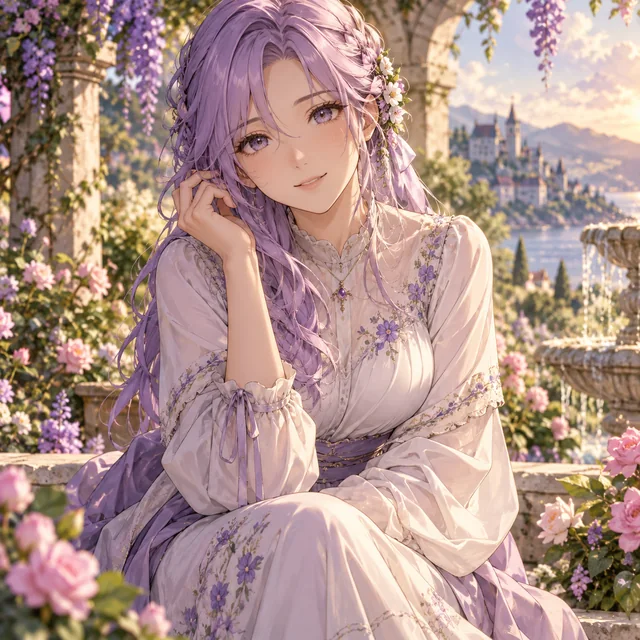
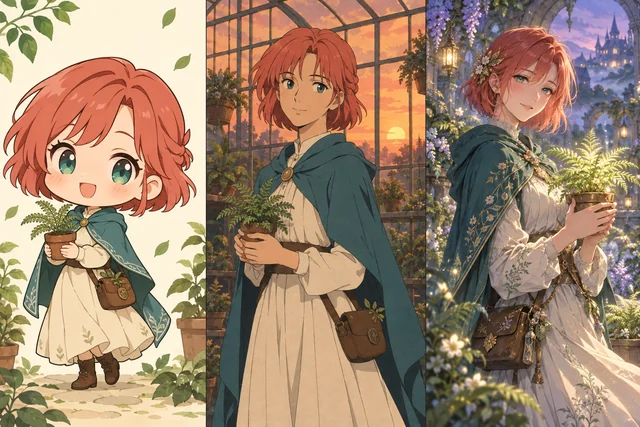
Waifu emphasizes expressive adult portraits; Realistic combines anime features with natural lighting and textures. Chibi uses oversized heads and simpler shapes for playful characters.
Worlds and atmosphere
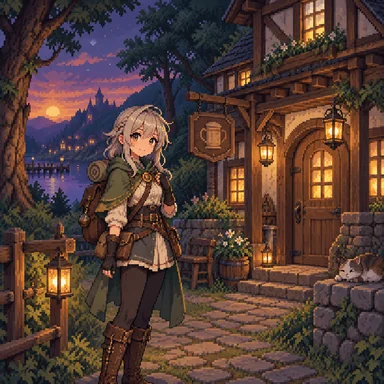
Retro uses cel shading and nostalgic colors. Fantasy suits magical landscapes, while Cyberpunk works well with neon light and city scenes. Pixel favors crisp shapes and a limited palette; School offers gentle everyday settings.
Match the canvas to the scene
Use 1:1 for a balanced square portrait or a compact scene. A portrait ratio gives a full-body character more vertical space; a landscape ratio leaves room for scenery. Only ratios supported by the selected model are offered. Include the intended framing in your prompt so a wide canvas does not simply stretch a portrait idea.
Improve one detail at a time
Start with one clear subject and a short scene description. If the result feels crowded, remove secondary objects. If the mood is wrong, change the lighting rather than replacing the entire prompt. Keep the model, style, and ratio fixed while testing one change. Each new generation uses the credit cost shown on the button; results can vary even with the same prompt.
AI anime image generator FAQ
Is this AI anime image generator free?
New accounts receive 30 free bonus credits once, valid for 7 days. No card is needed to start. At the default cost of 10 credits per image, this covers 3 images. The number varies if you choose a model with a different cost.
Can I start without writing a prompt from scratch?
Yes. Click a gallery card to fill the prompt and style, then replace the subject or setting. A prompt card is a starting idea, not a promise that your result will match its illustration exactly.
What should I put in an anime image prompt?
Use a subject, action, setting, lighting, and composition. Keep the details consistent: a close-up portrait and a distant full-body view are competing instructions.
Which aspect ratio should I choose?
Start with square for portraits and compact compositions. Choose a supported portrait ratio for tall characters or landscape for environments, and describe that framing in your prompt.
Can I create exactly the same image again?
The same prompt can produce different details. Save a result you like before trying another version, and change one element at a time to make comparisons useful.