Free AI Anime Generator
Create original characters, beautiful portraits and playful chibis.
Sign in with Google for 30 free credits, valid for 7 days. The number of images depends on your model; check the credit cost before generating.
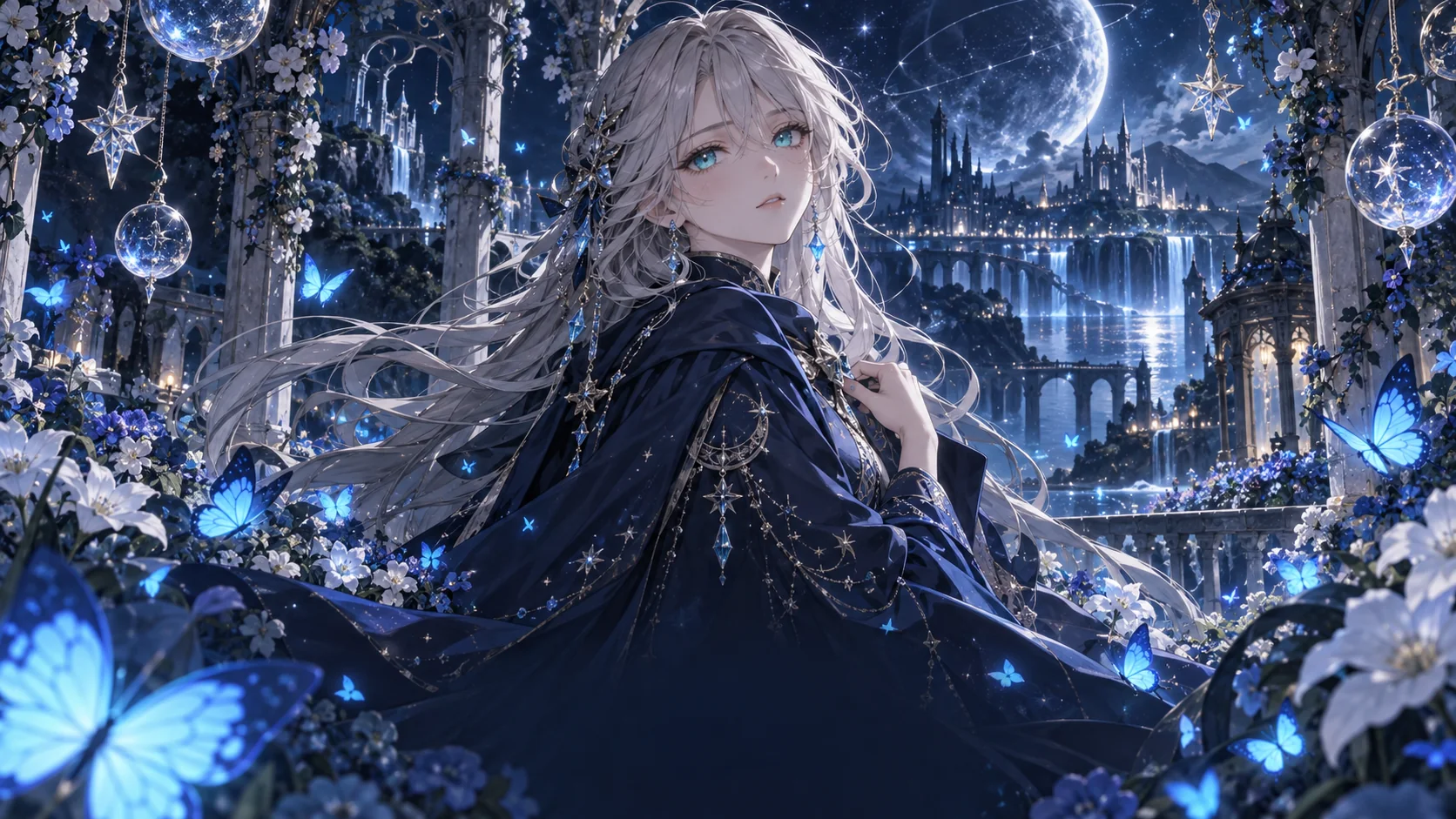
Anime prompt inspiration
Choose a starting idea and make it your own.
Choose how to create your anime art
Start with a description when you want to invent a character or scene. Use a photo when you already have a subject and want an anime interpretation. Both workflows share the generator above, so you can choose the starting point that fits your idea.
Create AI anime art from text
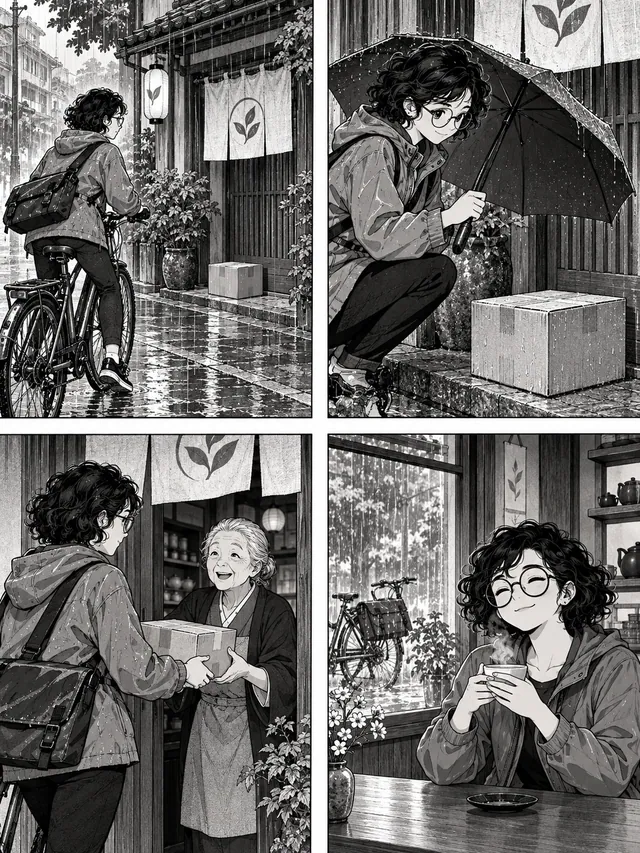
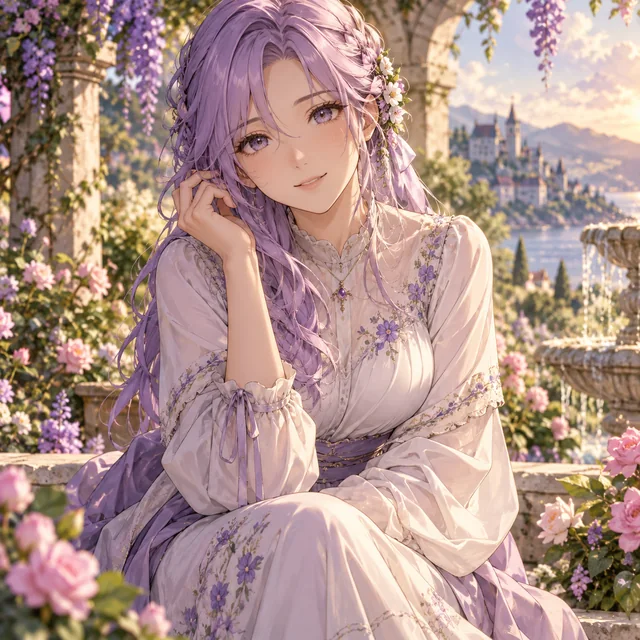
Describe the subject, setting, and mood rather than listing unrelated style words. A lavender-haired character in a quiet garden needs different details from a courier in a rainy city. Choose a gallery card to fill the prompt and style, then edit it to make the idea your own.
Explore the text-to-anime prompt guide ↗Planning a scenic illustration or a wallpaper concept? Explore composition ideas in the anime art generator.
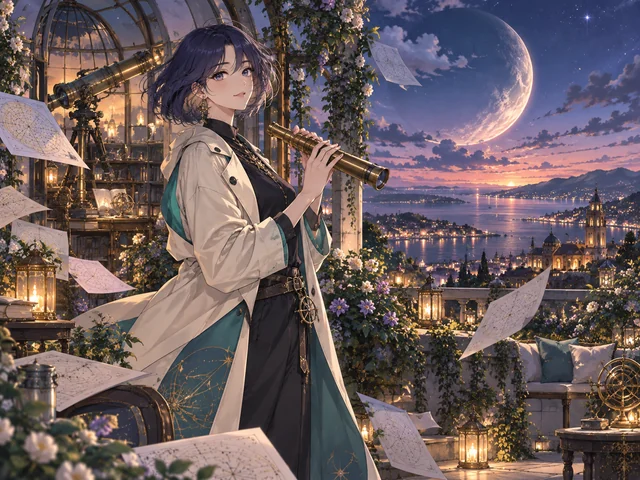
An adult anime astronomer with a short indigo bob and a cream coat, holding a brass telescope in a rooftop observatory garden, a coastal city and crescent moon at blue hour, teal and warm golden light, delicate cel shading, no text
Turn a photo into anime
Choose a clear photo with an unobstructed subject and a simple background. Add it to the generator, pick a style, and describe any changes you want. You can also leave the description blank for an anime transformation. Upload only photos you have permission to use.
Photo editing currently uses the original Nano Banana model. A transformation may change facial details and composition; exact likeness is not guaranteed.
Turn your photo into anime ↗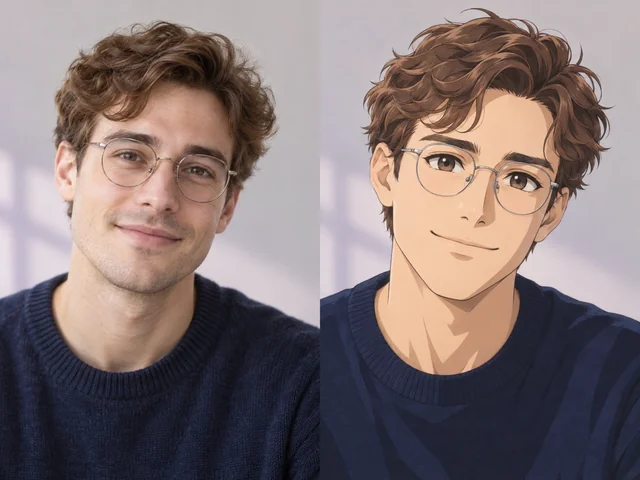
Choose an anime style for your idea
Portraits and character art
Waifu emphasizes expressive adult portraits; Realistic combines anime features with natural lighting and textures. Chibi uses oversized heads and simpler shapes for playful characters.
Worlds and atmosphere
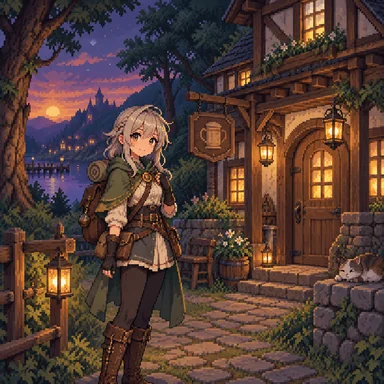
Retro uses cel shading and nostalgic colors. Fantasy suits magical landscapes, while Cyberpunk works well with neon light and city scenes. Pixel favors crisp shapes and a limited palette; School offers gentle everyday settings.
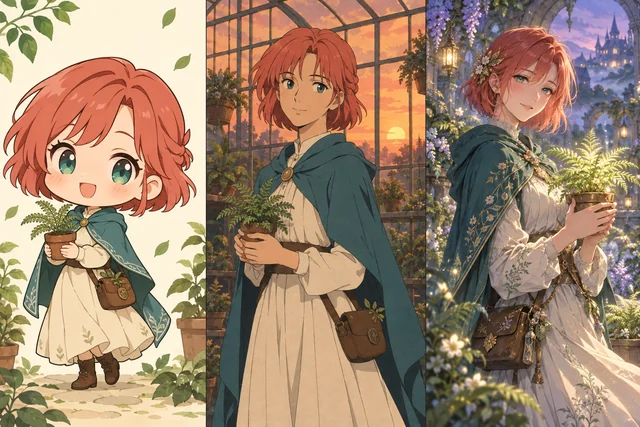

Understand your model and credits
The model and style are separate choices: the model creates the image, while the style guides its look. Compare the same prompt and ratio to judge a model’s line work, colors, and composition. Change one option at a time so you can see what made the difference.
Where model choices are shown, each version lists its credit cost. The generation button updates to the selected model. Photo editing, when available, switches to its supported model.
Available aspect ratios can differ by model. Use the ratios offered by the generator and check the credit total again after changing options.
New accounts receive 30 bonus credits once, valid for 7 days. At the default 10-credit cost, that covers 3 images. A different model cost changes how many images the balance covers.
Purchased credits do not expire. Generation is charged in credits, so check the current cost before trying another version of an image.
Compare credit packs and available plans ↗How the AI anime generator works
- 01
Choose a starting point
Write an original idea, use a gallery prompt, or add your own photo when photo editing is available.
- 02
Shape the result
Choose the style and aspect ratio. Check the credit cost on the generation button, then sign in with Google when you are ready.
- 03
Review and save
Keep the page open while the image is generated, screened, and loaded. Open the approved result to save it, or adjust your idea for another generation.
Create at your own pace
Start with free signup credits, then add credits when you need them.
View credits & pricing ↗AI anime generator FAQ
How do I start?
Write an idea or choose a gallery prompt, select a style and ratio, then generate. You can browse and edit prompts before signing in with Google to create an image.
Does generation use credits?
Image generation uses account credits. New accounts receive 30 bonus credits valid for 7 days. Credits per image depend on the model; the cost is shown before generation. One-time purchased credits never expire; no subscription is required.
Can I turn my photo into anime?
Yes. Add a photo, choose an anime style, and generate. You can describe changes or leave the prompt blank; exact likeness is not guaranteed. Uploads and generated images are screened before delivery.
Will a photo keep the same face and details?
An anime transformation can change facial details, clothing, and background. Use a clear reference and describe the features you want to keep; exact likeness is not guaranteed.
Can I use images commercially?
Check the selected model’s terms and the rights to your input and any reference photo. This site does not guarantee exclusive ownership or commercial rights.
What if my request is blocked or fails?
Prompts and images are screened before delivery. Input checks happen before credits are reserved. If generation or output checks fail, we attempt to return reserved credits and report whether that return was confirmed. Keep this page open until the result finishes loading.